
Android Artistry Ascendant: Wacom MovinkPad Pro 14 vs. XPPen Magic Pro 13 – A Definitive Showdown
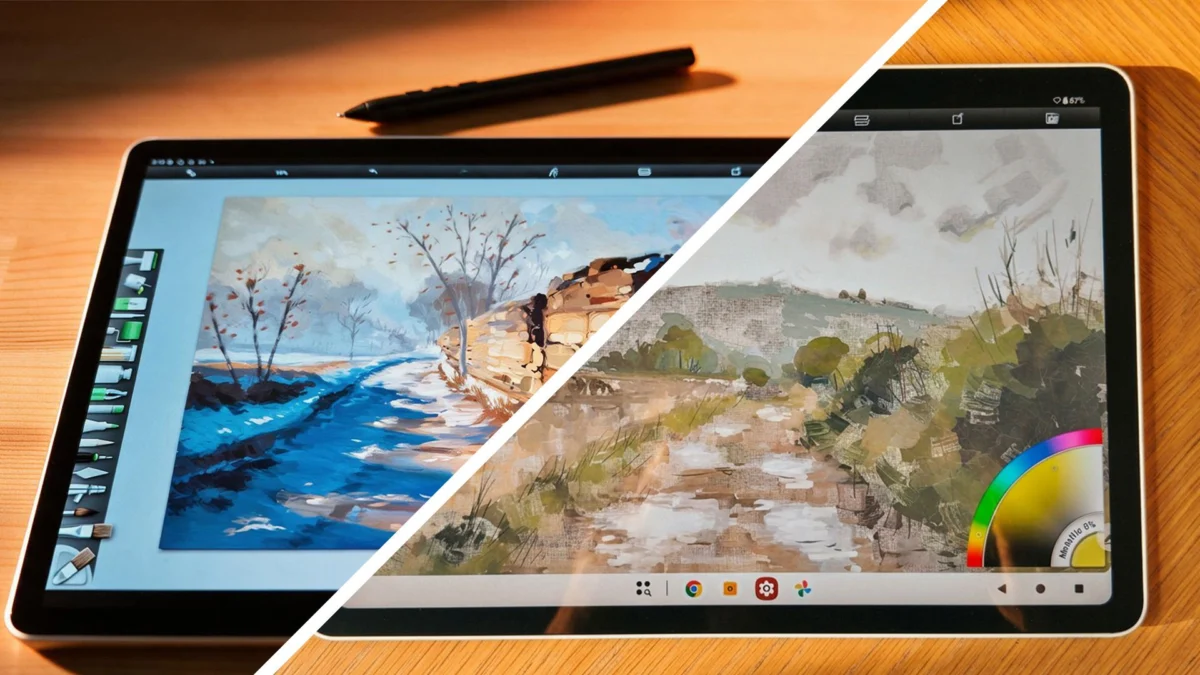
For years, the realm of professional digital art on mobile devices has been largely dominated by Apple’s iPad Pro, leaving Android users yearning for a comparable, high-fidelity creative experience. Wacom, a titan in the digital drawing tablet industry, has long been synonymous with quality, and its recent foray into standalone Android tablets, following in the wake of competitors like XPPen, has been met with keen anticipation. The Wacom MovinkPad Pro 14 promised to deliver Wacom’s renowned stylus technology and a premium display to the Android ecosystem. However, the emergence of the XPPen Magic Pro 13 has introduced a compelling challenger, forcing artists to confront a genuine dilemma: which of these two formidable devices truly reigns supreme in the evolving landscape of Android-powered art creation?
This in-depth comparison delves into every facet of these two groundbreaking tablets, from their core specifications and user experience to their unique features and potential implications for digital artists worldwide.
The Stakes: Android’s Bid for Creative Supremacy
The digital art world has witnessed a paradigm shift. Once confined to desktop setups with tethered drawing displays, artists now demand portability, versatility, and uncompromised performance from their creative tools. For a long time, the Android platform, despite its widespread adoption and open ecosystem, lagged behind in offering hardware specifically tailored to the nuanced demands of digital artists. This gap was most acutely felt in the absence of devices that could rival the fluid pen experience, vibrant displays, and robust processing power of established players.
Wacom’s entry into this space with the MovinkPad Pro 14 was a signal event. With a legacy stretching back decades, the company’s reputation is built on providing artists with tools that blend precision, reliability, and innovation. Their flagship drawing tablets have long topped best-of lists, and the prospect of that same pedigree applied to a standalone Android tablet ignited significant excitement. Early impressions of the MovinkPad Pro 14 were overwhelmingly positive, highlighting its superb OLED screen and the integration of Wacom’s industry-leading Pro Pen 3. It was immediately clear that this device was poised to elevate the Android experience for artists.
However, the tech landscape is rarely static. XPPen, a brand that has steadily climbed the ranks by offering increasingly sophisticated and competitively priced drawing hardware, has responded with its own high-caliber offering: the Magic Pro 13. This device not only aims to compete but also introduces unique features that challenge the conventional wisdom of mobile art creation. The critical question now becomes: can XPPen’s latest offering genuinely rival Wacom’s established excellence, or does Wacom’s long-standing expertise secure its dominance?
A Tale of Two Titans: Unpacking the Specifications
At the heart of any creative device lies its technical prowess. When comparing the Wacom MovinkPad Pro 14 and the XPPen Magic Pro 13, a detailed examination of their specifications reveals a nuanced picture, where raw numbers don’t always tell the full story.
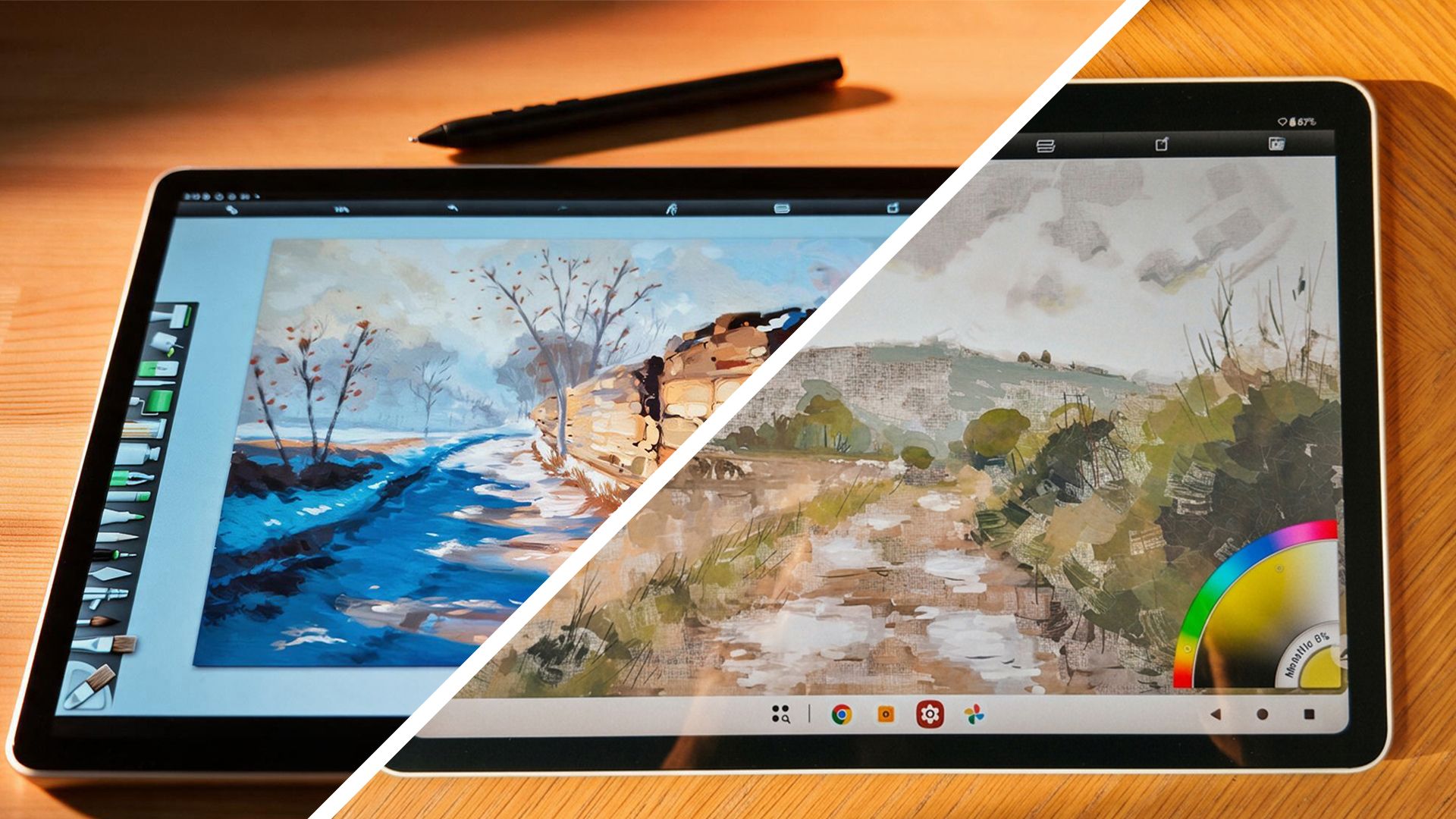
Wacom MovinkPad Pro 14: The Premium Proposition
The MovinkPad Pro 14 positions itself at the apex of Android art hardware. Its core specifications underscore this ambition:
- Operating System: Android 15
- Display Size: A generous 14-inch screen
- Display Type: A vibrant OLED panel, complemented by Wacom’s signature Premium Textured Glass for a tactile drawing experience.
- Resolution: A sharp 2880 x 1800 pixels, offering ample detail for intricate work.
- Refresh Rate: A fluid 120Hz, ensuring smooth pen strokes and visual responsiveness.
- Processor: The cutting-edge Qualcomm Snapdragon 8s Gen 3, a powerhouse designed for demanding mobile tasks.
- RAM: A substantial 12GB, crucial for handling complex projects and multitasking.
- Storage: 256GB internal storage, expandable via microSD, providing ample space for apps and artwork.
- Battery: A robust 10,000 mAh battery, designed for extended creative sessions.
- Weight: 699g, making it a substantial yet manageable device.
- Stylus: The highly acclaimed Wacom Pro Pen 3, known for its precision and customizability.
- Pressure Sensitivity: An impressive 8,192 levels, offering nuanced control over line weight and opacity.
- Pen Resolution: 5,080 LPI (Lines Per Inch), defining the tablet’s accuracy in resolving pen movements.
- Color Accuracy: 100% DCI-P3 coverage and 10-bit color depth, delivering exceptional color fidelity crucial for professional work.
XPPen Magic Pro 13: The Challenger’s Edge
XPPen’s Magic Pro 13 enters the fray with a compelling set of specifications that aim to match or exceed expectations, often at a more accessible price point:
- Operating System: Android 16, the latest iteration of Google’s mobile OS.
- Display Size: A still-generous 12.95-inch screen.
- Display Type: A high-quality LCD panel, featuring a nano-etched glass surface for a paper-like feel.
- Resolution: A striking 3096 x 2064 pixels, offering a slightly higher pixel density than the Wacom.
- Refresh Rate: Variable refresh rate supporting 60Hz, 90Hz, and 120Hz, allowing users to balance performance and battery life.
- Processor: The capable MediaTek Dimensity 8300 (4nm), known for its efficiency and strong performance.
- RAM: 8GB of RAM, sufficient for most artistic workflows.
- Storage: 256GB internal storage, also expandable via microSD.
- Battery: A slightly larger 10,200 mAh battery, hinting at potentially longer usage times.
- Weight: A lighter 655g, making it more portable.
- Stylus: The new X4 Smart Chip Stylus, featuring an unprecedented 16,384 levels of pressure sensitivity.
- Pressure Sensitivity: A remarkable 16,384 levels, doubling the Wacom’s count and promising extreme precision.
- Pen Resolution: 5,080 LPI, matching Wacom’s industry-standard figure.
- Color Accuracy: 100% sRGB and 96% DCI-P3 coverage, providing excellent color reproduction.
On paper, the Wacom MovinkPad Pro 14 appears to hold an edge in display technology (OLED vs. LCD), processor power, and RAM. However, the XPPen Magic Pro 13 counters with a slightly higher resolution, a variable refresh rate, a larger battery, and a stylus with significantly more pressure sensitivity levels. This initial glance suggests a close contest, where the user experience and nuanced performance will be key differentiators.
Design and Ergonomics: A Tactile Experience
The physical design of a drawing tablet is paramount for comfort and usability during long creative sessions. Both Wacom and XPPen have clearly invested in crafting devices that feel premium and are a pleasure to hold and use.
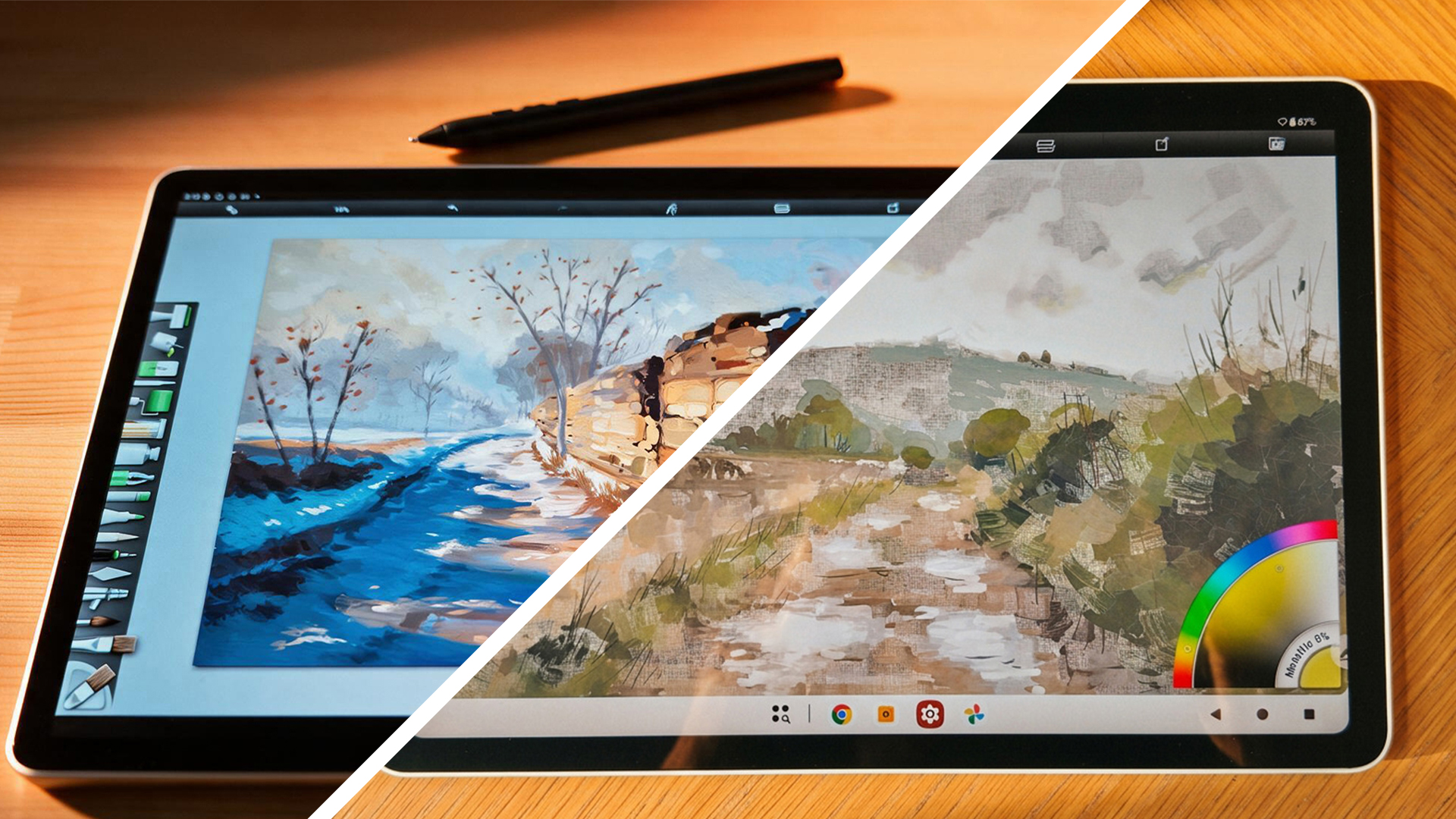
Wacom MovinkPad Pro 14: Refined Simplicity
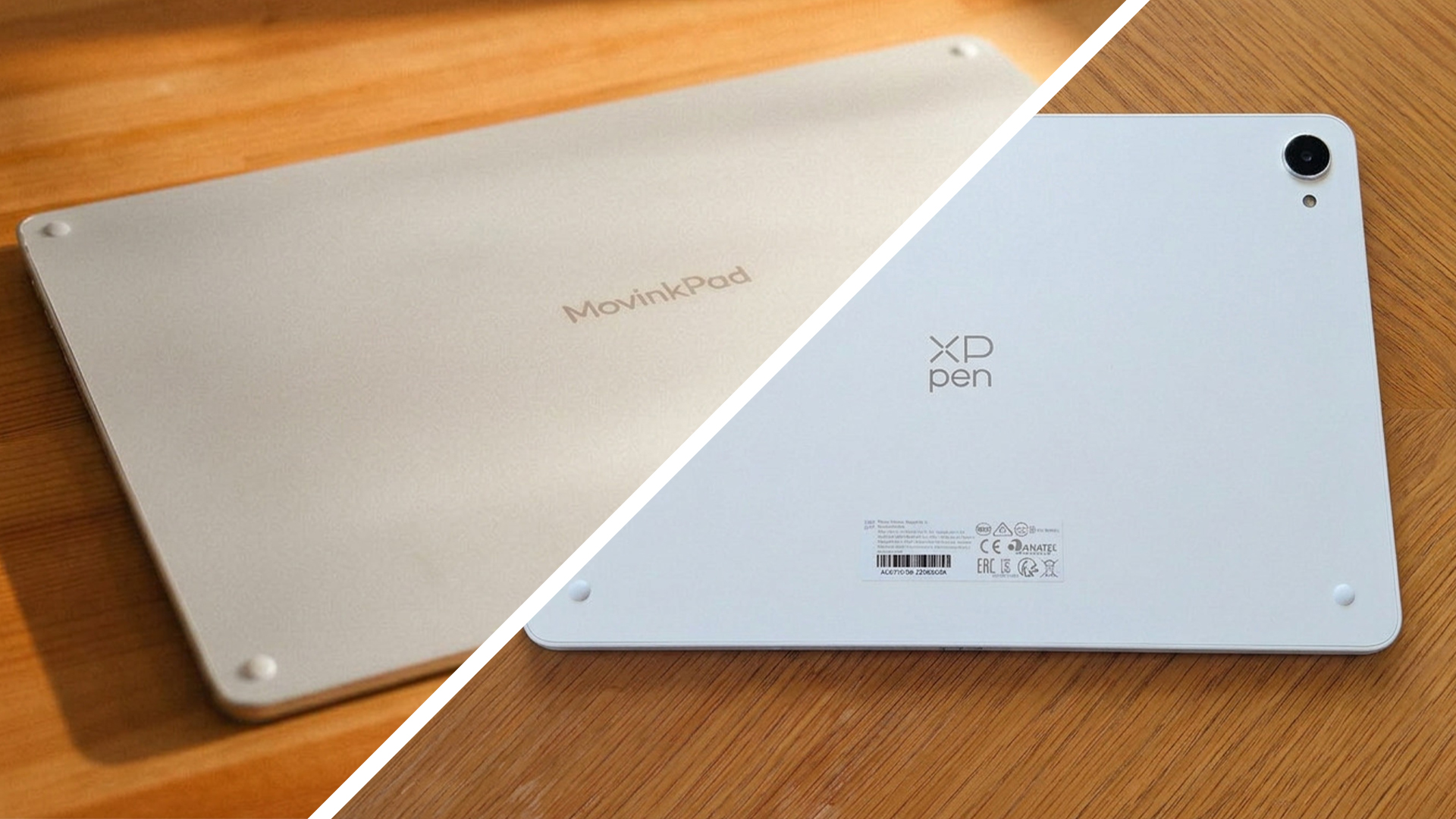
Wacom has opted for a sophisticated, minimalist aesthetic with the MovinkPad Pro 14. The device features a white, textured rear panel that evokes the feel of a high-quality sketchbook, offering a pleasant tactile sensation that sets it apart from typical slick, plastic electronics. This texture provides a secure grip, reducing the likelihood of accidental slips. Four discreet rubber feet on the back ensure stability when placed on a desk.
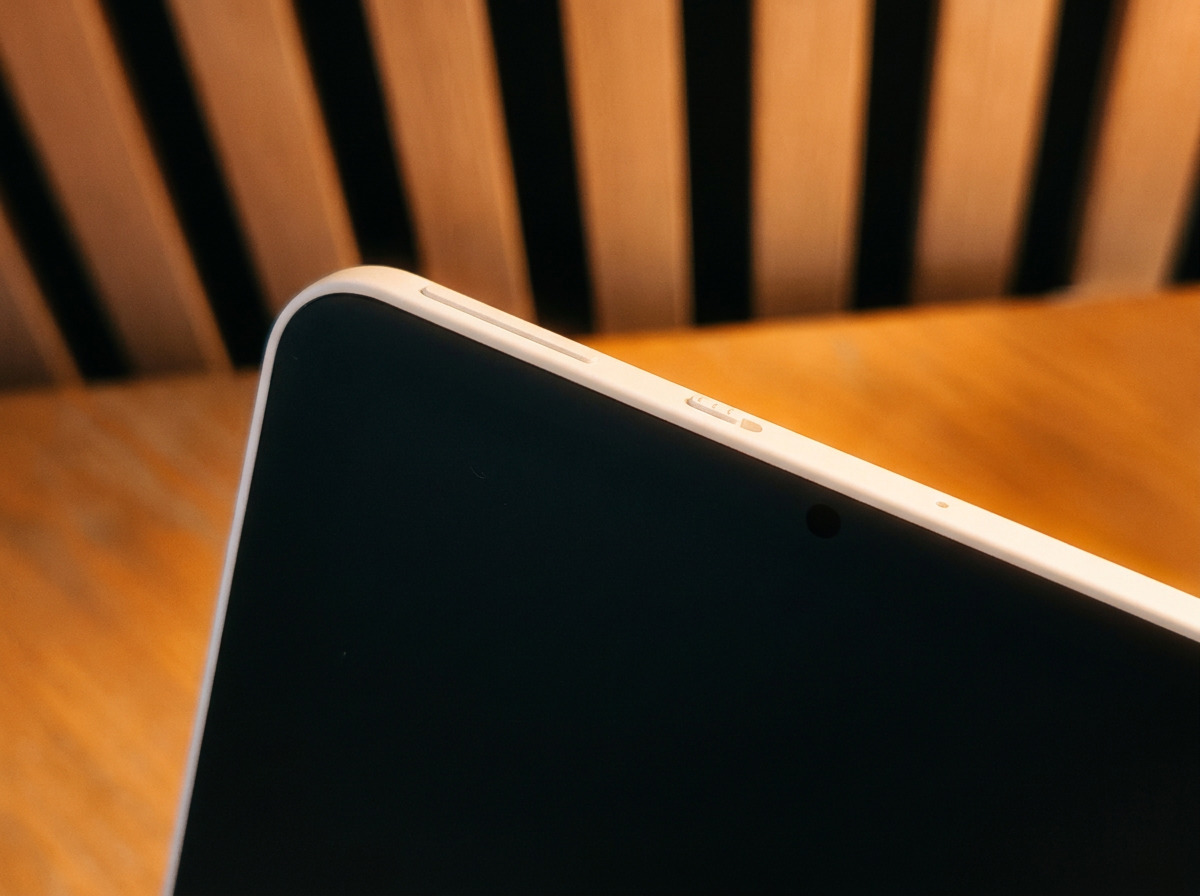
A notable design choice is the omission of a rear camera. This seemingly minor detail contributes significantly to the tablet’s ability to lie perfectly flat on a surface, much like a traditional drawing display. This is a thoughtful consideration for artists who prefer to work with their tablet directly on a desk without any rocking or instability. The front of the device is dominated by the expansive OLED screen, framed by slim bezels, creating an immersive viewing experience with no discernible gap between the screen and the chassis. While it lacks a built-in stand, its comfortable weight and textured back make it manageable for handheld use or resting on a lap.
XPPen Magic Pro 13: Portable Sophistication
The XPPen Magic Pro 13 mirrors Wacom’s commitment to premium build quality, adopting a similarly sleek and modern design. It also features a white finish with curved edges, giving it an Apple-esque premium feel. The tablet is noticeably lighter and thinner than the Wacom at 655g and 6.65mm thick, respectively, making it an exceptionally portable option for artists on the go.
The Magic Pro 13 retains the rear camera, which, while contributing to a slight camera bump, is a useful feature for capturing reference images. Despite the bump, the tablet still sits relatively flat, and the camera’s presence does not impede its stability during drawing sessions. The nano-etched glass surface of the LCD screen provides a satisfying amount of resistance for the stylus, mimicking the feel of drawing on paper.
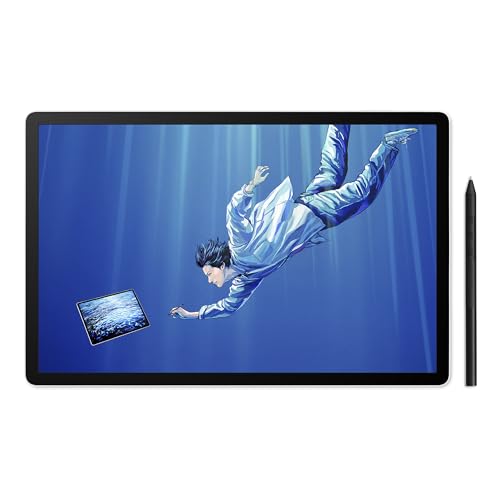
Comparative Design Considerations:
While both tablets exude a premium build quality, the choice between them may hinge on personal preference for ergonomics and portability. The Wacom’s textured back offers a unique tactile experience and the benefit of lying perfectly flat. The XPPen, with its lighter weight and slimmer profile, is arguably more conducive to extended drawing sessions in various environments. Neither device includes a protective case or a built-in stand, a common omission in this product category, though XPPen does include spare nibs, a drawing glove, and a quality USB-C cable, adding value to its package.
Displays: The Visual Canvas for Creation
The display is arguably the most critical component of any digital art tool. It’s the canvas upon which artists bring their visions to life, and the quality of this visual interface directly impacts color accuracy, detail rendition, and overall user experience.
Wacom MovinkPad Pro 14: The OLED Advantage
Wacom’s MovinkPad Pro 14 boasts a 14-inch OLED display, a feature that immediately sets it apart. The resolution of 2880 x 1800, combined with a 16:10 aspect ratio, provides ample screen real estate for both the canvas and toolbars. The 120Hz refresh rate ensures buttery-smooth pen strokes, and the display’s capabilities extend to HDR support and an impressive 10-bit color depth. Crucially, it achieves 100% DCI-P3 color gamut coverage, a standard revered for its accuracy in professional color grading and digital art.
The impact of OLED technology on the viewing experience is profound. Blacks are rendered with absolute depth, creating unparalleled contrast. Colors possess a vibrancy and richness that LCD panels struggle to replicate. This is particularly beneficial for artists working with subtle gradients, dark palettes, or highly saturated colors. The increased brightness of up to 900 nits also proves invaluable in well-lit environments or when working with high-dynamic-range imagery. The 16:10 aspect ratio is a welcome addition, offering more vertical space for palettes and brushes without encroaching on the drawing canvas, a subtle but significant ergonomic improvement.
XPPen Magic Pro 13: The High-Resolution LCD Competitor
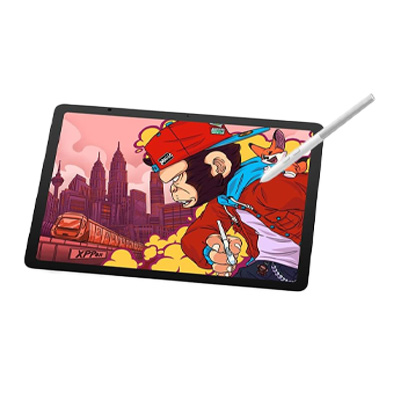
The XPPen Magic Pro 13 features a 12.95-inch 3K LCD display with a resolution of 3096 x 2064, offering a slightly higher pixel density. It also supports a 120Hz refresh rate, which can be adjusted to 90Hz or 60Hz to conserve battery life. The display covers 100% sRGB and 96% DCI-P3, providing excellent color reproduction, and its nano-etched glass surface offers a pleasingly textured feel, reminiscent of drawing on paper.
While an LCD, the Magic Pro 13’s display is by no means subpar. It offers a bright and sharp visual experience, and the textured surface enhances the drawing sensation. The ability to adjust the refresh rate is a practical feature for users mindful of battery consumption. However, when placed side-by-side with the Wacom’s OLED panel, the differences become apparent. The LCD, while capable, cannot achieve the same inky blacks or the sheer depth and richness of color that OLED provides. This distinction might be subtle for some, but for professionals prioritizing color fidelity and contrast, especially in darker tones, the Wacom’s OLED screen presents a tangible advantage.
Display Conclusion: For pure visual fidelity, color depth, and contrast, the Wacom MovinkPad Pro 14’s OLED display takes the lead. However, the XPPen Magic Pro 13 offers a high-resolution, smooth-refreshing LCD that is more than capable for most artistic tasks and provides a satisfying drawing texture. The choice here may depend on whether an artist prioritizes the absolute best visual quality or a highly competent and versatile display.
Stylus Precision: The Artist’s True Extension
The stylus is the direct interface between the artist’s intent and the digital canvas. Its accuracy, responsiveness, and feel are paramount. Both Wacom and XPPen have long been at the forefront of stylus technology, and their latest offerings continue this tradition, albeit with differing approaches.
Wacom Pro Pen 3: The Customizable Benchmark
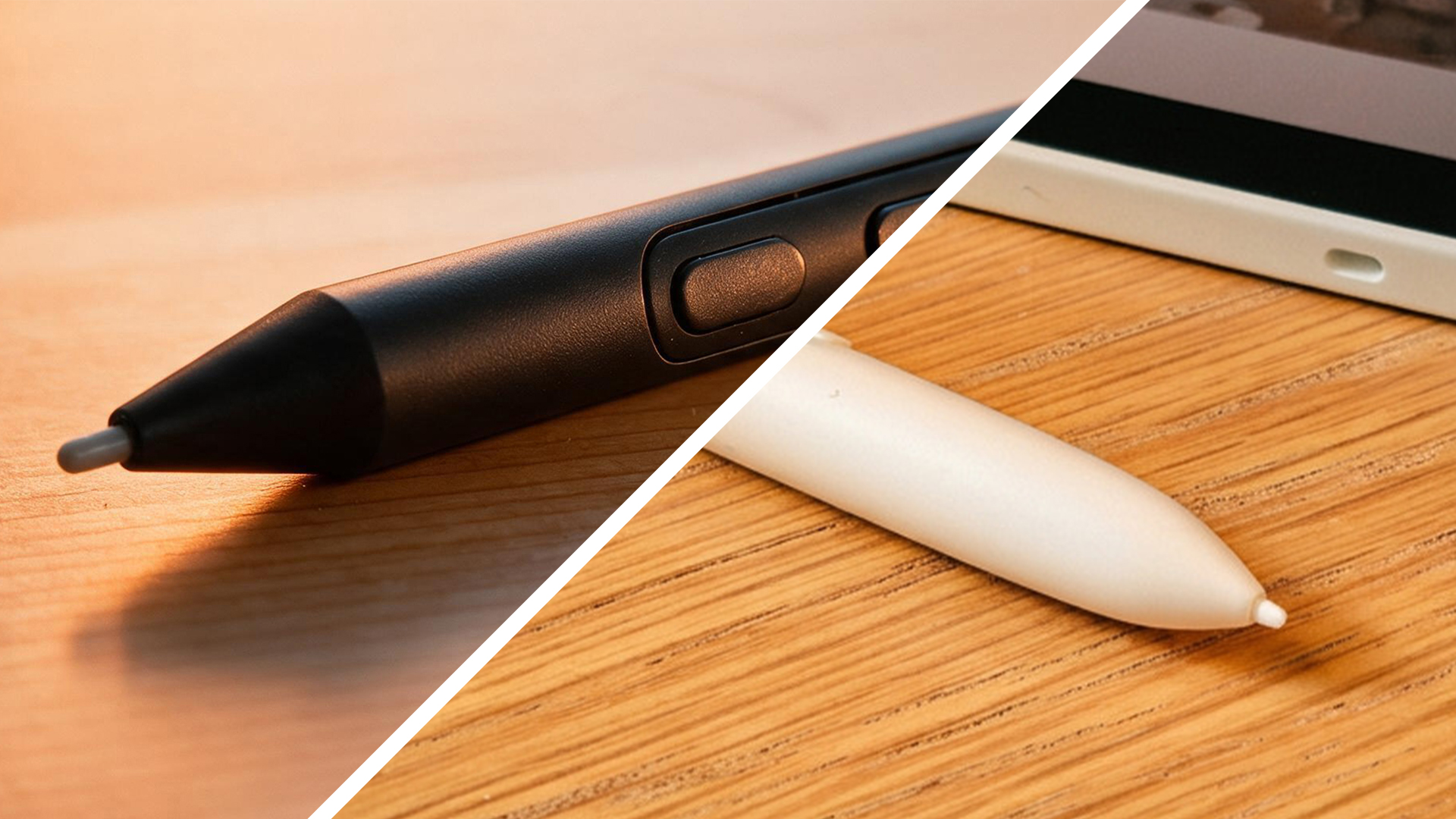
The Wacom MovinkPad Pro 14 comes equipped with the Pro Pen 3, a battery-free EMR stylus that has become a benchmark for precision and feel. Its slim profile, carbon shaft, and balanced weight contribute to an ergonomic and comfortable drawing experience. What truly sets the Pro Pen 3 apart is its modular design. Artists can disassemble the pen to add or remove weights, customize grip sections, and even experiment with different nib types, including felt nibs for a softer, more paper-like resistance. This level of customization allows users to tailor the pen to their exact preferences, making it feel like a true extension of their hand.
The pen offers 8,192 levels of pressure sensitivity, providing a wide dynamic range for controlling line weight and opacity. Coupled with Wacom’s renowned pen tracking technology, it delivers exceptional accuracy, ensuring that every subtle nuance of the artist’s touch is translated onto the screen with minimal latency or jitter.
XPPen X4 Smart Chip Stylus: The Pressure Sensitivity King
XPPen’s Magic Pro 13 introduces the new X4 Smart Chip Stylus, a remarkable piece of engineering that challenges Wacom’s long-held dominance in stylus performance. This stylus boasts an astonishing 16,384 levels of pressure sensitivity, effectively doubling that of the Wacom Pro Pen 3. It also features a 2g initial activation force, meaning it can detect the lightest of touches, and maintains the industry-standard 5,080 LPI pen resolution.
In rigorous testing, the X4 Smart Chip Stylus proved to be an exceptional performer. Its tracking accuracy was found to be virtually indistinguishable from the Wacom Pro Pen 3, with smooth, consistent lines and no discernible jitter or cursor drift. This level of precision is a significant leap forward for XPPen, addressing previous criticisms regarding stylus accuracy on their Android devices. While the XPPen stylus is slightly heavier than the Wacom’s and lacks the same level of physical customization, its superior pressure sensitivity and comparable accuracy make it a formidable contender. The inclusion of two programmable buttons adds further utility for quick access to frequently used functions.
Stylus Showdown: This is where the competition becomes intensely interesting. Wacom’s Pro Pen 3 remains an exceptional stylus, offering unparalleled customization and a refined feel. However, the XPPen X4 Smart Chip Stylus matches Wacom’s tracking accuracy and surpasses it in pressure sensitivity levels. For many artists, the nuanced difference in feel or the extra pressure levels might be the deciding factor. The XPPen’s achievement in matching Wacom’s tracking accuracy on an Android platform is a testament to their rapid technological advancement.
Performance and Application Versatility
Beyond the hardware, the seamless operation of creative applications is crucial. Both tablets are designed to run the gamut of Android art software, but subtle differences in processing power and RAM can impact performance with demanding workflows.
Wacom MovinkPad Pro 14: Powerhouse for Demanding Tasks
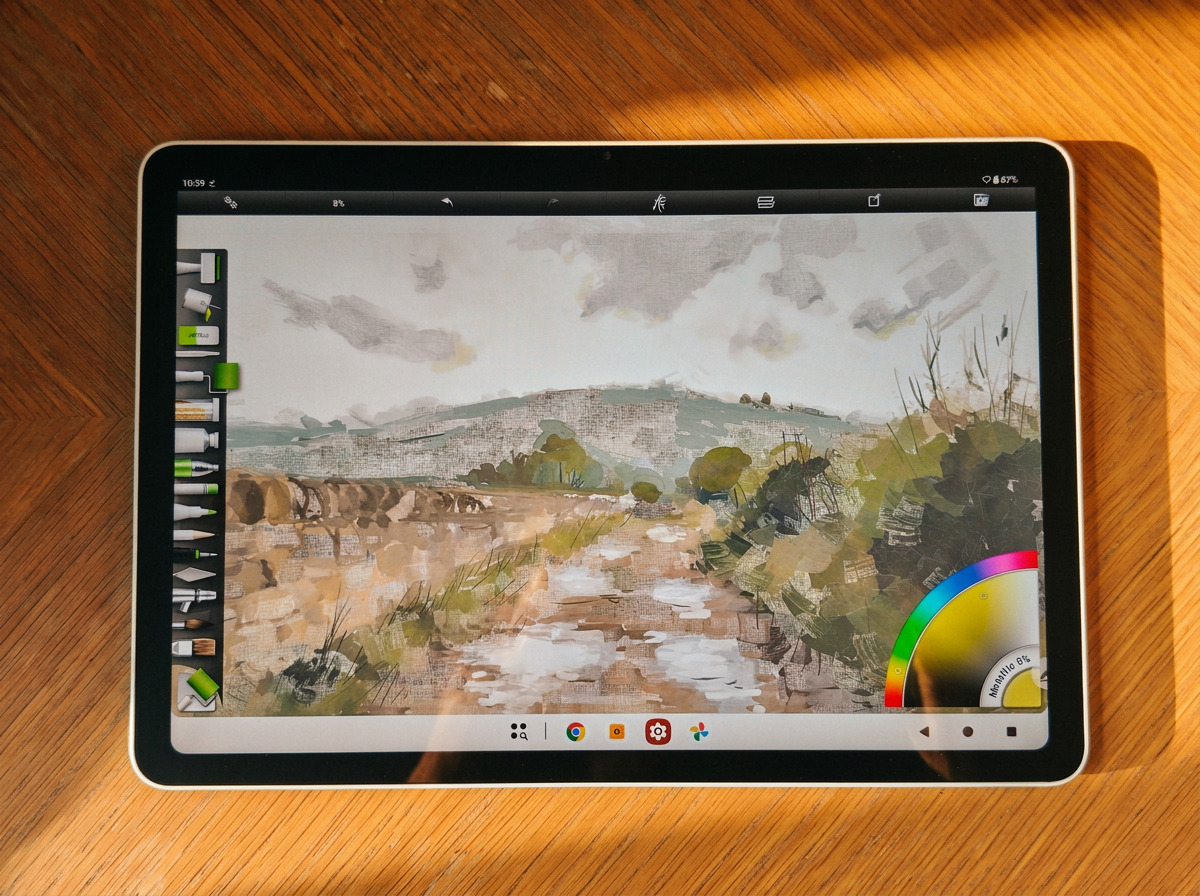
Powered by the Qualcomm Snapdragon 8s Gen 3 processor and paired with 12GB of RAM, the Wacom MovinkPad Pro 14 is engineered for demanding creative tasks. This robust configuration ensures that even large canvases, complex brush sets, and intensive multitasking are handled with remarkable fluidity. Applications like ArtRage Vitae run beautifully, with responsive brush strokes and consistent performance.
Wacom has also focused on providing a user-friendly software environment. Clip Studio Paint comes pre-installed, offering guided tutorials to help new users navigate its features. Wacom Canvas provides a streamlined interface for quick sketching and organizing artwork, while Wacom Shelf assists in managing references. This thoughtful software integration aims to lower the barrier to entry for aspiring digital artists.
XPPen Magic Pro 13: Capable and Efficient
The XPPen Magic Pro 13 utilizes a MediaTek Dimensity 8300 processor with 8GB of RAM. While on paper this represents a step down from the Wacom’s specifications, the real-world performance is surprisingly robust. The tablet handles demanding applications like ArtRage Vitae and Nomad Sculpt with impressive grace. Even with complex brushwork, layering, and duplicating elements, the Magic Pro 13 maintained smooth operation without noticeable lag or overheating.
XPPen bundles ibisPaint X, a highly regarded drawing application for Android, and its own Canvas app, which includes a convenient "Quick Draw" feature for immediate sketching. The ability to run Android apps in split-screen mode further enhances productivity, allowing users to consult references or browse the web while working. The tablet’s 13MP rear and 8MP front cameras are practical additions for capturing reference images or participating in video calls. The battery life, tested over several days, proved to be ample for typical creative usage.
Performance Verdict: For users who consistently work with exceptionally large files, numerous layers, or extremely complex brush engines, the Wacom MovinkPad Pro 14’s superior RAM and processor offer a tangible advantage. However, for the vast majority of digital painting and illustration tasks, the XPPen Magic Pro 13 demonstrates more than adequate performance, proving that its specifications are more than capable for serious artistic endeavors.
Connectivity: Bridging the Gap Between Mobile and Desktop
The true potential of these devices lies in their ability to function not just as standalone tablets but also as extensions of a desktop workflow. Both Wacom and XPPen offer PC connectivity features, but their approaches differ significantly.
Wacom MovinkPad Pro 14: Versatile, Yet Complex Connectivity
The Wacom MovinkPad Pro 14 features Wacom’s "Instant Pen Display" mode, which supports both wired and wireless connections to a PC or laptop. The wireless option is particularly appealing for desk decluttering, but it relies on a companion app and can involve some initial setup and configuration. While offering flexibility, the wireless connection may not always be as stable or as low-latency as a direct wired connection.
The wired connection provides a more traditional pen display experience. Wacom’s approach prioritizes a range of options, catering to different user preferences for setup and connectivity methods.
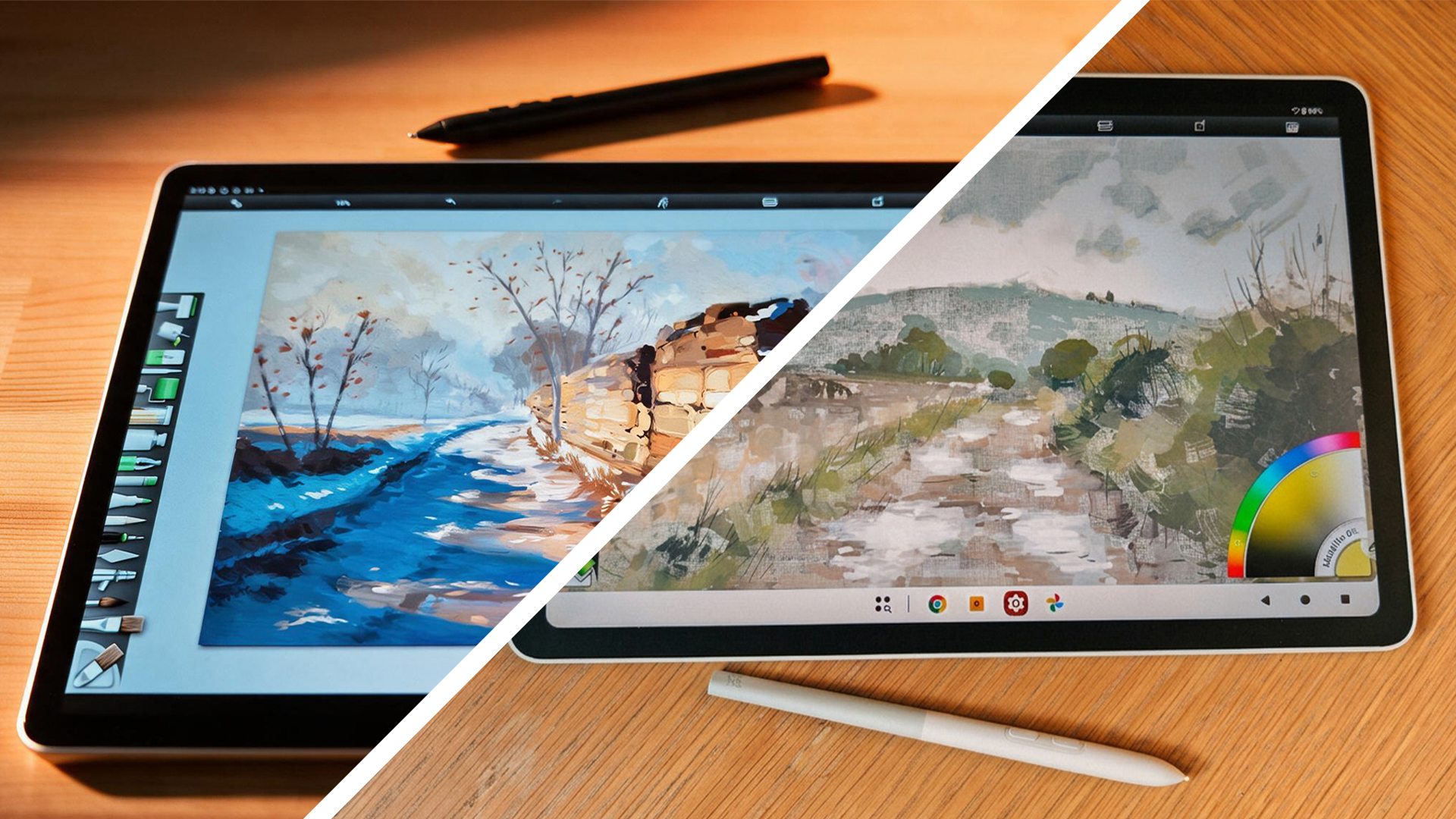
XPPen Magic Pro 13: Seamless Hardware Integration
XPPen’s Magic Pro 13 distinguishes itself with a remarkably straightforward PC connection. By simply plugging the tablet into a compatible PC or laptop via the included USB-C cable, it functions instantly as a drawing display. This hardware-level integration eliminates the need for drivers or complex software configurations, making the transition from standalone tablet to desktop pen display seamless.
This plug-and-play functionality is a significant advantage for artists who frequently switch between mobile sketching and desktop software like Rebelle or Clip Studio Paint. The ability to use the tablet as a dedicated pen display without the hassle of wireless setup or software troubleshooting streamlines the creative workflow. While it lacks a wireless PC mode, the simplicity and reliability of its wired connection make it an incredibly practical solution for many artists who might otherwise invest in a separate desktop drawing monitor.
Connectivity Comparison: The XPPen Magic Pro 13’s direct hardware-based PC connection offers unparalleled simplicity and immediate usability. For artists who value a no-fuss integration into their existing desktop setup, this feature is a major draw. Wacom’s MovinkPad Pro 14 offers more varied connectivity options, including wireless, but these can be more complex to set up and may not always provide the same level of direct, low-latency performance as a hardware-level connection.
Pricing and Value Proposition
The financial aspect is a crucial consideration for any technology purchase, especially for tools aimed at creative professionals. Both the Wacom MovinkPad Pro 14 and the XPPen Magic Pro 13 represent significant investments, but their pricing strategies reflect their respective market positioning.
Wacom MovinkPad Pro 14: The Premium Investment
The Wacom MovinkPad Pro 14 is positioned as a premium device, and its price reflects this. This higher cost is justified by the inclusion of the superior OLED display, the advanced Snapdragon 8s Gen 3 processor, and the extensive 12GB of RAM. Furthermore, Wacom’s brand legacy and established reputation for quality and reliability contribute to its premium pricing. While Wacom typically maintains stable pricing, they do occasionally offer bundle deals.
XPPen Magic Pro 13: Aggressive Value Offering
XPPen has strategically priced the Magic Pro 13 to be highly competitive, typically falling below the Wacom’s price point. This makes it an attractive option for artists seeking high-end features without the premium cost. XPPen has a history of offering attractive discounts, particularly during promotional periods like Black Friday, further enhancing its value proposition. The inclusion of essential accessories like spare nibs and a drawing glove also adds to the overall package.
Value Analysis: The price difference between the two tablets is significant enough to warrant serious consideration. The Wacom MovinkPad Pro 14 offers the absolute best in display technology and processing power, making it a compelling choice for professionals who demand the highest standards. However, the XPPen Magic Pro 13 delivers a remarkably strong performance and feature set at a more accessible price. For artists who need a versatile device that can function as both a standalone tablet and a desktop display, the XPPen’s cost-effectiveness becomes even more pronounced.
The Verdict: Which Tablet Reigns Supreme?
After extensive testing and comparison, the choice between the Wacom MovinkPad Pro 14 and the XPPen Magic Pro 13 is not a clear-cut victory for either device. Both represent significant advancements in Android-powered digital art creation, offering capabilities that were once the exclusive domain of much more expensive, less portable setups.
The Case for the Wacom MovinkPad Pro 14:
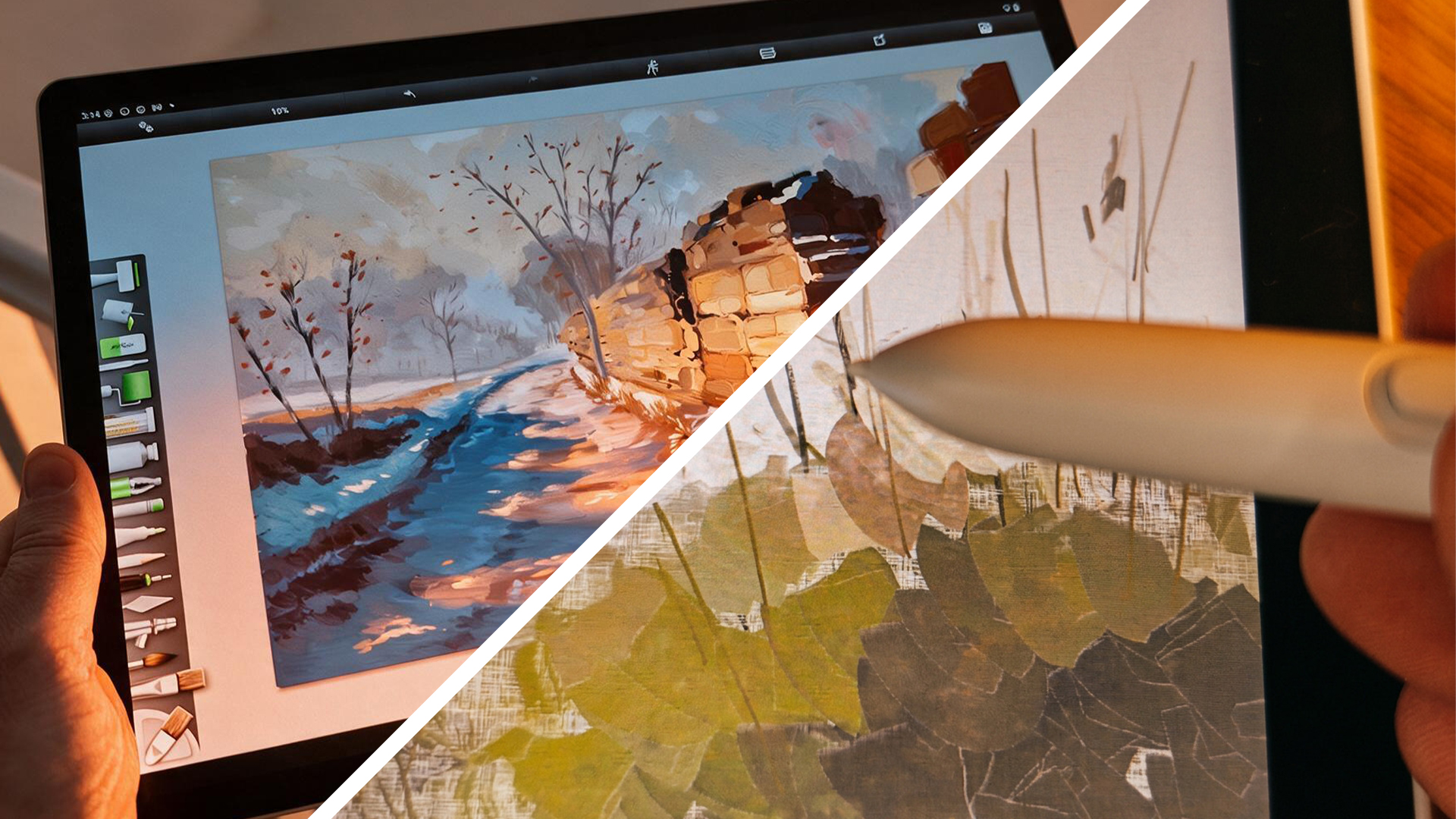
The Wacom MovinkPad Pro 14 is, by many metrics, the superior device. Its 14-inch OLED display is breathtaking, offering unparalleled color depth, contrast, and vibrancy that is ideal for professional color work and immersive media consumption. The Snapdragon 8s Gen 3 processor and 12GB of RAM provide ample power for the most demanding creative workflows, ensuring smooth performance even with very large and complex projects. The Pro Pen 3, with its customizable design and refined feel, remains a joy to use. For artists whose primary focus is digital painting, illustration, or any discipline where absolute visual fidelity and processing power are paramount, the Wacom MovinkPad Pro 14 is the definitive choice. It sets a new benchmark for what an Android drawing tablet can be.
The Compelling Argument for the XPPen Magic Pro 13:
However, to dismiss the XPPen Magic Pro 13 would be a mistake. XPPen has achieved something remarkable with this device. The X4 Smart Chip Stylus, with its industry-leading pressure sensitivity and exceptionally accurate tracking, rivals Wacom’s renowned pen technology. The LCD display, while not OLED, is still a high-resolution, smooth-refreshing panel that is more than adequate for most artistic tasks. The lighter weight and slimmer profile make it more portable, and the integrated PC connectivity via a single USB-C cable is a game-changer for artists who need a versatile tool that can seamlessly transition between mobile sketching and desktop work. The Magic Pro 13 offers incredible value, delivering a premium drawing experience that significantly undercuts the price of the Wacom.
The Final Decision:
Ultimately, the "best" tablet depends on individual needs and priorities.
-
Choose the Wacom MovinkPad Pro 14 if: You demand the absolute best display quality with true blacks and vibrant colors, require the maximum processing power for extremely demanding projects, and value the extensive customization options of the Pro Pen 3. The premium price is not a barrier, and your focus is primarily on standalone digital art creation.
-
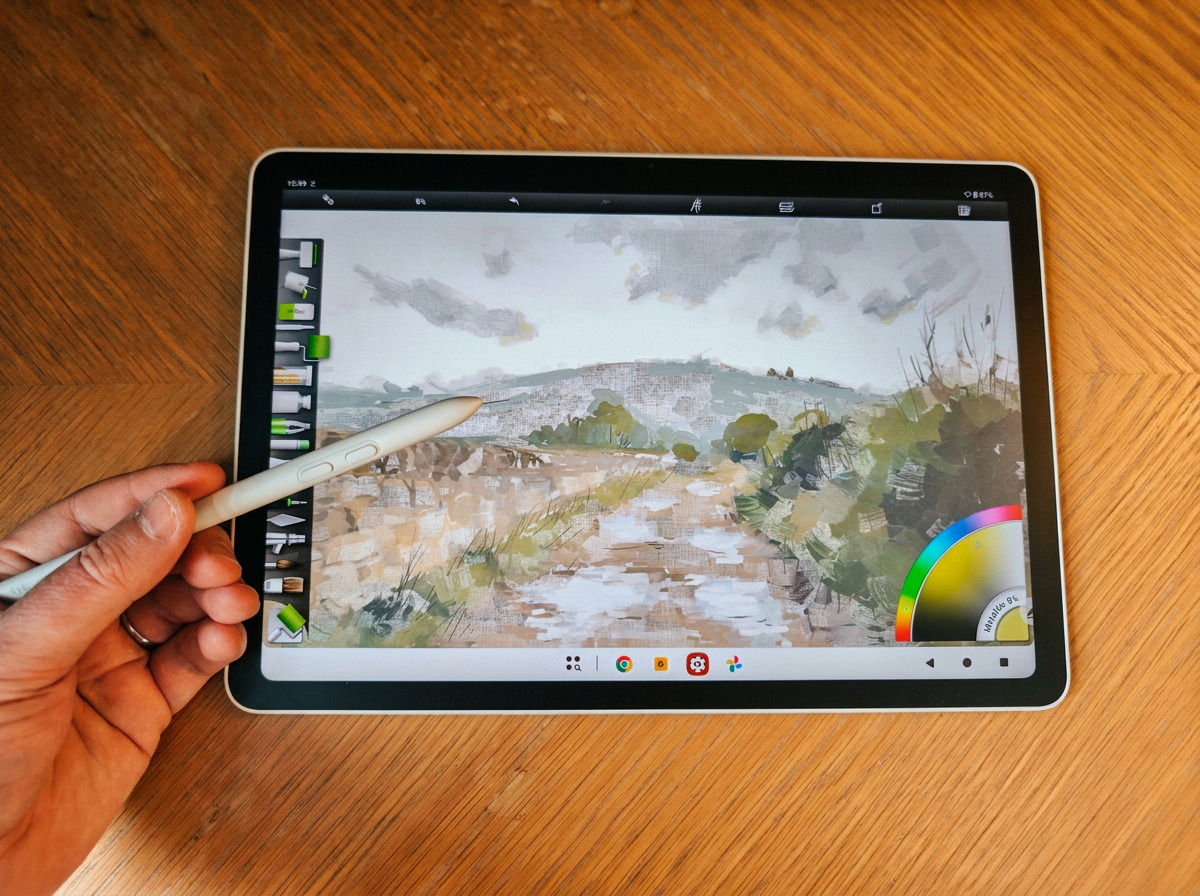
Choose the XPPen Magic Pro 13 if: You seek a highly capable and versatile drawing tablet that offers exceptional stylus performance at a more accessible price point. The ability to seamlessly connect to a PC as a drawing display is a significant advantage, and you prioritize portability and value. You are willing to accept a high-quality LCD over an OLED for a more budget-friendly option.
In conclusion, the Android tablet landscape for digital artists has never been more exciting. Both the Wacom MovinkPad Pro 14 and the XPPen Magic Pro 13 are exceptional devices that push the boundaries of mobile creativity. While the Wacom may hold a slight edge in raw display and processing power, the XPPen Magic Pro 13 offers a compelling blend of performance, portability, and unique connectivity that makes it an incredibly strong contender. The competition is fierce, and for artists, this is a win-win situation, as these advancements continue to drive innovation and bring professional-grade tools to a wider audience.