Maximizing Acoustic Performance: A Comprehensive Guide to Optimizing Your Amazon Echo Dot Audio Experience
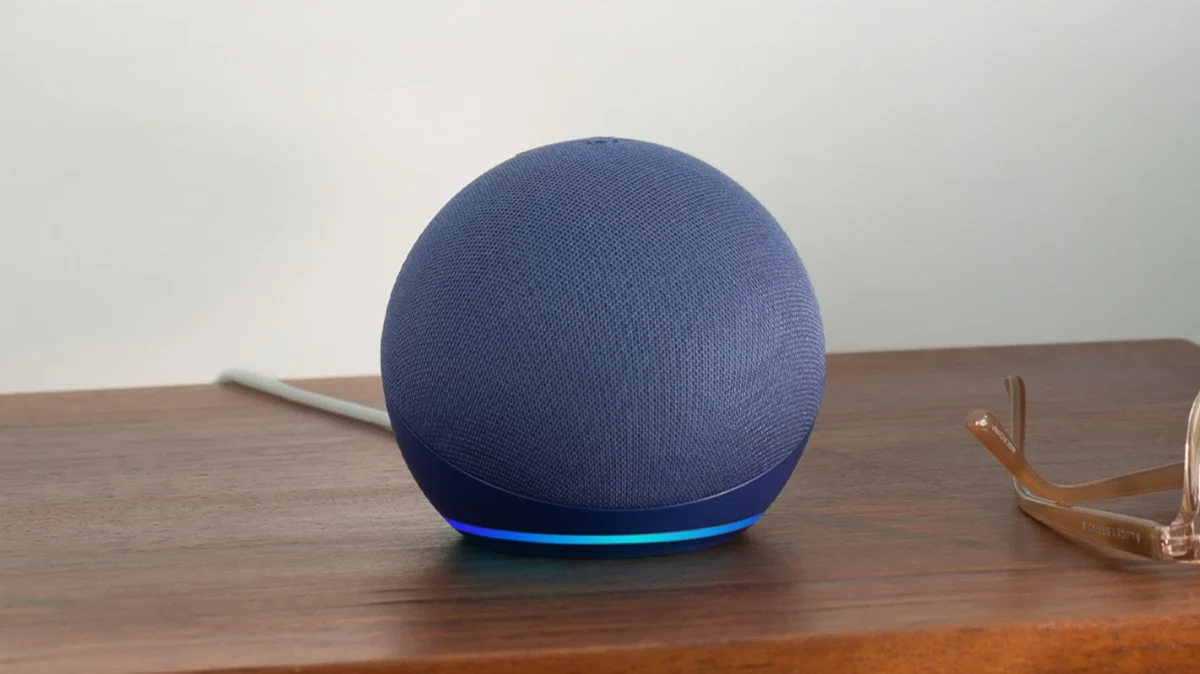
The Amazon Echo Dot has long been the entry point for millions of consumers into the world of smart home integration. Originally conceived as a utilitarian "hockey puck" designed primarily for voice commands and basic notifications, the device has undergone a significant transformation across five generations. Today, the Echo Dot is expected to serve not just as a conduit for the Alexa voice assistant, but as a primary speaker for music, podcasts, and news briefings.
However, despite hardware improvements, many users find the out-of-the-box audio experience to be somewhat lacking—either too heavy on the bass, resulting in a "muddy" sound, or too thin in the mid-range. By leveraging built-in software tools, strategic placement, and advanced configuration options, users can significantly elevate the acoustic profile of these compact devices.
Main Facts: The Foundations of Echo Dot Audio
The Echo Dot’s audio capability is governed by a combination of its physical driver size and Amazon’s proprietary Digital Signal Processing (DSP). To get the most out of the device, users must understand three core pillars of customization:
- Equalization (EQ) Control: Unlike many entry-level smart speakers, the Echo Dot allows for granular control over three frequency bands: Bass, Midrange, and Treble. These can be adjusted via the Alexa app or through direct voice commands.
- Stereo Pairing and Groups: Since the third generation, Echo Dots have supported "Stereo Pairs." This allows two identical devices to act as left and right channels, creating a much wider soundstage than a single mono speaker could ever achieve.
- Independent Volume Logic: Amazon has decoupled notification and alarm volumes from media playback. This ensures that a quiet late-night jazz playlist doesn’t result in a whisper-quiet alarm the following morning.
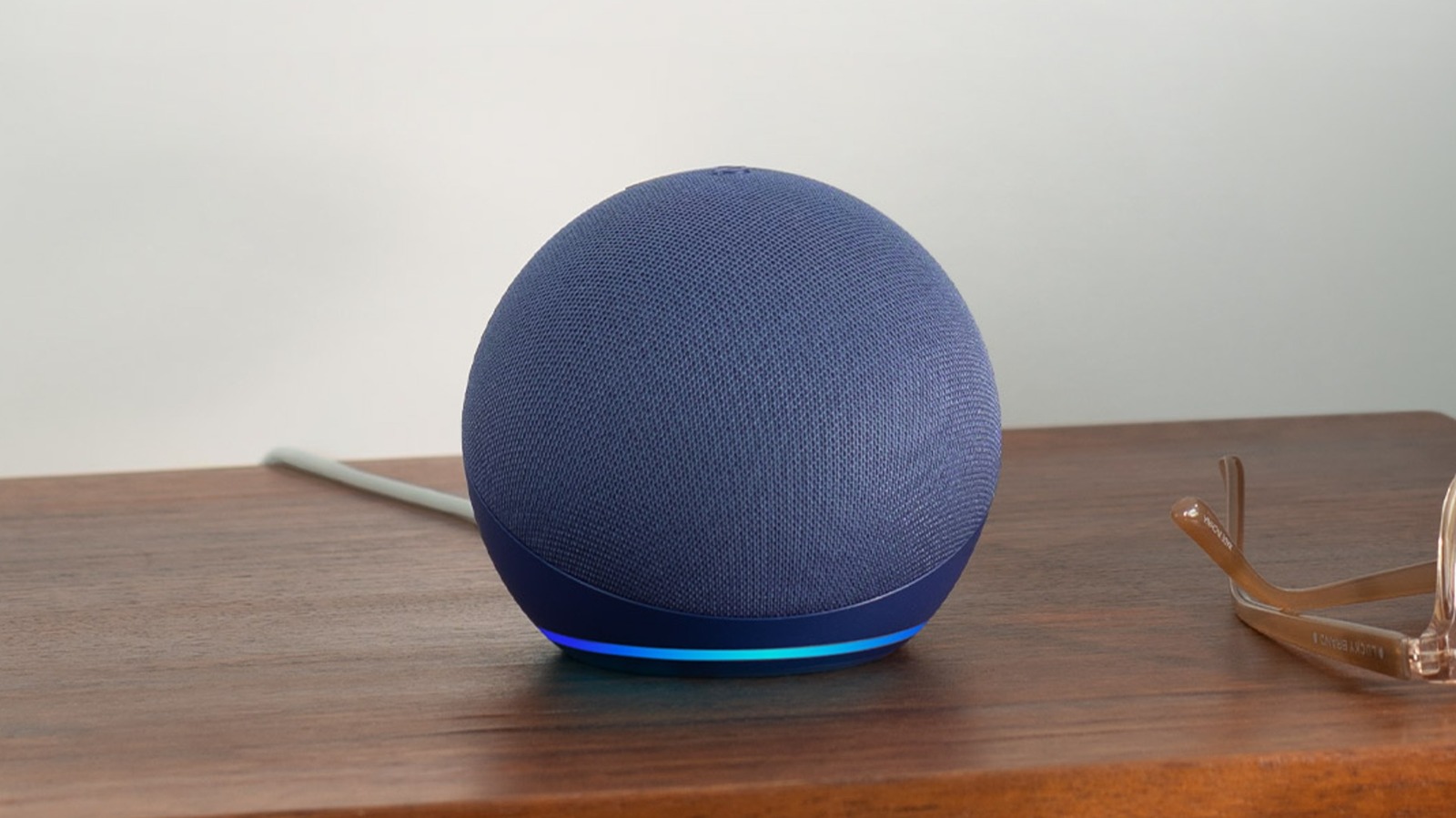
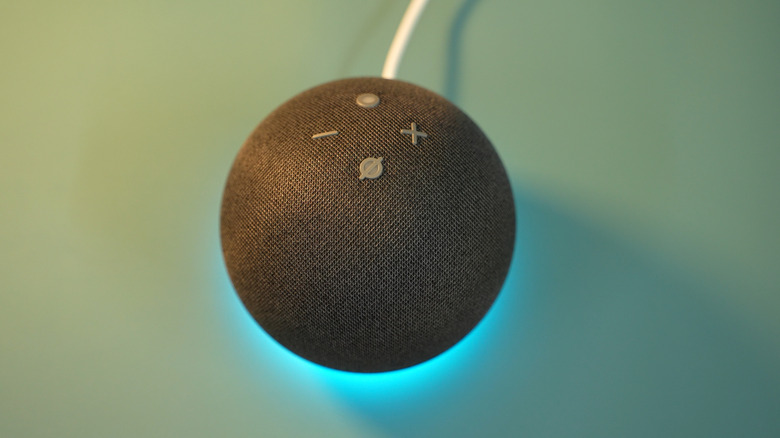
Beyond these software tweaks, the physical environment plays a crucial role. Because the Echo Dot (particularly the 4th and 5th generation spherical models) uses a front-firing or downward-firing driver depending on the specific iteration, surface material and wall proximity can either amplify or dampen sound waves.
Chronology: The Evolution of Echo Dot Sound
To understand why certain settings are necessary, one must look at how the Echo Dot’s hardware has evolved:
- 1st and 2nd Generation (2016–2017): These devices featured small, 1.1-inch drivers. They were designed for voice, not music. Audio was often described as "tinny," leading many to use the 3.5mm jack to connect to larger external speakers.
- 3rd Generation (2018): A turning point for the lineup. Amazon increased the driver size to 1.6 inches and added a fabric wrap. This model introduced the ability to pair two units for stereo sound, signaling Amazon’s intent to compete in the budget audio space.
- 4th Generation (2020): The redesign to a spherical shape allowed for a larger 1.6-inch front-firing speaker and more internal volume for the sound to resonate. This model improved bass response significantly but required new EQ management to prevent the low-end from overpowering the vocals.
- 5th Generation (2022): The current pinnacle of the "Dot" line. It features a custom full-range driver that claims to deliver up to double the bass of the previous generation and clearer vocals. With the added power, the need for user-led EQ calibration became even more critical to prevent distortion at high volumes.
Supporting Data: How to Calibrate Your Device
Adjusting the Equalizer (EQ)
For users who find the Echo Dot’s default sound profile unsatisfactory, the Equalizer is the first line of defense.
Via the Alexa App:
- Open the Amazon Alexa app on your smartphone.
- Navigate to the Devices tab in the bottom navigation bar.
- Select Echo & Alexa and then tap on the specific Echo Dot you wish to calibrate.
- Tap the Settings icon (gear) in the top right corner.
- Under the "Audio" section, select Audio Controls.
- Here, you will find sliders for Bass, Mid, and Treble.
Pro Tip: For the 5th Gen Echo Dot, reducing the Bass by one or two notches and increasing the Treble can often "brighten" the sound, making podcasts and news reports much easier to understand in noisy environments like kitchens.
Via Voice Commands:
Amazon has integrated these controls directly into Alexa’s voice processing. Users can say:
- "Alexa, set the bass to maximum."
- "Alexa, reset the equalizer."
- "Alexa, increase treble."
Managing Notifications and Alarms
A common frustration among smart speaker users is the "Volume Conflict," where a loud music session leads to a startlingly loud notification chime later.
To separate these:
- In the device’s Settings menu within the Alexa app, find Sounds.
- Use the slider to set the Alarms, Timers, and Notifications volume.
- Toggle the Ascending Alarm feature if you prefer a gradual increase in volume to wake up more gently.
Acoustic Feedback (Start and End of Request)
For those who do not always have a line of sight to the Echo Dot’s light ring, audio cues are essential. These can be enabled in the Settings > Sounds menu under Request Sounds. Enabling the "Start of Request" and "End of Request" tones provides an audible "ping" that confirms Alexa is listening and has finished processing, reducing the need to repeat commands.
Official Responses and Strategic Placement
Amazon’s official support documentation emphasizes that placement is just as important as settings. The company suggests keeping the device at least six inches away from walls to prevent unwanted sound reflections.
Acoustic experts note that placing an Echo Dot on a hard surface like granite or hardwood will naturally reflect sound, making it appear louder but potentially harsher. Placing it on a softer surface, like a coaster or a cloth-covered shelf, can dampen vibrations and "warm up" the audio profile.
Furthermore, Amazon has addressed the "longevity" of older devices. Even as newer models arrive, the company continues to push software updates that allow older 3rd and 4th Gen units to participate in "Everywhere" groups and multi-room music setups. This allows users to create a "wall of sound" by syncing multiple older units rather than relying on a single, more expensive speaker.
Implications: The Future of Smart Audio
The ability to fine-tune a $50 device like the Echo Dot has broader implications for the consumer electronics industry. It represents a shift toward "Software-Defined Audio," where the limitations of small physical drivers are mitigated by sophisticated user-accessible EQ and AI-driven processing.
The Sustainability Factor
By providing robust audio customization, Amazon increases the "useful life" of older hardware. A 3rd Generation Echo Dot that might sound subpar in a large living room can be recalibrated for a small bathroom or office, or paired with a second unit to remain a viable audio solution well into the late 2020s. This reduces e-waste and encourages brand loyalty within the Alexa ecosystem.
Privacy and Accessibility
The audio cues (Start/End of Request) are not merely conveniences; they are vital for accessibility. For visually impaired users, these audio signals provide the primary feedback loop for interacting with the smart home. Similarly, for privacy-conscious users, the audible "ping" serves as a transparent indicator that the device’s microphone is active, fulfilling a psychological need for security in the age of always-listening devices.
Competitive Positioning
As Apple’s HomePod Mini and Google’s Nest Mini continue to iterate, the Echo Dot’s advantage lies in its flexibility. While Apple prioritizes a "locked" computational audio profile that the user cannot change, Amazon’s decision to leave the EQ in the hands of the consumer appeals to a wider demographic—from the casual listener who just wants louder alarms to the hobbyist who wants to squeeze every decibel of performance out of their hardware.
Conclusion
The Amazon Echo Dot is a surprisingly capable audio device, provided the user is willing to look beyond the factory settings. Through the strategic use of EQ sliders, independent volume management, and stereo pairing, this small device can punch far above its weight class. Whether you are using a 2018 3rd Gen model or the latest 5th Gen sphere, the key to the "best" sound is not just in the hardware you buy, but in the specific calibration you apply to your unique environment. By following the steps outlined above, users can transform their smart assistant into a tailored acoustic hub, ensuring that every song, alarm, and Alexa response is heard exactly as intended.