
The Paradox of Premium: A Comprehensive Review of the Gigabyte MO27U2 4K QD-OLED Gaming Monitor
The gaming monitor market has undergone a radical transformation over the last 24 months, moving away from the era of washed-out TN panels and backlight-bleeding IPS screens into the vibrant, high-contrast world of OLED. Gigabyte, a mainstay in the peripheral and component space, has attempted to carve out a unique niche with its latest offering: the MO27U2.
Marketed as a "tactical" gaming monitor that doubles as a professional workstation tool, the MO27U2 utilizes a sophisticated tandem QD-OLED panel. However, as the following analysis reveals, the gap between cutting-edge hardware specifications and daily user experience can be surprisingly wide. While the monitor excels in raw speed and aesthetic versatility, it is hampered by software inconsistencies and image processing flaws that make its premium price tag a difficult pill to swallow.
Main Facts: Hardware Specifications and Design Philosophy
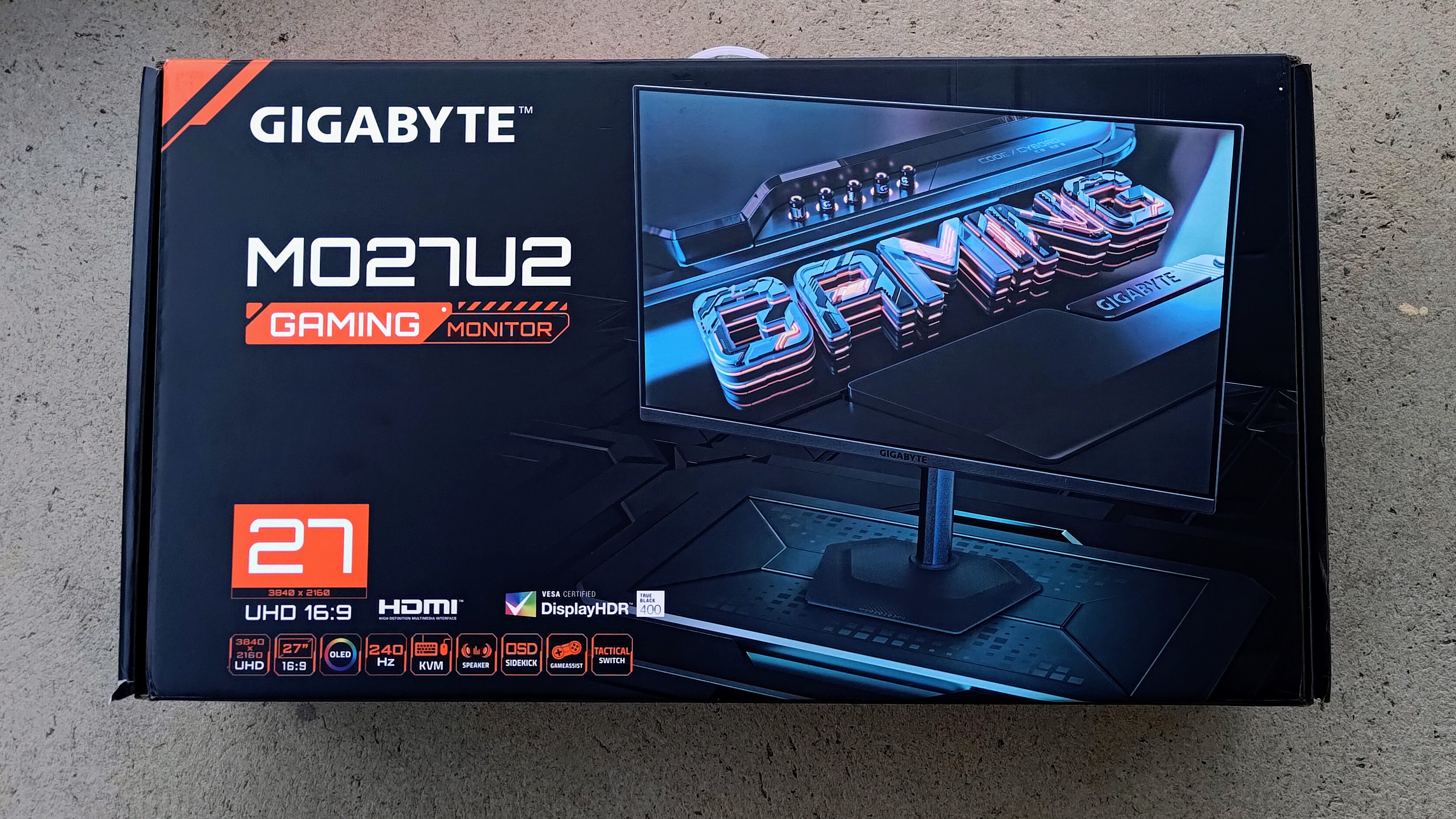
The Gigabyte MO27U2 is a 27-inch UHD (3,840 x 2,160) gaming monitor that leverages the latest in Quantum Dot OLED technology. Its standout feature is the "tandem" OLED structure—a multi-layer stack designed to enhance brightness and efficiency while mitigating the traditional longevity concerns associated with organic light-emitting diodes.
Key Technical Specifications:
- Panel Type: QD-OLED (Tandem Structure)
- Resolution: 4K UHD (3840 x 2160)
- Refresh Rate: 240Hz
- Response Time: 0.03ms Grey-to-Grey (GTG)
- Peak Brightness: 1,000 nits (at 3% APL in HDR mode); 250 nits typical SDR
- Color Gamut: 99% DCI-P3
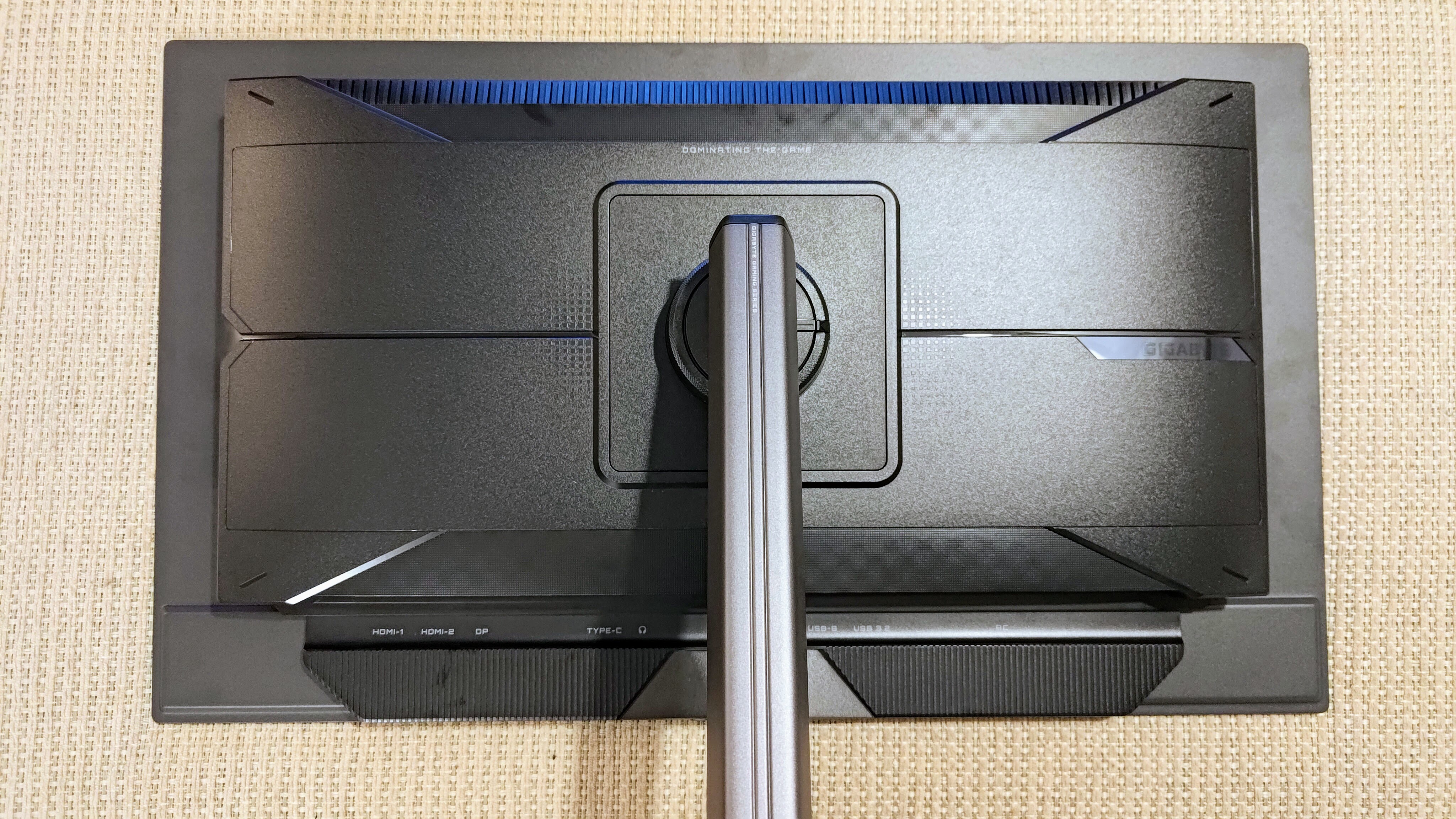
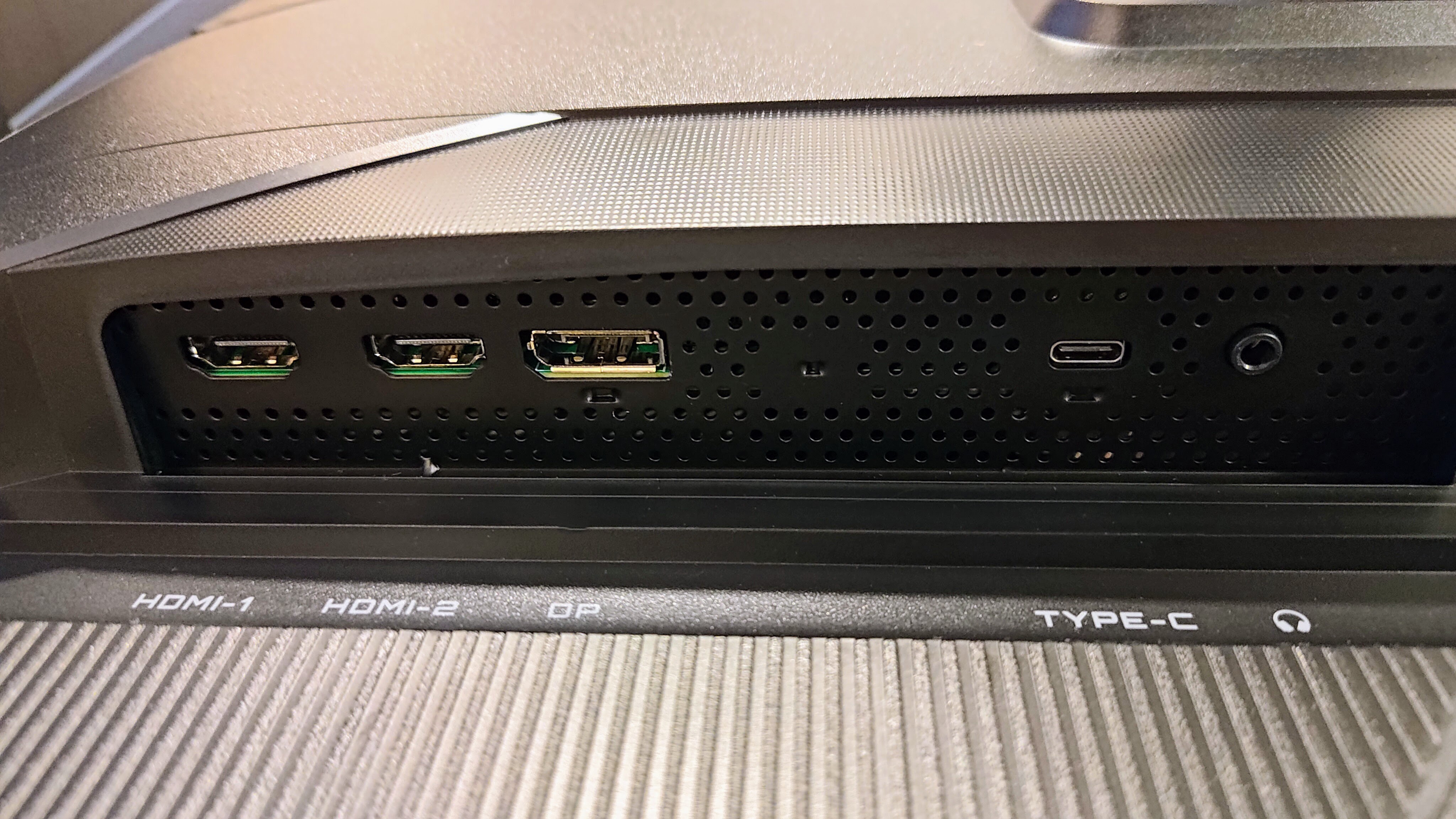
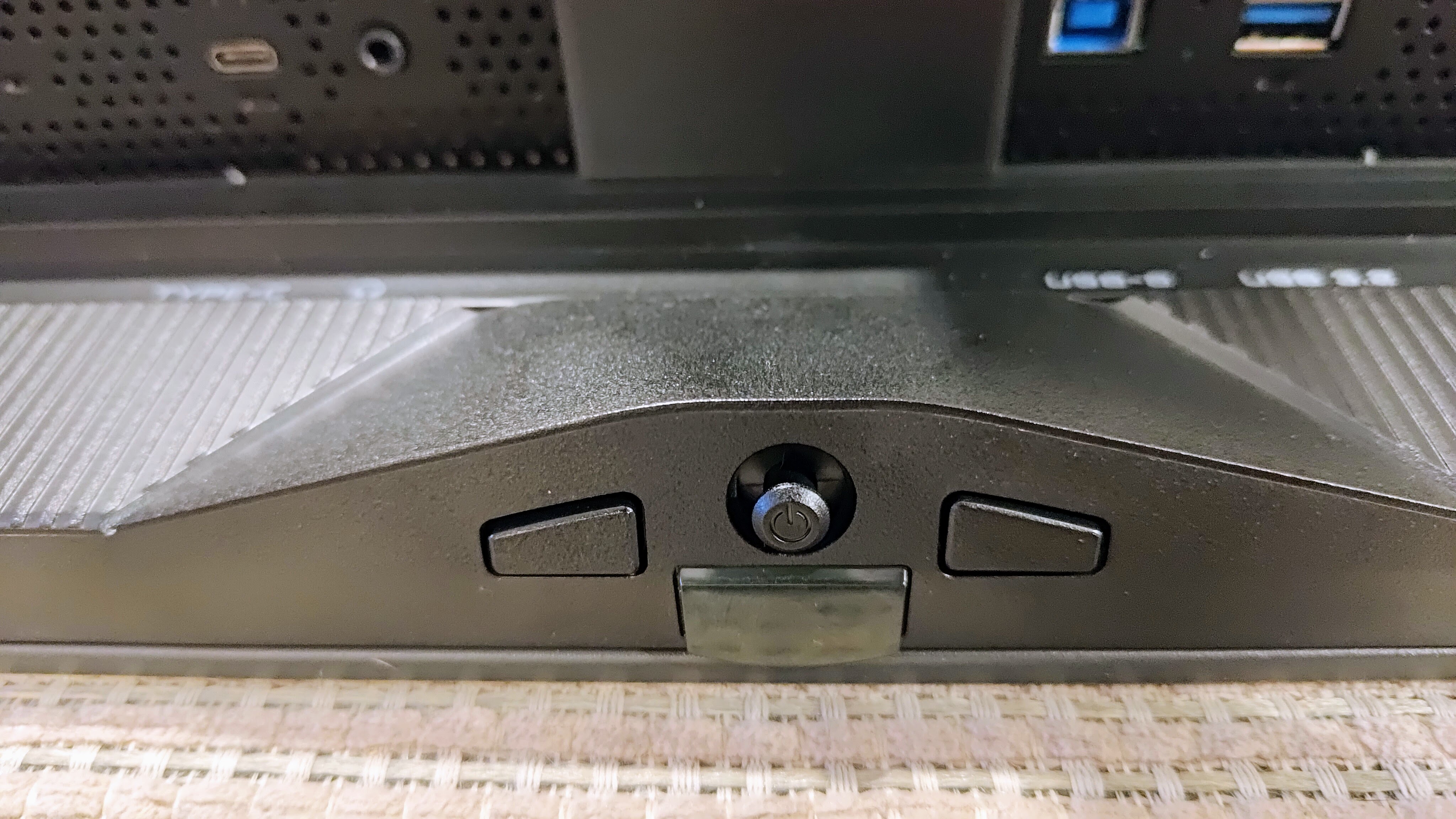
- Connectivity: 2x HDMI 2.1, 1x DisplayPort 1.4, 1x USB-C (18W Power Delivery), USB Hub
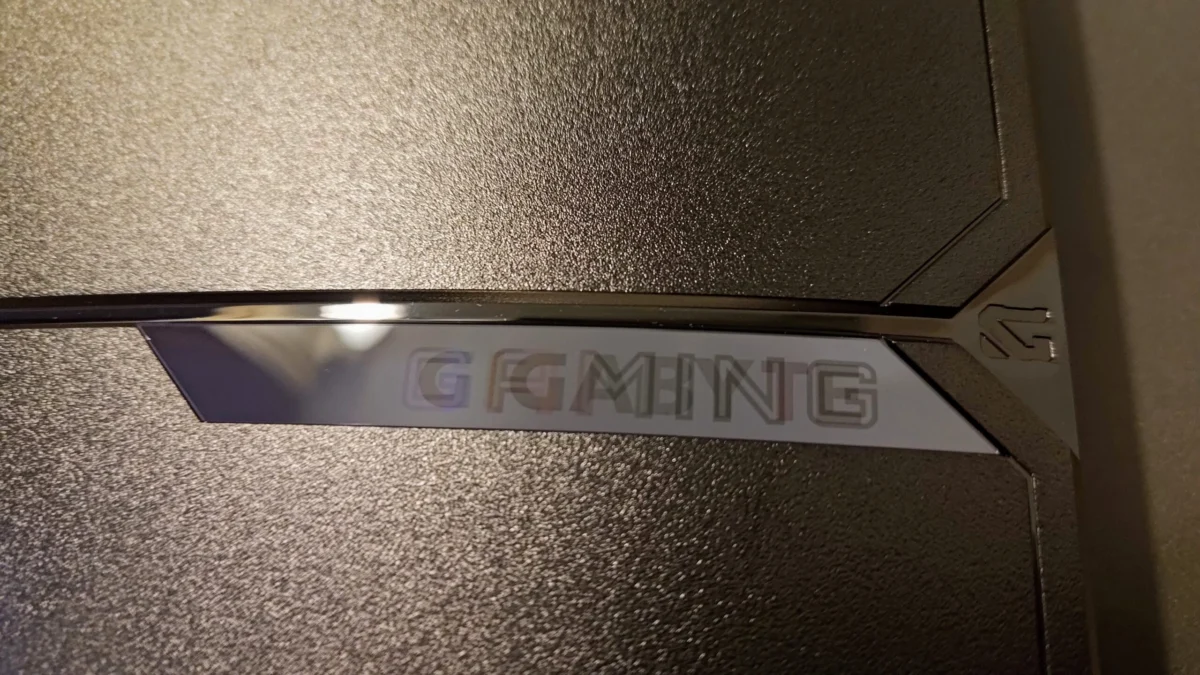
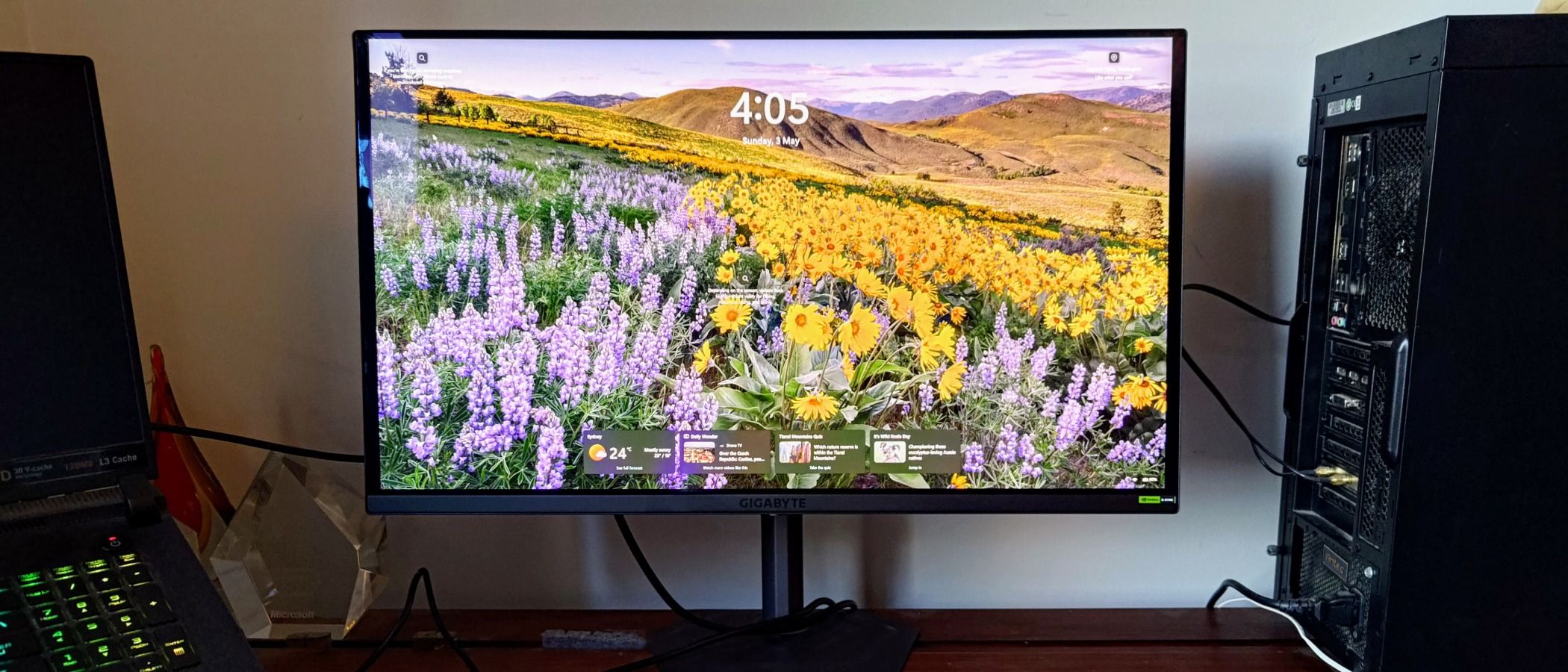
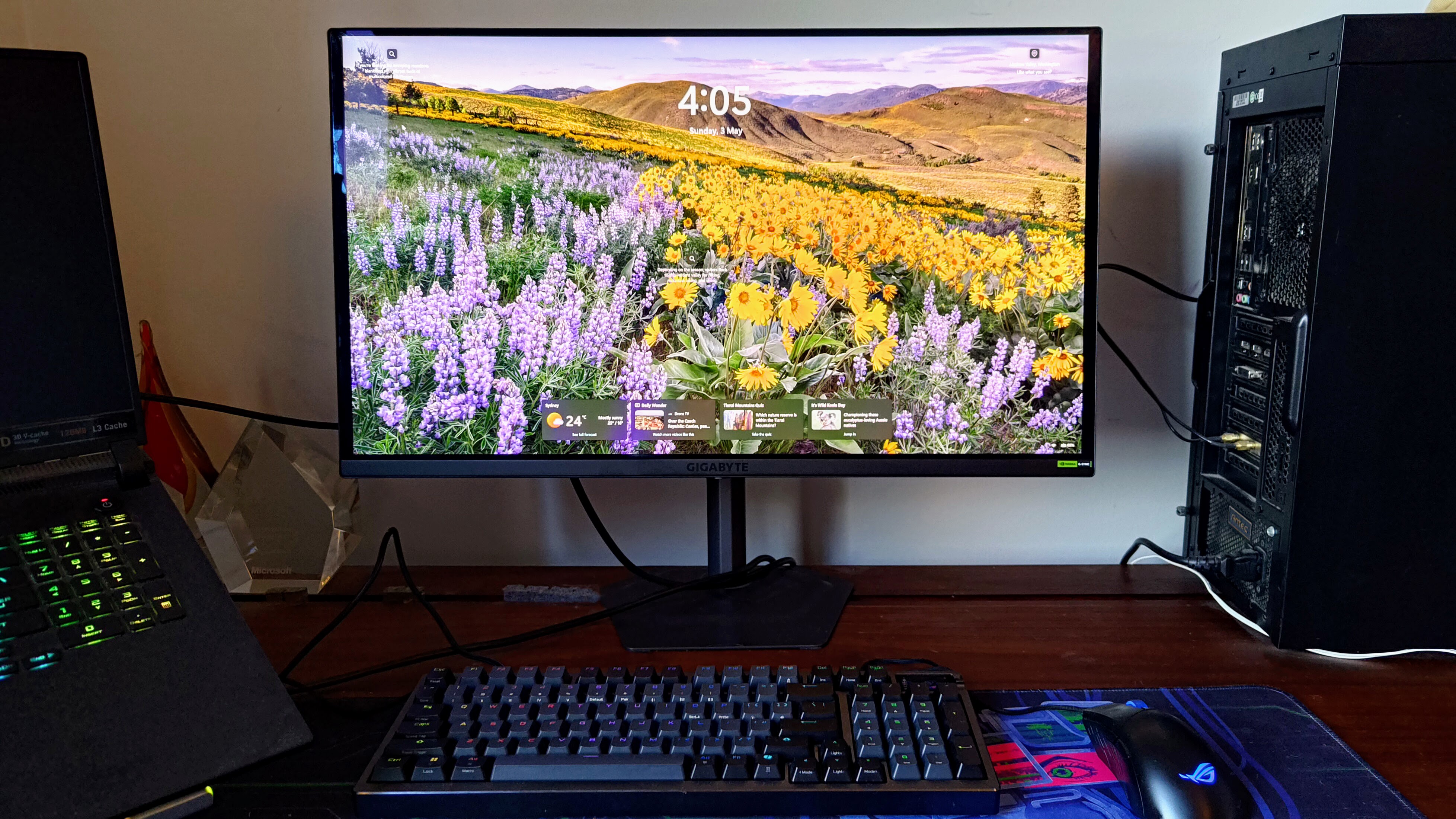
Unlike many of its competitors in the "Aorus" or high-end gaming categories, the MO27U2 adopts a surprisingly sober design. There are no aggressive RGB light strips or jagged, "stealth fighter" angles. Instead, it features a thin glass screen supported by a robust, space-efficient stand. This aesthetic choice is intentional, positioning the monitor as a hybrid device suitable for a high-stakes corporate boardroom during the day and a competitive gaming den at night.
Chronology: From Unboxing to Long-Term Frustration
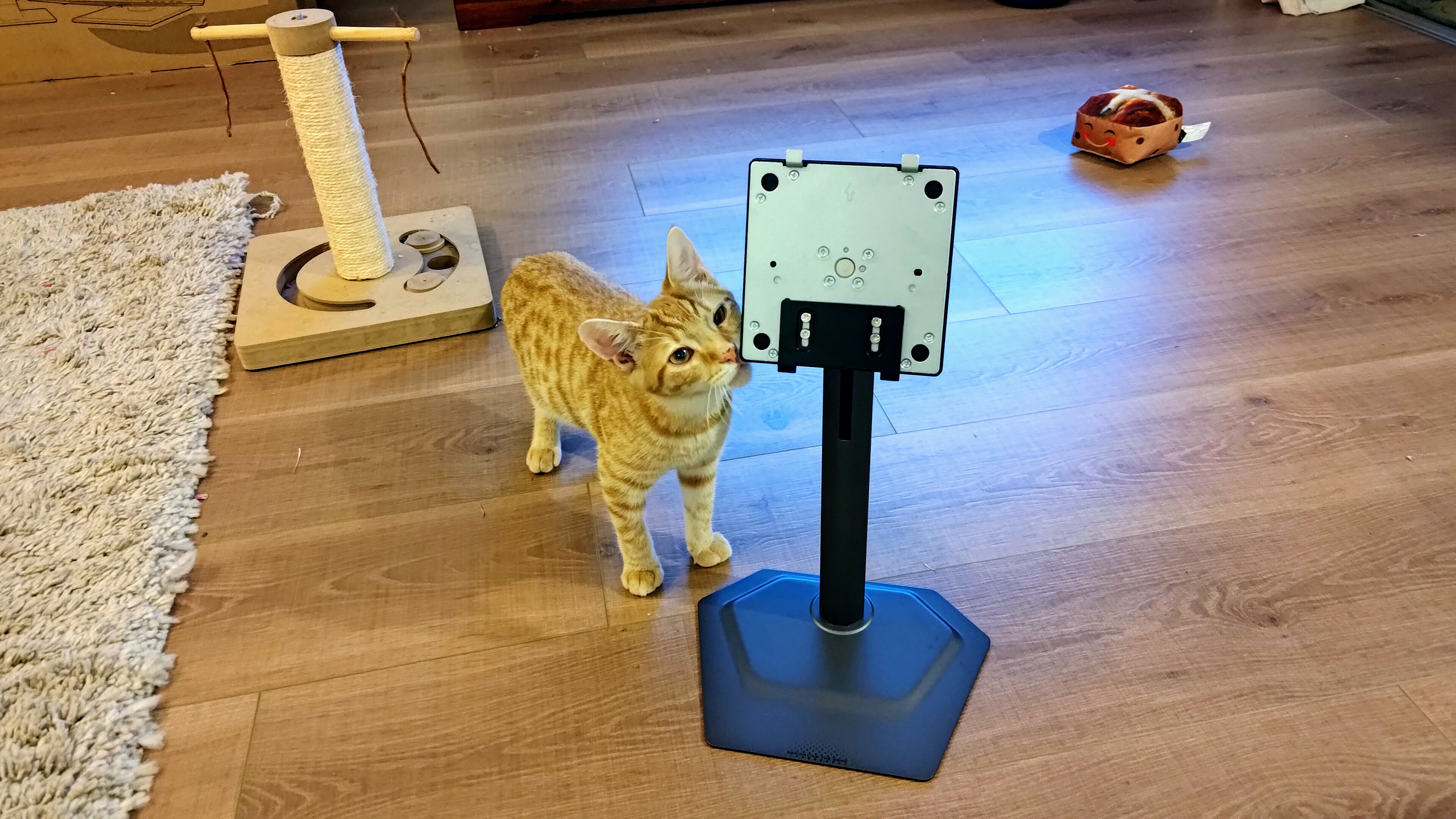
The experience of using the MO27U2 is a journey of high peaks and disappointing valleys. The initial setup is seamless; the monitor utilizes a tool-less assembly system where the stem clips into the VESA mount area and secures to the base with a single thumbscrew.
The Honeymoon Phase: Productivity and Clarity
In the first few hours of use, the MO27U2 impresses as a productivity powerhouse. Historically, OLED monitors suffered from "fringing" or "spidery text" due to unconventional sub-pixel layouts. Gigabyte has largely solved this with its latest-generation panel. Combined with the high pixel density of 4K at 27 inches, text appears crisp and legible. The glossy, reflection-reducing coating allows for deep blacks even in moderately lit rooms, making it an excellent companion for large spreadsheets and multi-window workflows.
The Performance Phase: Gaming and Motion
Transitioning into gaming, the 240Hz refresh rate becomes the star of the show. When paired with a high-end GPU capable of pushing 4K frames, the motion clarity is virtually indistinguishable from perfection. The 0.03ms response time eliminates ghosting, and the inclusion of Nvidia G-Sync compatibility ensures that even when frame rates fluctuate, the experience remains tear-free.
The Friction Phase: Software and Processing Issues
The chronology takes a negative turn once the user begins to "tinker" with the settings to optimize the experience. While the hardware is capable of 1,000 nits of peak brightness, achieving a balanced High Dynamic Range (HDR) image proves to be an exercise in frustration. Users will find that as they switch between color spaces or preset modes, the monitor often introduces blocky artifacts into gradients, or worse, completely blows out highlights in bright scenes, losing all detail in the clouds or bright sunlight of a game’s environment.
Supporting Data: Testing the "Tactical" Features
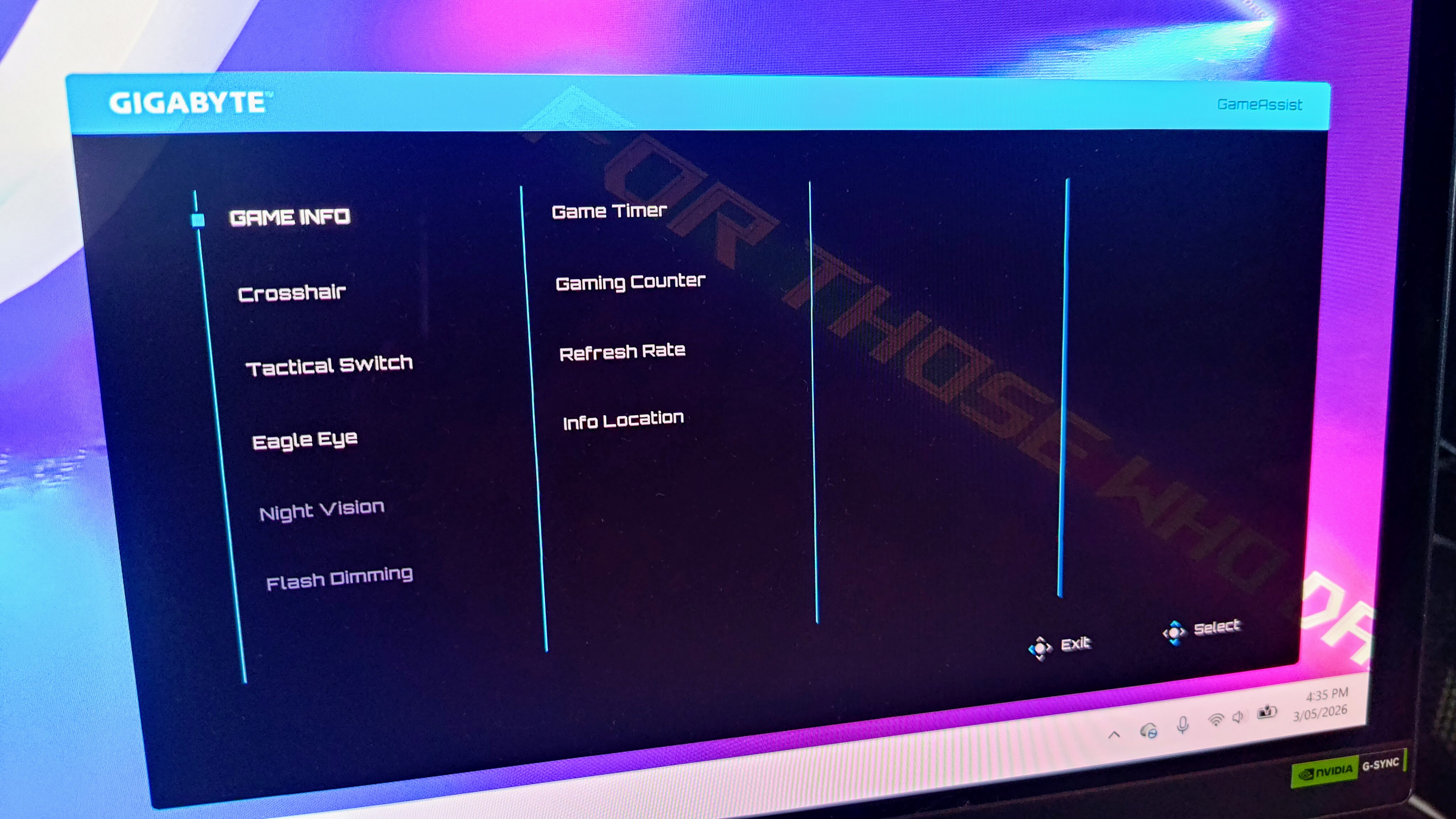
Gigabyte markets this monitor under its "Tactical" banner, a suite of software and hardware features designed to give players a competitive edge. Our testing of these features yielded mixed results:
- The Tactical Switch: This is a physical button that allows users to instantly downscale the display to a 24-inch viewing area. It can also force aspect ratios like 4:3 or 5:4. For professional CS2 or Valorant players who prefer a smaller field of view to minimize eye travel, this feature is highly effective and works as advertised.
- OLED Care: To combat the specter of permanent image retention (burn-in), Gigabyte has implemented an aggressive suite of protections. This includes Pixel Shift, Static Control, and Sub-Logo Dimming. Data from long-term testing suggests these features are essential for OLED longevity, and Gigabyte backs this with a reassuring three-year warranty that includes burn-in coverage.
- Connectivity Limitations: While the monitor features a USB-C port, it only offers 18W of Power Delivery. In a market where competitors are offering 65W or even 90W—enough to charge a laptop via a single cable—the 18W limit feels like a significant data point of cost-cutting.
- Audio Performance: Surprisingly, the twin 5W speakers perform better than the industry average. While they lack the sub-bass required for a cinematic experience, they provide enough punch for casual YouTube viewing or system alerts, a rarity in the thin-bezel monitor category.
Official Responses and Manufacturer Positioning
Gigabyte positions the MO27U2 as a "Pro-Suming" device. In their marketing materials, the company emphasizes the tandem OLED technology as the "next step" in display evolution, focusing on the synergy between the high 4K resolution and the extreme speed of the 240Hz refresh rate.
However, when confronted with the "barely functional" nature of the Gigabyte Control Center app, the official stance remains focused on firmware updates. During testing, even after a firmware flash, the companion app struggled to identify the monitor and offered a truncated list of settings compared to the physical On-Screen Display (OSD). This suggests a disconnect between Gigabyte’s hardware engineering teams and its software developers—a common critique in the modern PC component industry.
Gigabyte’s defense of the HDR performance typically points to the "infinite contrast" of OLED, but our findings suggest that the internal image processing engine is struggling to map the HDR metadata correctly, leading to the aforementioned "patchy image aberrations" that the manufacturer has yet to fully address in public documentation.
Implications: The Verdict for Consumers and the Market
The Gigabyte MO27U2 serves as a case study for the current state of the high-end monitor market. It proves that while we have reached a pinnacle of panel hardware, the "user experience" layer—software, OSD stability, and image processing—has become the new battleground.
For the Competitive Gamer
The implications are positive if you are a "performance-first" player. The 240Hz/4K combination is currently the "Goldilocks" zone for enthusiasts who want beauty without sacrificing the frames-per-second necessary for competitive play. The "Tactical Switch" and "Eagle Eye" sniper zoom are niche but functional tools for specific playstyles.
For the Multimedia Enthusiast
The implications are more cautionary. If your primary goal is watching HDR movies or playing cinematic, atmospheric titles like Cyberpunk 2077 or Alan Wake 2, the MO27U2’s tendency to blow out highlights and struggle with gradient transitions is a significant drawback. At this price point, users should not have to choose between "vibrancy" and "image accuracy."
Market Context and Alternatives
The MO27U2 does not exist in a vacuum. Consumers should consider:
- The Gigabyte Aorus FO32U2P: A larger, 32-inch sibling that often sees deep discounts and features more robust image processing.
- The Gigabyte M32UC: A non-OLED 4K alternative for those who want the resolution and size at a fraction of the cost.
Final Summary
The Gigabyte MO27U2 is a brilliant piece of hardware trapped in a frustrating software environment. Its tandem QD-OLED panel is a marvel of brightness and color, and its sober design is a breath of fresh air in a market saturated with "gamer" aesthetics. However, the mediocre HDR performance, the broken companion app, and the awkward OSD resets prevent it from achieving greatness.
For those who find it at a significant discount, it is a formidable tool for both work and play. But at its full retail price, it is a reminder that in the world of premium tech, hardware specs are only half the story; the way a user interacts with that hardware determines its true value. Until Gigabyte can refine its image processing and software ecosystem, the MO27U2 remains a "good" monitor in a market that demands "excellent."



Leave a Comment