
Anvil Level Design Tool Empowers Blender Users with TrenchBroom-Inspired Workflow
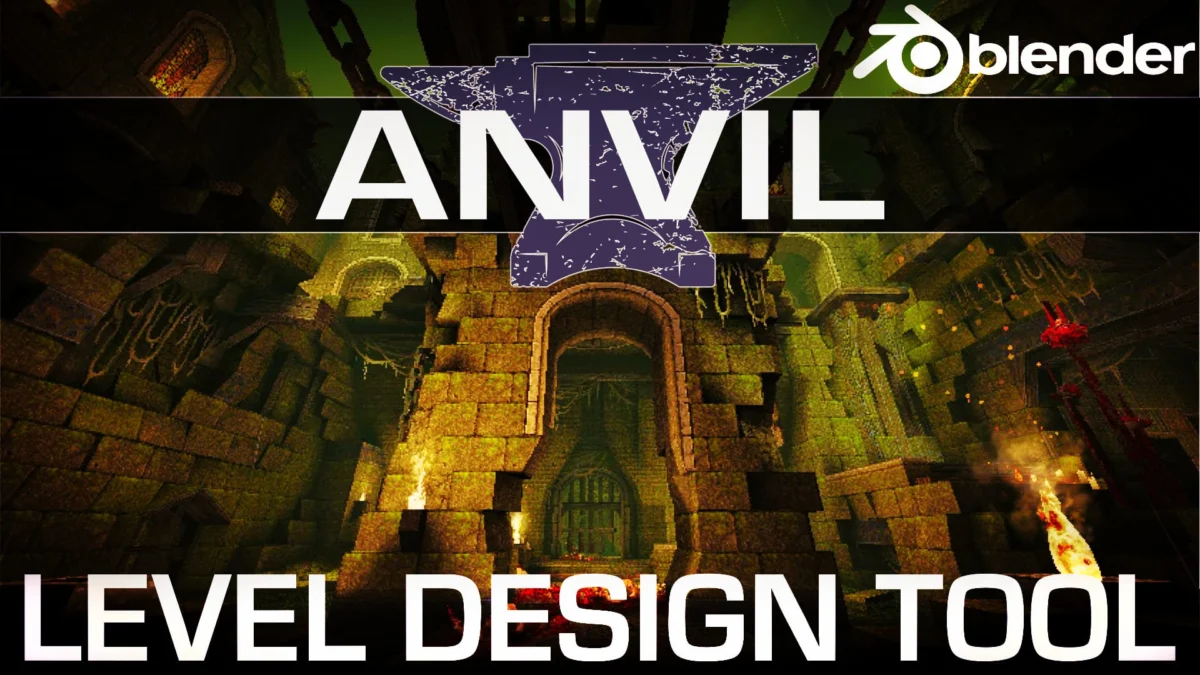
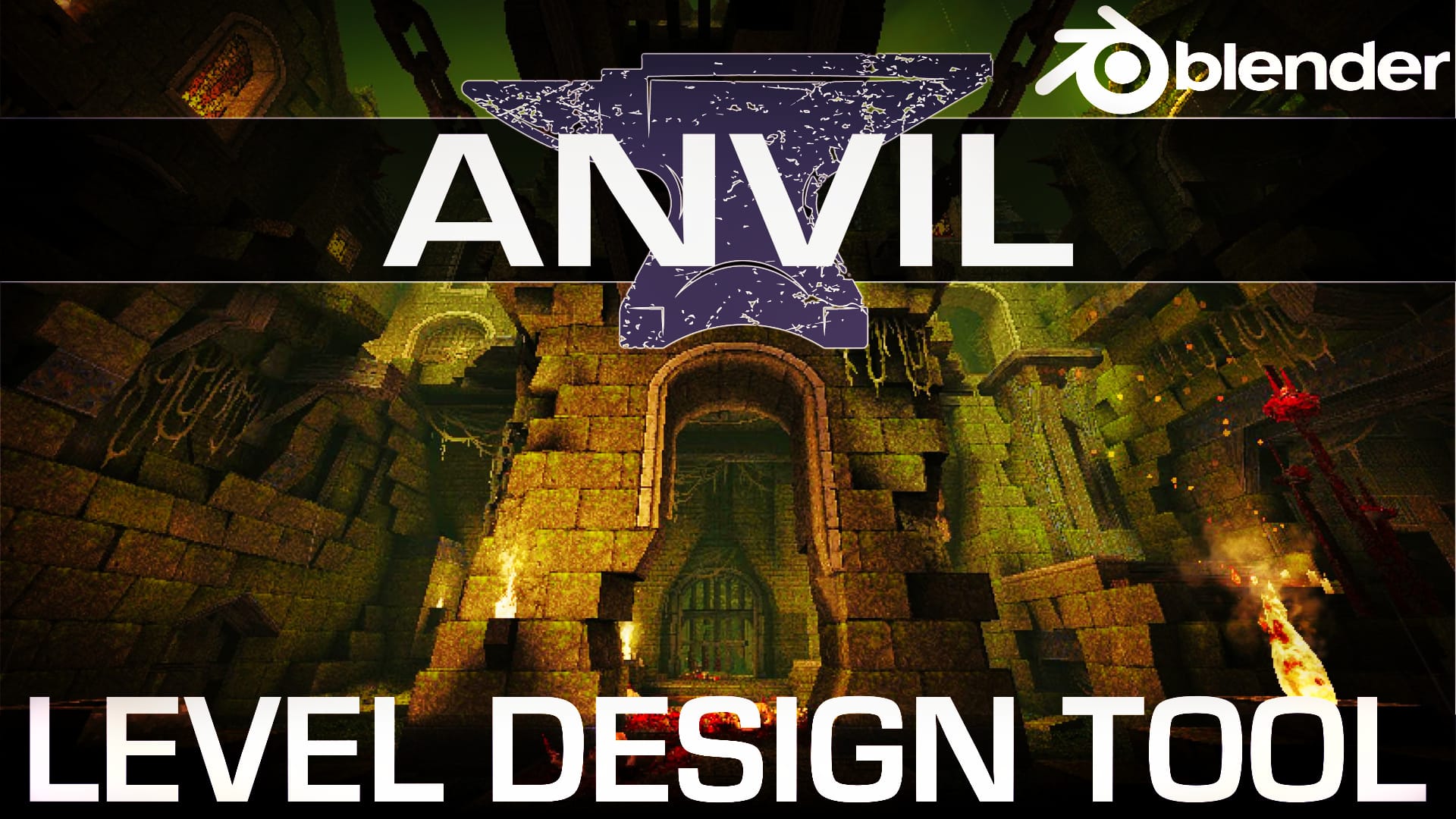
A powerful, free, and open-source add-on is revolutionizing game level creation within the popular 3D modeling software, Blender. The Anvil Level Design Tool, drawing inspiration from the acclaimed TrenchBroom editor, introduces dedicated workspaces and a suite of specialized features designed to streamline the rapid prototyping and intricate detailing of game environments.
For game developers and independent creators who have long lauded the power and flexibility of Blender, the integration of a dedicated level design workflow has been a highly anticipated development. The Anvil Level Design Tool, developed by Alex J. Hetherington, aims to bridge this gap, offering a robust set of functionalities that mirror the efficiency and intuitive nature of established level editors, most notably TrenchBroom. This open-source initiative promises to democratize sophisticated level design, making it more accessible to a wider audience of Blender users.
The core of Anvil’s innovation lies in its introduction of two distinct yet interconnected workspaces: "Level Design" and "Hotspot Mapping." These environments are meticulously crafted to facilitate a fluid and efficient workflow, allowing creators to move seamlessly from initial block-outs to the detailed placement of interactive elements. This dual-workspace approach is a significant departure from traditional Blender workflows, which often require a more generalized approach to asset creation and scene assembly for level design purposes.
Core Features: A Deep Dive into Anvil’s Capabilities
Anvil’s comprehensive feature set is designed to address the multifaceted needs of game level designers. The tool doesn’t just offer a new way to build geometry; it provides integrated solutions for material management, UV mapping, the placement of interactive elements, and enhanced export capabilities, all within the familiar Blender interface.
Material & UV Management: Precision Texturing at Your Fingertips
Effective texturing is paramount in creating immersive game worlds, and Anvil places a strong emphasis on simplifying this often-tedious process. The tool introduces advanced material and UV management features that are specifically tailored for level design.
- Streamlined Material Assignment: Anvil allows for rapid assignment of materials to individual faces or entire brush volumes. This is achieved through an intuitive interface that enables users to quickly select and apply textures, reducing the time spent navigating complex Blender material menus.
- Intelligent UV Unwrapping: The add-on includes specialized UV unwrapping tools designed for the unique needs of brush-based level design. This ensures that textures are applied correctly and efficiently, minimizing distortion and wasted texture space. Features likely include options for automatic unwrapping based on brush topology, as well as manual control for fine-tuning.
- Texture Tiling and Offsetting Controls: Precise control over texture tiling and offsetting is crucial for achieving seamless and visually appealing surfaces. Anvil provides readily accessible parameters for adjusting these properties, allowing designers to easily manipulate how textures repeat and are positioned on their geometry.
- Material Presets and Libraries: The ability to create and save material presets and build comprehensive texture libraries significantly speeds up the texturing process. Anvil likely supports the organization of these assets, making it easy to recall and apply frequently used materials across a project.
- Normal and Material ID Mapping Support: For game engines that utilize advanced rendering techniques, Anvil’s support for normal maps and material ID maps is a critical advantage. This enables designers to incorporate detailed surface information and define different material properties for specific engine functionalities.
Hotspot Mapping: Defining Interactivity with Ease
The "Hotspot Mapping" workspace is where Anvil truly shines in defining the interactive elements that bring game levels to life. This dedicated environment simplifies the process of placing and configuring entities, triggers, and other gameplay-critical objects.
- Intuitive Entity Placement: Anvil offers a user-friendly system for placing various types of game entities. This could include anything from spawn points and enemy placements to interactive objects like doors and switches. The interface is designed for quick selection and precise positioning.
- Configurable Hotspot Properties: Each placed entity, or "hotspot," can be easily configured with specific properties relevant to its function within the game engine. This might involve setting activation conditions for triggers, defining enemy AI parameters, or specifying the behavior of interactive objects.
- Visual Debugging Tools: To aid in the design and debugging process, Anvil likely incorporates visual aids for hotspots. This could include wireframe overlays, color-coding for different entity types, or visual indicators of trigger volumes, allowing designers to quickly understand the interactive layout of their levels.
- Customizable Entity Types: The flexibility to define and import custom entity types is essential for adapting Anvil to a wide range of game engines and projects. This ensures that developers can integrate Anvil seamlessly into their existing pipelines.
- Trigger and Volume Definition: Beyond simple entity placement, Anvil provides tools for defining trigger volumes and other spatial zones that can initiate game events. This is crucial for creating dynamic gameplay experiences and managing player progression.
Level Building Tools: Crafting Environments with Brushwork Efficiency
Drawing heavily from the legacy of TrenchBroom, Anvil’s "Level Design" workspace is optimized for efficient brush-based geometry creation. This approach allows for rapid prototyping and the construction of complex architectural structures.
- Brush-Based Construction: At its core, Anvil utilizes a brush-based system for creating geometry. This method, familiar to users of many classic level editors, allows for the rapid extrusion and manipulation of solid volumes to form the architectural elements of a game world.
- Boolean Operations and CSG: The integration of Constructive Solid Geometry (CSG) operations, such as adding, subtracting, and intersecting brushes, is a cornerstone of brush-based modeling. Anvil likely provides these powerful tools to allow for the creation of intricate shapes and hollow spaces with ease.
- Vertex, Edge, and Face Manipulation: Beyond basic brush operations, Anvil offers detailed control over the manipulation of vertices, edges, and faces. This allows for fine-tuning the geometry and adding architectural details.
- Grid Snapping and Alignment: Precise placement and alignment of brushes are facilitated by robust grid snapping and alignment tools. This ensures that levels are constructed with clean geometry and a consistent scale.
- Brush Transformations: Standard transformation tools, including translation, rotation, and scaling, are readily available and optimized for brush manipulation within the Anvil environment.
- Hollowing and Thickness Controls: For creating interior spaces within solid volumes, Anvil likely offers intuitive tools for hollowing brushes and controlling wall thickness, a common requirement in level design.
Camera & Viewport Controls: Navigating Your Creation with Precision
Efficient navigation of the 3D environment is crucial for any creative workflow. Anvil enhances Blender’s already capable viewport controls with features specifically beneficial for level design.
- Orthographic and Perspective Views: Seamless switching between orthographic and perspective camera views allows designers to work with both precise measurements and immersive visualizations.
- TrenchBroom-Style Navigation: Anvil aims to replicate the familiar and efficient camera navigation found in TrenchBroom. This typically includes intuitive mouse and keyboard controls for panning, orbiting, and zooming, which can significantly speed up workflow for users accustomed to that editor.
- Customizable Viewport Settings: The ability to customize viewport settings, such as grid visibility, snapping behavior, and display modes, allows users to tailor the environment to their specific needs and preferences.
- Selection Highlighting and Filtering: Clear visual feedback on selected objects and the ability to filter visible elements are essential for managing complex scenes. Anvil likely provides enhanced selection highlighting and filtering options.
Export Enhancements: Bridging the Gap to Game Engines
The ultimate goal of a level design tool is to facilitate the export of assets to a game engine. Anvil addresses this critical stage with a focus on compatibility and efficiency.
- Optimized Mesh Export: Anvil’s export functionality is designed to generate clean and optimized meshes suitable for import into various game engines. This likely involves automatic mesh optimization techniques to reduce polygon counts where possible.
- Support for Common Game Engine Formats: While specific engine support may vary, Anvil aims to export in formats commonly used by popular game engines, such as FBX or glTF, ensuring broad compatibility.
- Export of Material and Texture Data: The add-on likely ensures that material assignments and associated texture data are correctly exported, allowing for seamless material setup in the target game engine.
- Export of Entity and Hotspot Data: Crucially, Anvil should be able to export the defined entities and their properties, enabling the interactive elements of the level to function correctly in the game engine.
- Customizable Export Presets: The ability to create and save custom export presets allows users to tailor the export process to the specific requirements of their target game engine and project.
Chronology of Development and Inspiration
The Anvil Level Design Tool emerges from a rich history of level design innovation. TrenchBroom, its primary inspiration, has been a staple for many game developers for years, particularly within the id Tech engine community and for projects requiring a robust, brush-based workflow. TrenchBroom’s strength lies in its simplicity, efficiency, and focus on core level building functionalities.
Alex J. Hetherington’s decision to bring a similar workflow to Blender is a significant move. Blender, a free and open-source 3D creation suite, has seen a meteoric rise in popularity within the game development community, driven by its comprehensive feature set, active development, and the absence of licensing fees. However, Blender’s traditional strength has been in asset modeling, animation, and rendering, rather than dedicated, real-time level editing in the vein of specialized tools.
The development of Anvil represents a natural evolution, aiming to leverage Blender’s powerful underlying architecture while injecting a specialized workflow that caters directly to the needs of level designers. This move signifies a growing trend of integrating specialized tools directly into broader creative platforms, enhancing their versatility and appeal to niche user groups.
Supporting Data and Community Impact
While specific usage statistics for Anvil are still emerging, its release has generated considerable excitement within the Blender and indie game development communities. The availability of a free and open-source tool that addresses a long-standing need is a powerful catalyst for innovation.
The open-source nature of Anvil is particularly noteworthy. It means the tool is not only free to use but also allows for community contributions, bug fixes, and feature enhancements. This collaborative model often leads to more robust and rapidly evolving software. Developers can contribute code, report issues, and suggest new features, fostering a dynamic ecosystem around the tool.
Early adopters and testers have shared positive feedback, highlighting the intuitive nature of the Anvil workspaces and the significant reduction in time required for level prototyping compared to traditional Blender methods for similar tasks. The ability to quickly iterate on level layouts and test gameplay mechanics without extensive context switching is a key benefit being reported.
Official Responses and Developer Vision
Alex J. Hetherington, the lead developer behind Anvil, has articulated a clear vision for the project: to empower Blender users with a powerful and accessible level design workflow. The inspiration from TrenchBroom is not just about replicating features, but about adopting its philosophy of efficiency and user-centric design.
The emphasis on open-source development signals a commitment to community involvement and long-term sustainability. This approach encourages transparency and allows for the tool to adapt to the evolving needs of game development. Hetherington’s stated goal is to make advanced level design capabilities available to everyone, regardless of their budget or prior experience with specialized level editors.
The "Key Links" provided by the project underscore this commitment to community and collaboration. Linking directly to the Anvil GitHub repository encourages users to explore the code, report bugs, and even contribute to its development. The inclusion of a link to TrenchBroom itself acknowledges the foundational inspiration and provides a point of reference for those familiar with that workflow.
The availability of both a full demonstration video and a concise "shorts" version speaks to an understanding of diverse user preferences and time constraints. This thoughtful approach to communication further enhances the tool’s accessibility.
Implications for the Future of Game Development Workflows
The Anvil Level Design Tool has significant implications for the future of game development workflows, particularly within the indie and mid-tier development space.
- Democratization of Level Design: By integrating a powerful level design toolkit into Blender, Anvil lowers the barrier to entry for creating professional-quality game environments. This empowers smaller teams and solo developers to compete with larger studios by providing access to sophisticated tools without prohibitive costs.
- Streamlined Prototyping and Iteration: The efficiency gains offered by Anvil’s specialized workspaces will undoubtedly accelerate the prototyping and iteration process for game levels. This allows developers to test gameplay ideas more rapidly, leading to better-designed and more engaging experiences.
- Enhanced Blender Ecosystem: Anvil further solidifies Blender’s position as a comprehensive solution for game development. By adding a dedicated level design component, it reduces the need for developers to rely on multiple disparate software packages, creating a more cohesive and integrated pipeline.
- Potential for New Game Genres and Styles: As tools like Anvil become more prevalent, they may inspire new approaches to level design and even the creation of entirely new game genres that leverage brush-based construction and intricate interactive elements.
- Community-Driven Innovation: The open-source nature of Anvil fosters a collaborative environment where developers can directly influence the tool’s evolution. This can lead to rapid adaptation to new game engine features and emerging industry trends.
In conclusion, the Anvil Level Design Tool represents a compelling advancement for Blender users interested in game development. Its TrenchBroom-inspired workflow, coupled with a robust feature set and a commitment to open-source principles, positions it as a valuable asset for creators looking to build immersive and interactive game worlds with greater efficiency and accessibility. As the tool continues to mature and benefit from community contributions, its impact on the landscape of game development is likely to grow significantly.


Leave a Comment