
Anvil Level Design Tool – Trenchbroom for Blender
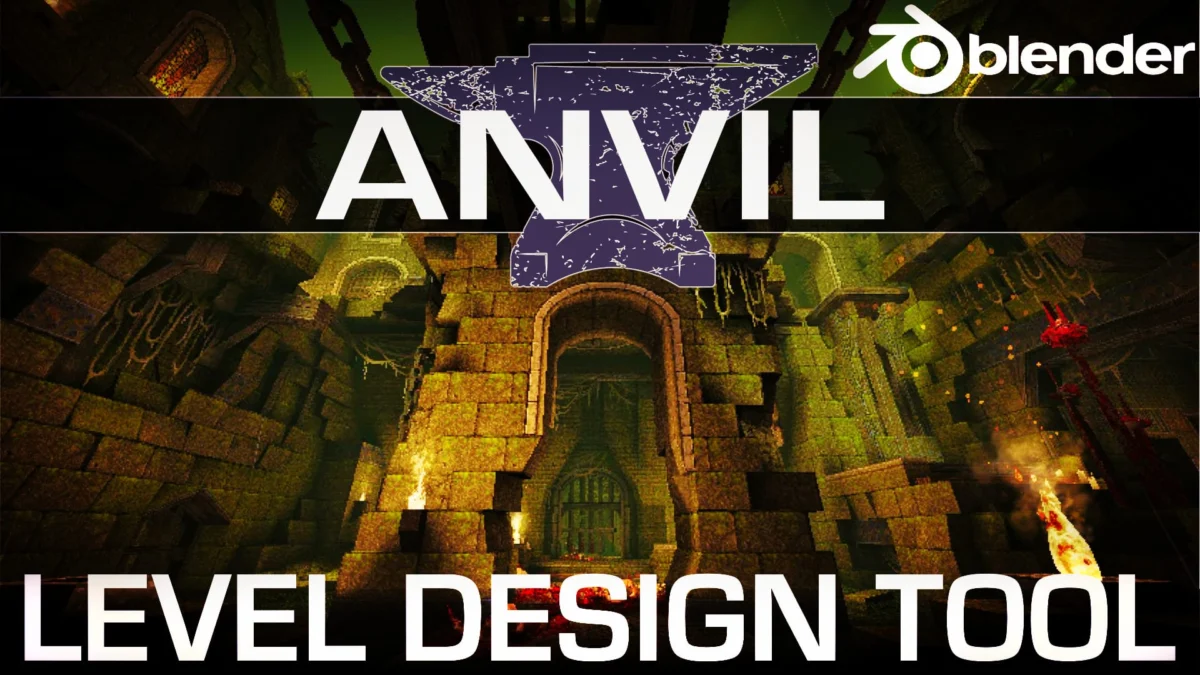
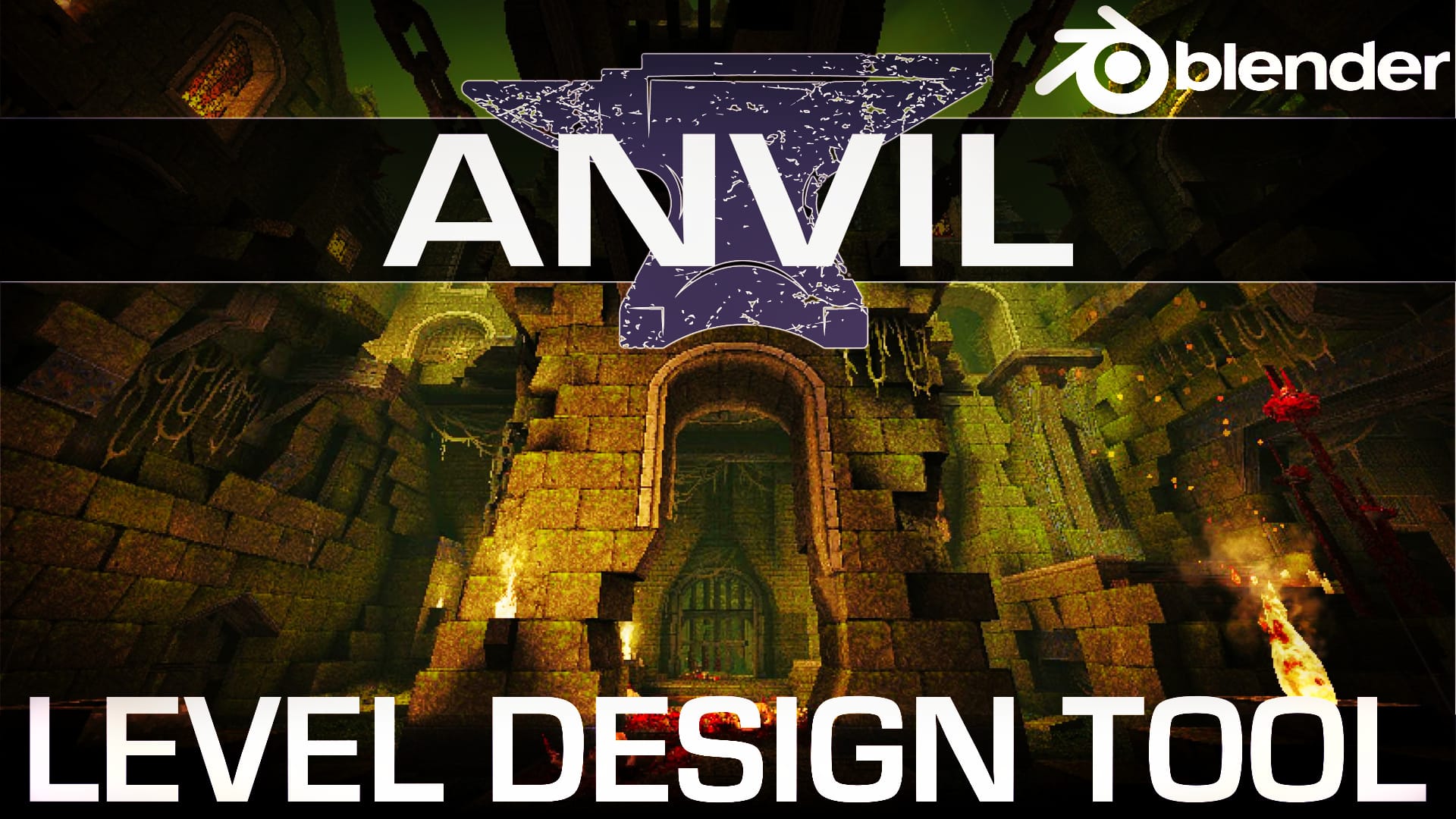
Revolutionizing Game Level Design: Anvil Tool Transforms Blender into a Powerful Creation Suite
London, UK – [Date of Publication] – In a significant development for independent game developers and aspiring level designers, a groundbreaking free and open-source add-on for the popular 3D creation software Blender has emerged, promising to streamline and accelerate the intricate process of game level creation. Dubbed "Anvil Level Design Tool," this powerful suite of features is heavily inspired by the renowned TrenchBroom level editor, a tool celebrated for its efficiency in crafting detailed game environments. Anvil aims to bring a similar level of focused functionality directly into the Blender ecosystem, offering a potent combination of rapid prototyping and sophisticated asset management.
The Anvil Level Design Tool introduces two entirely new workspaces within Blender: "Level Design" and "Hotspot Mapping." These dedicated environments are meticulously crafted to facilitate the swift creation and texturing of game levels, addressing many of the common pain points faced by developers working within a general-purpose 3D modeling application. By integrating specialized tools and workflows, Anvil empowers users to transition from conceptualization to a fully realized level with unprecedented speed and fluidity.
Core Features: A Deep Dive into Anvil’s Capabilities
At its heart, Anvil Level Design Tool is built around a suite of features designed to enhance the entire level design pipeline. The developers have focused on providing robust solutions for material and UV management, intuitive level building tools, precise camera and viewport controls, and optimized export functionalities.
Material & UV Management: Precision at Your Fingertips
Effective material and UV mapping are cornerstones of visually compelling game environments. Anvil addresses this critical aspect with a suite of advanced tools. Users can expect:
- Streamlined Material Assignment: Anvil simplifies the process of assigning materials to brush geometry, allowing for quick iteration and experimentation with different textures and shaders. The interface is designed to be intuitive, reducing the cognitive load associated with managing numerous material assignments in complex scenes.
- Advanced UV Unwrapping Tools: The add-on incorporates specialized UV unwrapping algorithms and manual editing tools that are optimized for game level geometry. This enables designers to achieve clean and efficient UV layouts, crucial for maximizing texture resolution and minimizing visual artifacts.
- Texture Tiling and Offset Controls: Anvil provides direct control over texture tiling and offset parameters within the level editor, allowing for seamless application of repeating textures across large surfaces and precise alignment of detailed textures.
- Material Presets and Libraries: The ability to create and save material presets and libraries is a significant time-saver. Designers can build collections of frequently used materials, ensuring consistency across their projects and enabling rapid application to new geometry.
- Normal Map and Specular Map Integration: Seamless integration with normal and specular maps is essential for creating realistic surfaces. Anvil facilitates the correct application and visualization of these maps, contributing to the overall visual fidelity of the levels.
Hotspot Mapping: Defining Interactivity and Game Logic
Beyond the visual aesthetics, game levels are defined by their interactivity and underlying game logic. Anvil’s "Hotspot Mapping" workspace is dedicated to this crucial aspect, offering a clear and efficient way to define interactive elements and trigger zones. This feature allows designers to:
- Place and Configure Interactive Points: Users can easily place and configure "hotspots" – invisible trigger volumes or points of interaction – within the level. These can range from simple trigger volumes for events to more complex interactive elements like buttons, levers, or enemy spawn points.
- Define Trigger Conditions and Actions: Anvil provides a user-friendly interface for defining the conditions under which a hotspot activates and the subsequent actions it triggers. This might include activating a door, spawning an enemy, playing a sound effect, or initiating a scripted sequence.
- Visualize Hotspot Boundaries: The workspace offers clear visual representations of hotspot boundaries, allowing designers to precisely control their activation areas and avoid unintended triggers.
- Link Hotspots to Game Logic: While Anvil itself is not a game engine, it is designed to facilitate the export of this hotspot data in formats that can be readily interpreted by various game engines, bridging the gap between level design and game programming.
- Debug and Test Hotspot Functionality: The ability to visualize and potentially simulate hotspot interactions within the editor can significantly aid in the debugging process, ensuring that game logic is implemented as intended.
Level Building Tools: Sculpting Worlds with Efficiency
The core of any level editor lies in its ability to construct geometry efficiently. Anvil’s "Level Design" workspace is packed with tools that borrow the best of breed from established editors, adapted for the Blender environment.
- Brush-Based Geometry Creation: Inspired by TrenchBroom, Anvil utilizes a brush-based system for creating architectural elements. This allows for rapid extrusion, manipulation, and Boolean operations on solid geometry, making it ideal for building the fundamental structures of levels.
- Intelligent Snapping and Alignment: Precise placement of geometry is paramount. Anvil offers advanced snapping tools, including grid snapping, vertex snapping, and face snapping, ensuring that architectural elements align perfectly.
- Procedural Generation Aids: While not a fully procedural generation tool, Anvil may include aids that facilitate the creation of repetitive elements, such as modular kits or basic array tools, further accelerating the building process.
- Boolean Operations for Complex Shapes: The ability to perform complex Boolean operations (union, subtraction, intersection) on brush geometry allows designers to create intricate and unique shapes that would be more time-consuming to model using traditional polygonal methods.
- Vertex Manipulation and Edge Beveling: For finer control over geometry, Anvil provides tools for direct vertex manipulation and edge beveling, allowing for the refinement of shapes and the addition of subtle details.
Camera & Viewport Controls: Navigating Your Creation with Ease
Efficient navigation of complex 3D environments is crucial for productivity. Anvil’s camera and viewport controls are designed to be intuitive and responsive.
- TrenchBroom-Style Navigation: Users familiar with TrenchBroom will find the navigation controls highly intuitive, allowing for quick panning, zooming, and orbiting around the level.
- Orthographic and Perspective Views: Seamless switching between orthographic and perspective camera views provides different perspectives for detailed work and overall scene comprehension.
- Customizable Viewport Layouts: The ability to customize viewport layouts allows designers to tailor their workspace to their specific needs, dedicating screen real estate to different views or tool panels.
- Real-time Wireframe and Shaded Previews: Anvil offers real-time previews of the level geometry in both wireframe and shaded modes, providing immediate visual feedback on the construction process.
- Level-of-Detail (LOD) Management Tools: For performance optimization, Anvil may offer tools to assist in managing Level of Detail (LOD) for various elements within the level, ensuring smooth performance in-game.
Export Enhancements: Bridging the Gap to Game Engines
The ultimate goal of a level editor is to facilitate the creation of assets that can be integrated into a game engine. Anvil’s export enhancements are designed to make this transition as seamless as possible.
- Support for Common Game Engine Formats: The add-on aims to support export to widely used game engine formats, such as FBX, OBJ, and potentially engine-specific formats where applicable.
- Optimized Geometry Export: Anvil’s export process is designed to optimize the exported geometry, ensuring clean topology and efficient mesh data for game engine consumption.
- Export of Material and UV Data: Crucially, the export process will include all associated material and UV mapping information, ensuring that textures and shaders are correctly applied in the target game engine.
- Export of Hotspot Data: The unique hotspot mapping data will be exported in a structured format that game developers can easily parse and integrate into their game logic systems.
- Batch Export Capabilities: For complex levels with multiple components, batch export capabilities can significantly speed up the workflow, allowing for the export of various assets in a single operation.
The Anvil Project: A Testament to Open-Source Collaboration
The development of the Anvil Level Design Tool is a testament to the power of the open-source community. While the initial inspiration comes from TrenchBroom, the Anvil project, spearheaded by Alex J. Hetherington, aims to build upon that foundation by integrating these powerful level design capabilities directly into the versatile Blender environment. This fusion offers a compelling alternative to standalone level editors, allowing designers to leverage Blender’s extensive modeling, texturing, and rendering capabilities alongside Anvil’s specialized level design tools.
The project’s GitHub repository serves as the central hub for its development, encouraging collaboration and contributions from the wider community. This open approach ensures that Anvil can evolve rapidly, incorporating new features and addressing user feedback effectively. The availability of Anvil as a free and open-source add-on democratizes access to professional-grade level design tools, lowering the barrier to entry for aspiring game developers.
A Glimpse into the Future: Anvil’s Impact on Game Development
The implications of Anvil Level Design Tool for the game development landscape are significant. For indie developers, it represents a powerful and cost-effective solution for creating complex and engaging game environments. By reducing the reliance on expensive proprietary software or the need to learn entirely new, specialized applications, Anvil allows developers to focus their resources on game design and programming.
Furthermore, the integration within Blender provides a familiar and robust platform. Designers can leverage Blender’s existing strengths in asset creation, animation, and rendering, all within a cohesive workflow. This synergy can lead to faster iteration cycles, improved visual quality, and a more streamlined development process.
The Anvil Level Design Tool is poised to become an indispensable asset for anyone looking to craft compelling game worlds. Its comprehensive feature set, combined with its open-source nature and integration into the Blender ecosystem, marks a significant step forward in the evolution of game level design tools. As the project continues to mature, we can expect it to empower a new generation of creators to bring their imaginative worlds to life.
The project’s key links for further exploration are:
- Anvil Level Design Tool on GitHub: https://github.com/alexjhetherington/anvil-level-design
- Trenchbroom Level Editor: https://trenchbroom.github.io
For a visual demonstration of Anvil in action, a detailed video walkthrough is available, offering insights into its functionality and workflow. For those with limited time, a shorter version of the video is also provided, offering a quick overview of its capabilities.


Leave a Comment