Unlocking the Third Dimension: Navigating the Landscape of Budget Laptops for 3D Printing
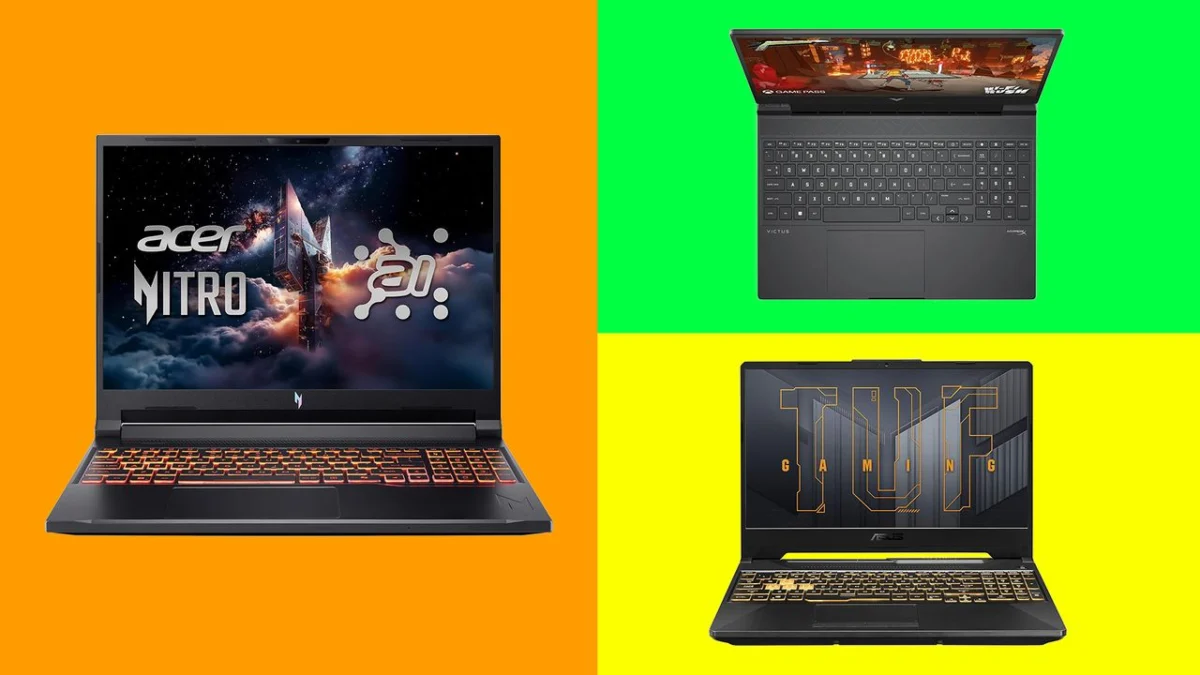
The realm of 3D printing, once a niche pursuit for hobbyists and professionals, is rapidly expanding, becoming more accessible and integrated into various creative workflows. As the cost of 3D printers continues to decrease, the demand for capable yet affordable computing hardware to support this burgeoning field is on the rise. For aspiring 3D printing enthusiasts, selecting the right budget laptop is a crucial first step, balancing the need for sufficient processing power with financial prudence. This guide delves into the top budget-friendly laptop options, dissecting their capabilities and suitability for both simple slicing tasks and more demanding 3D modeling endeavors.
The Evolving Demands of 3D Printing Workflows
The computational requirements for 3D printing are not monolithic; they vary significantly based on the user’s involvement in the creative process. For individuals primarily focused on "slicing" existing 3D models – the process of converting digital designs into layer-by-layer instructions for a 3D printer – the hardware demands are relatively modest. Standard slicing software, such as Cura or PrusaSlicer, can run efficiently on laptops with modest specifications, including processors with four cores, 8GB of RAM, and integrated graphics. However, even for slicing, a dedicated graphics processing unit (GPU) can significantly enhance the user experience by preventing stuttering during model preview rendering, offering a smoother workflow.
The landscape shifts dramatically when users venture into creating their own original 3D designs. This involves utilizing Computer-Aided Design (CAD) software, which places substantial demands on a laptop’s central processing unit (CPU), GPU, and random-access memory (RAM). Sophisticated modeling, intricate detailing, and complex simulations require robust hardware to ensure timely rendering, smooth manipulation of complex geometries, and efficient processing of design iterations. Consequently, budget laptops intended for 3D design work need to strike a delicate balance, offering adequate power without venturing into premium price brackets.
Our Top Picks: Budget Laptops Engineered for 3D Creation
After rigorous testing and evaluation, several budget-friendly laptops have emerged as strong contenders for aspiring 3D printing enthusiasts. These machines offer a compelling blend of performance, affordability, and features that cater to various levels of engagement with 3D printing.
Best Budget Laptop for 3D Printing Overall: Acer Nitro V 16S AI
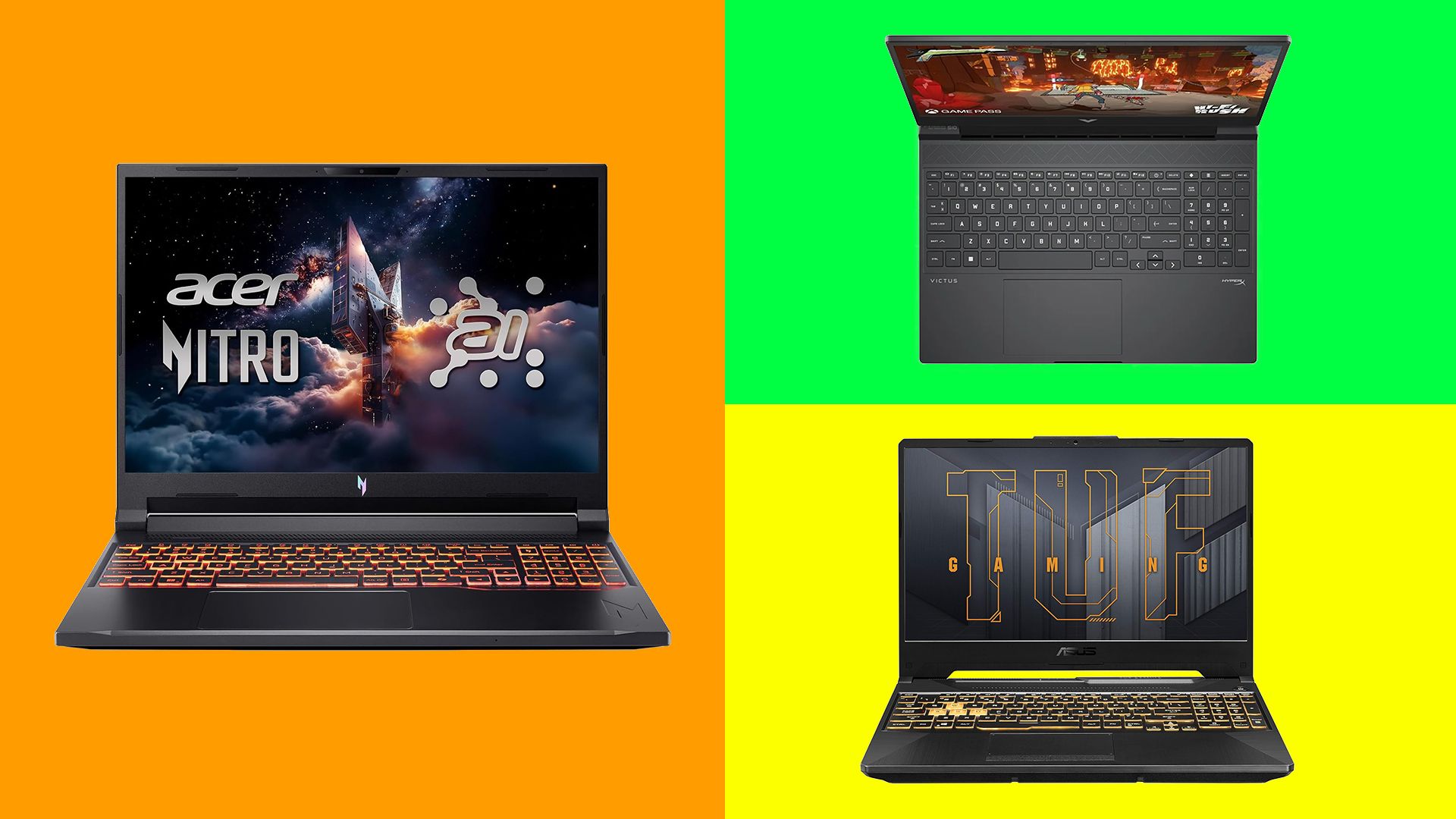
The Acer Nitro V 16S AI, while not strictly "cheap," represents a significant value proposition in the 3D printing laptop market. It bridges the gap between entry-level machines and high-end workstations, offering the graphical prowess necessary for demanding CAD tasks at a more accessible price point than many dedicated gaming laptops.
-
Key Specifications:
- CPU: From AMD Ryzen AI 5 340 to AI 9 365
- Graphics: Nvidia GeForce RTX 5060 or RTX 5070 Ti
- RAM: 16GB or 32GB
- Screen: 16-inch IPS, 2560 x 1600px (WQXGA), 180Hz
- Storage: 512GB to 2TB SSD
- Ports: 2x USB-C, 3x USB-A, 1x HDMI 2.1, 1x RJ-45, 1x MicroSD, 1x HDMI, 1x audio jack
-
Performance Insights: This laptop excels across a diverse range of workflows. Our testing demonstrated reliable benchmark scores in Cinebench and ON1 Resize AI. Furthermore, it handled character creation in Reallusion’s Character Creator and complex modeling in Blender without any discernible performance issues. The higher WQXGA resolution of its 16-inch display is a notable advantage for users focused on printing intricate, small-scale models, as it provides enhanced visual clarity. Its cooling system is also commendable, ensuring sustained performance during intensive tasks.
-
Portability and Design: Despite its 16-inch screen, the Nitro V 16S AI maintains a reasonable level of portability, weighing in at approximately 2.18kg. The design, while carrying gaming aesthetics, is relatively understated, making it suitable for a variety of environments.
-
Considerations: The primary drawbacks are its relatively short battery life, typically around six hours, and its price point, which, while competitive for its capabilities, may still be a significant investment for some.
-
Ideal For: Hobbyists and semi-professionals seeking a reliable machine for both slicing and moderate CAD work without a prohibitive financial outlay.
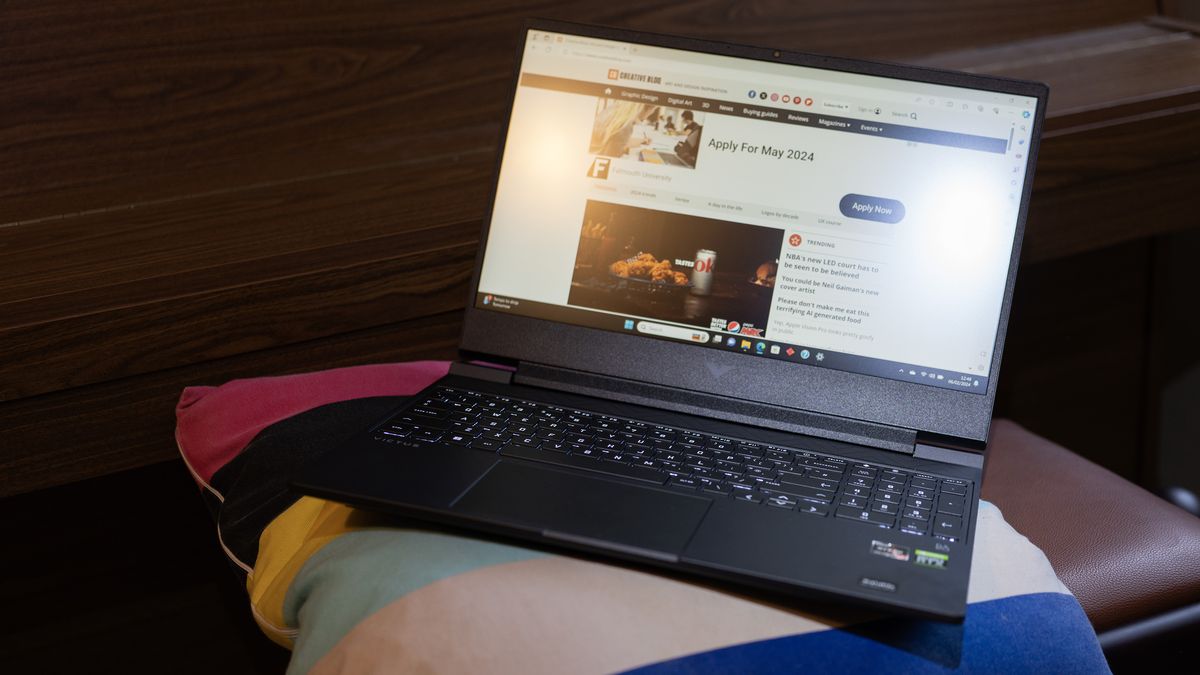
The Best for Beginners: HP Victus 15
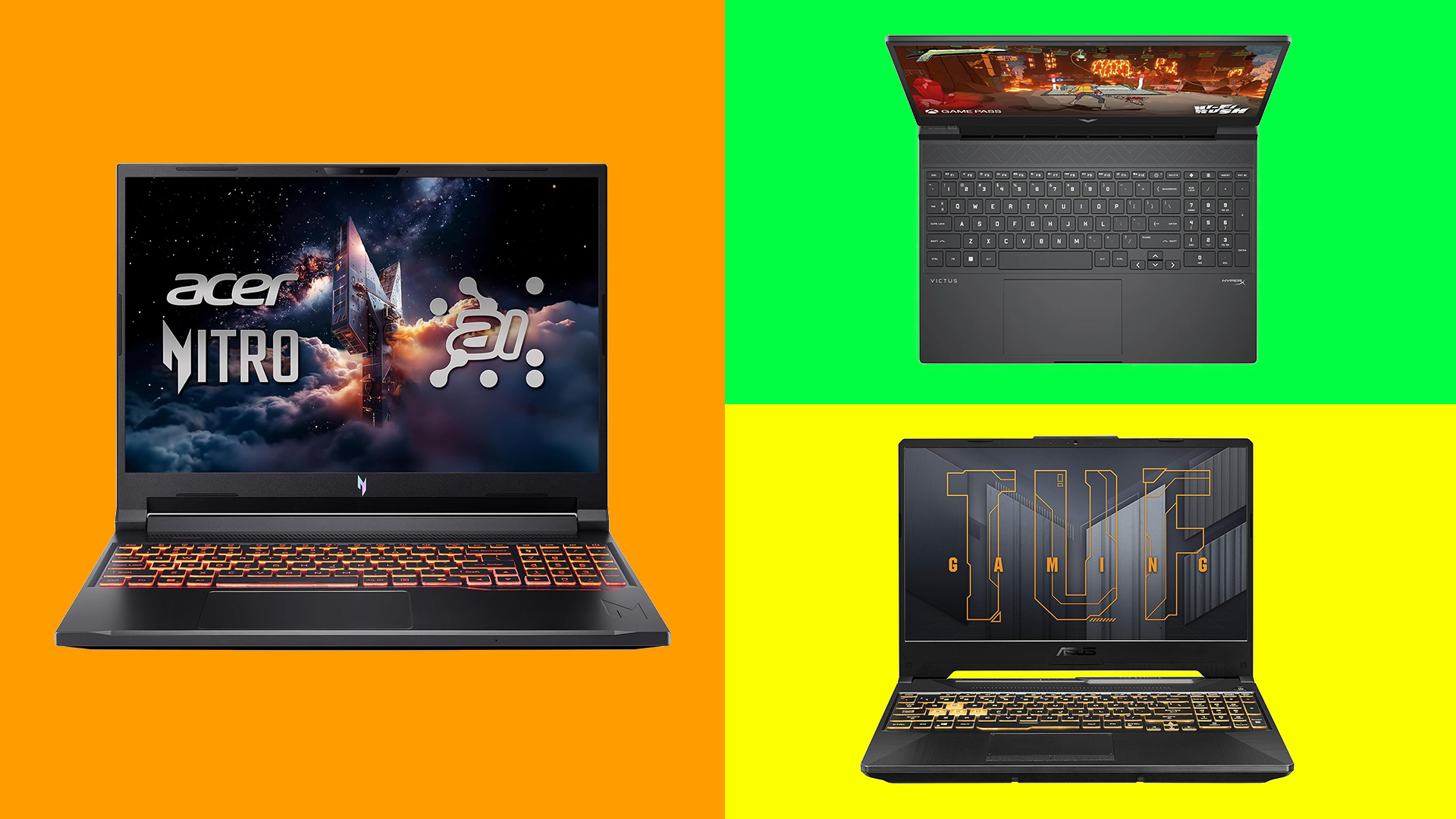
For individuals new to 3D printing, particularly those whose primary focus is slicing existing models, the HP Victus 15 offers an excellent entry point. It provides sufficient power to begin exploring basic design work, making it a cost-effective choice that allows for future growth.
-
Key Specifications:
- CPU: Up to AMD Ryzen 7 8845H
- Graphics: Up to Nvidia GeForce RTX 4060
- RAM: 8GB, 16GB, or 32GB
- Screen: 15.6-inch IPS 1920 x 1080px (FHD), 144Hz
- Storage: Up to 1TB SSD
- Ports: 1x USB-C, 2x USB-C, 1x HDMI 2.1, 1x audio jack
-
Performance Insights: The Victus 15, often available for under $1,000 / £900, comes equipped with dedicated Nvidia graphics, starting with the RTX 5050. Even in previous generations, our testing revealed only occasional stutters when navigating models in Fusion 360 or rendering previews in Orca Slicer. This level of performance is more than adequate for basic slicing and light CAD tasks.
-
Build Quality and Design: The build quality of the Victus 15 is impressive for its price segment. Its design is relatively discreet for a gaming laptop, making it a versatile machine. The FHD display, while not as high-resolution as the Acer Nitro, is sufficient for most entry-level 3D printing needs, particularly for resin printing and standard slicing software.
-
Considerations: The base configuration might be slightly underpowered for intensive CAD work, potentially leading to stutters when rendering complex previews. The design, while understated, can be considered somewhat dated by some users.
-
Ideal For: Beginners interested in slicing and printing existing models, with the capacity to experiment with hobbyist-level CAD work.
The Best Durable Budget Laptop for 3D Printing: Asus TUF Gaming A15
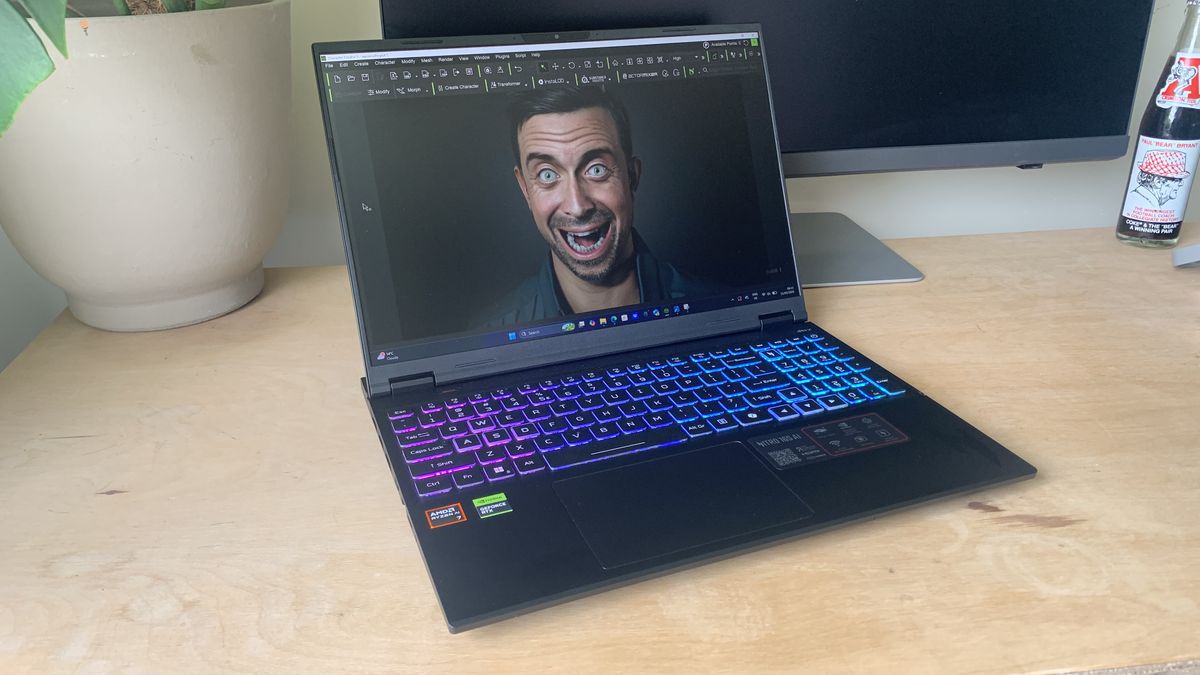
For users who require a rugged and portable solution for 3D printing on the go, the Asus TUF Gaming A15 stands out. Its robust construction and impressive battery life make it an ideal companion for workshops, makerspaces, and travel.
-
Key Specifications:
- CPU: AMD Ryzen 7
- Graphics: Nvidia GeForce RTX 4060
- RAM: 16GB or 32GB
- Screen: 15.6-inch IPS 1920 x 1080px (FHD), 144Hz
- Storage: 512GB or 1TB SSD
- Ports: 2x USB-A, 2x USB-C, 1x HDMI, 1x audio jack
-
Performance Insights: The TUF Gaming A15, particularly in configurations featuring an AMD Ryzen 7, RTX 4050, and 16GB of RAM, delivers strong performance in benchmark tests, including the real-world scenario simulations of GeekBench 6. The GPU competently handles 3D modeling in both CAD software and Blender.
-
Battery Life and Portability: A standout feature of the TUF A15 is its exceptional battery life. In our testing, it achieved nearly ten hours on PCMark 10’s battery test, a remarkable feat for a gaming-oriented laptop. Its fast-charging capability, reaching 50% charge in approximately 30 minutes, further enhances its portability, reducing the reliance on constant access to power outlets. Despite weighing around 2.3kg (5.1lb), comparable to the HP Victus 15, it feels more durable and robust.
-
Considerations: While a strong performer, the screen quality is considered merely "OK" in comparison to some other options on this list.
-
Ideal For: Users who prioritize durability and extended battery life for mobile 3D printing workflows.
Best Budget Apple Laptop for 3D Printing: Apple MacBook Air (M4, 15-inch, previous generation)
While Apple has since released the M5 MacBook Air, last year’s M4-equipped model remains a compelling choice for those preferring the macOS ecosystem for their 3D printing endeavors. It offers efficient performance for slicing and can handle introductory CAD tasks.
-
Key Specifications:
- CPU: Apple M4 (10-core CPU)
- Graphics: 10-core GPU
- RAM: 16GB or 32GB
- Screen: 15.3-inch 2,880 x 1,864 Liquid Retina
- Storage: 256GB, 512GB, 1TB, or 2TB
- Ports: 2x Thunderbolt 4 (USB-C), audio jack, MagSafe 3 charging port
-
Performance Insights: The M4 chip provides remarkable efficiency, enabling the MacBook Air to run demanding software without active cooling. Our testing yielded an impressive Geekbench 6 single-core score of 3,721, a testament to Apple Silicon’s power. The 15-inch Liquid Retina display is a highlight, boasting excellent brightness (up to 532 nits) and 100% DCI-P3 color coverage, making it suitable for color-critical work. A significant improvement is the standard inclusion of 16GB of unified memory in the base configuration, addressing a previous limitation.
-
Battery Life and Ecosystem: As expected from Apple, the battery life is exceptional, providing up to 18 hours of video playback. A wide array of 3D printing and design software, including Blender, Cura, Tinkercad, FreeCAD, and Autodesk Fusion, is available for macOS.
-
Considerations: A key limitation for some users is that industry-standard CAD programs like 3ds Max and SolidWorks remain Windows-exclusive.
-
Ideal For: Mac users seeking an efficient, portable, and power-efficient laptop for slicing and introductory 3D modeling.
How to Choose the Right Budget Laptop for Your 3D Printing Needs
The selection of a budget laptop for 3D printing hinges on a clear understanding of your specific requirements and aspirations within the field.
1. Define Your Primary Use Case:
- Slicing Only: If your primary activity involves preparing downloaded 3D models for printing, a laptop with a decent quad-core processor, 8GB of RAM, and an integrated GPU will suffice. However, a dedicated GPU will enhance the preview experience.
- Basic 3D Design & Slicing: For those who intend to create their own designs but at a foundational level, a laptop with at least 16GB of RAM and a dedicated GPU is recommended. This will allow for smoother operation of entry-level CAD software.
- Advanced 3D Modeling: If you plan to engage in complex design, sculpting, or simulation, you will need a more powerful machine with a higher-end GPU, 16GB of RAM (or more), and a potent CPU. This might push you beyond the strict definition of "budget," but investing in a more capable machine upfront can prevent costly upgrades later.
2. Consider the Display:
While not the most critical factor for basic slicing, a higher-resolution display (like WQXGA) can be beneficial for intricate models, offering greater detail and precision. For color-critical design work, look for displays with 100% DCI-P3 color coverage and a Delta E value below 2. For those who also enjoy gaming, a fast refresh rate becomes an important consideration.
3. Storage Requirements:
3D printing files (STL, OBJ) are generally small, typically ranging from 1MB to 50MB. Sliced files (G-code) are larger, from 10MB to 100MB, due to their detailed printer instructions. Raw CAD files can also vary in size but rarely exceed a few hundred megabytes. For 3D printing alone, a 512GB SSD is often sufficient. However, if you plan to engage in video editing, store extensive model libraries, or work with very large designs, you may need 1TB or more. Cloud storage or external hard drives can also supplement internal storage.
4. Portability vs. Power:
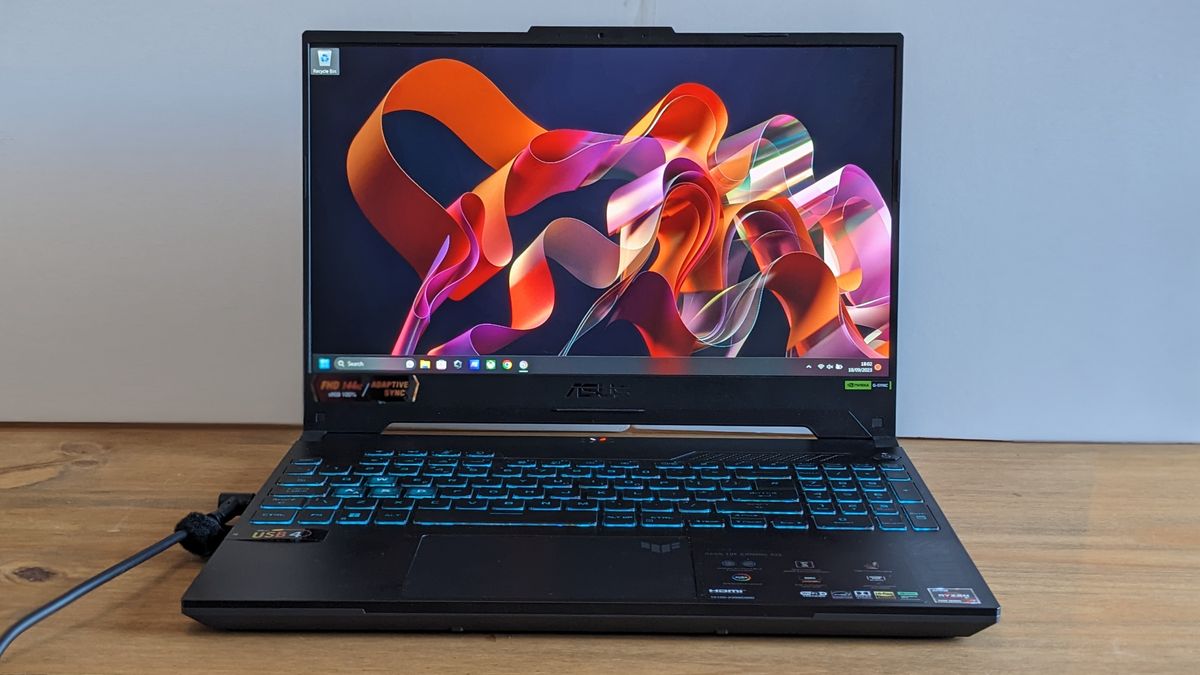
There’s often a trade-off between a laptop’s power and its portability. Gaming laptops, which offer strong performance, can be heavier and have shorter battery lives. Ultrabooks are more portable but may lack the graphical oomph for demanding 3D tasks. Consider how often you’ll be on the move and prioritize accordingly. The Asus TUF Gaming A15 is a good example of a durable option that balances power with portability.
5. Operating System:
While Windows remains the dominant platform for many professional CAD applications, macOS has a growing ecosystem of powerful creative software. Ensure that the specific 3D modeling and slicing software you intend to use is compatible with your chosen operating system.
The Technical Backbone: Essential Laptop Specs for 3D Printing
Understanding the specific hardware components and their roles is crucial when evaluating laptops for 3D printing:
- CPU (Central Processing Unit): The brain of the laptop, responsible for executing instructions. For slicing, a quad-core processor is a minimum. For 3D modeling, aim for CPUs with higher core counts and clock speeds (e.g., Intel Core i5/i7/i9 or AMD Ryzen 5/7/9 series).
- GPU (Graphics Processing Unit): Crucial for rendering 3D models, handling complex geometries, and accelerating visual computations. A dedicated Nvidia GeForce RTX (e.g., RTX 3050, 4050, 4060) or AMD Radeon RX series GPU is highly recommended for 3D modeling. For slicing only, integrated graphics might suffice, but a dedicated GPU offers a smoother experience.
- RAM (Random-Access Memory): This is where your laptop temporarily stores data for active applications. For slicing, 8GB is a minimum, but 16GB is ideal for smoother operation and multitasking. For 3D modeling, 16GB is strongly recommended, and 32GB or more can significantly improve performance with very complex models.
- Storage (SSD): Solid-state drives (SSDs) offer significantly faster loading times and overall system responsiveness compared to traditional hard drives. For 3D printing, an SSD is essential for a fluid user experience. Capacity depends on your needs, but 512GB is a good starting point.
- Display: Resolution (Full HD 1920×1080 is standard, WQXGA 2560×1600 offers more detail), color accuracy (DCI-P3 coverage), and refresh rate (for smoother visuals, especially in gaming) are key considerations.
Rigorous Testing: Our Approach to Laptop Evaluation
At Creative Bloq, our laptop recommendations are grounded in comprehensive testing methodologies. We go beyond synthetic benchmarks, subjecting each device to real-world workflows relevant to creative professionals. For 3D printing laptops, this involves:
- CAD Software Performance: We utilize industry-standard CAD applications to assess modeling fluidity, rendering speeds, and overall system responsiveness when manipulating complex 3D objects.
- Slicer Software Evaluation: We test popular slicing programs like Cura and PrusaSlicer, evaluating their performance in processing models, generating toolpaths, and rendering previews.
- Benchmark Tests: Standardized tests like Cinebench and Geekbench are employed to provide quantifiable performance metrics across CPU and GPU capabilities.
- Real-World Project Simulation: Reviewers use the laptops to complete actual creative projects, mimicking the tasks a user would perform in their daily workflow.
- User Experience Assessment: Factors such as build quality, thermal performance, keyboard comfort, trackpad usability, and display quality are meticulously evaluated to ensure a holistic user experience.
By combining these testing protocols, we aim to provide our readers with informed and reliable recommendations that truly reflect the capabilities of each laptop in the context of their intended use. The journey into 3D printing is an exciting one, and with the right budget laptop, it can be an accessible and rewarding experience.