The Power Unleashed: Navigating the Elite AI Laptops for Demanding Motion Design and VFX Workflows

In the rapidly evolving landscape of digital creation, the demand for computing power that can keep pace with increasingly sophisticated software has never been greater. For professionals immersed in the visually intensive worlds of motion design and visual effects (VFX), the need for specialized hardware is not a luxury, but a fundamental requirement. This is where the advent of "AI laptops" – machines engineered to leverage the burgeoning power of artificial intelligence for creative tasks – becomes not just relevant, but transformative. These are not your average consumer laptops; they represent a specialized tier, built to handle the immense processing demands of industry-standard software, accelerating workflows and unlocking new creative possibilities.
The core advantage of an AI laptop for these professionals lies in its ability to execute AI-assisted creative tools locally. This means that tasks such as denoising complex renders, upscaling low-resolution footage, automating rotoscoping, and performing intricate motion tracking can be handled directly on the device, without the latency and dependency of cloud-based processing. This not only saves valuable time but also alleviates the burden on traditional CPU and GPU resources, allowing for a smoother, more responsive creative experience.
While general graphic design laptops offer a solid foundation, the specialized needs of motion design and VFX push hardware to its absolute limits. This article delves into the cutting edge of AI-powered laptops, identifying the top contenders that empower creators to push boundaries, refine their craft, and bring their most ambitious visions to life. We will explore the best overall performer, a leading Windows alternative, a budget-conscious option for those with fiscal constraints, and a powerhouse workstation for those who prioritize raw power above all else.
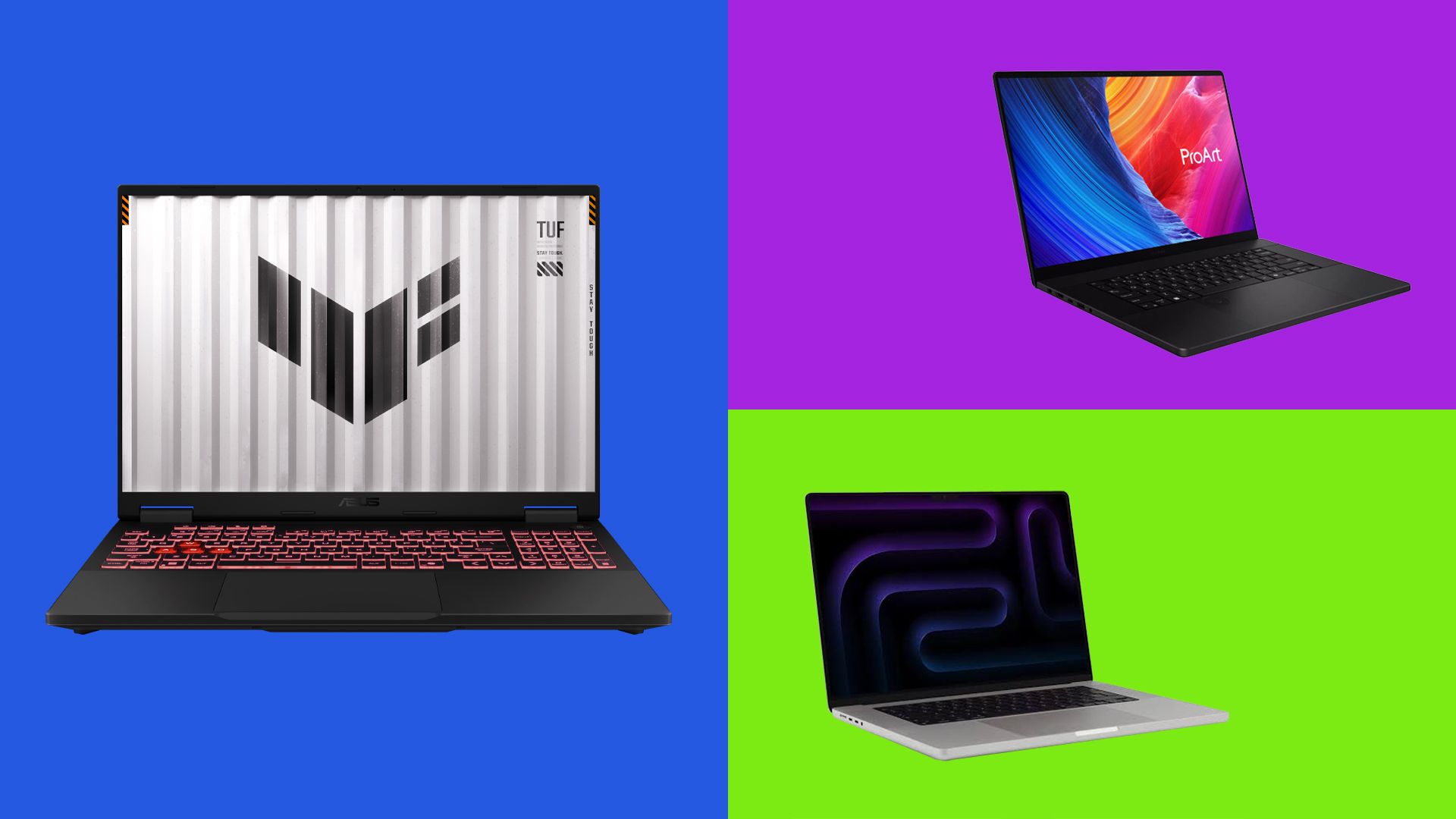
The Pinnacle of Performance: Apple MacBook Pro 16-inch (M5 Max, 2026)
Best overall AI laptop for motion design and VFX
For those at the forefront of motion graphics and VFX, the pursuit of seamless performance is paramount. The Apple MacBook Pro 16-inch, equipped with the groundbreaking M5 Max chip, emerges as the undisputed champion, offering a formidable combination of raw multi-core processing power, an exceptionally capable integrated GPU, and Apple’s most advanced Neural Engine to date. This synergy of hardware components is meticulously engineered to tackle the most demanding creative workloads with unparalleled efficiency.
Specifications
- CPU: Apple M5 Max (18-core: 12 performance, 6 efficiency)
- GPU: Integrated, up to 40-core
- NPU: Apple Neural Engine (16-core)
- Display: 16.2-inch Liquid Retina XDR, 3456 x 2234, up to 120Hz
- RAM: Up to 128GB unified memory
- Storage: Up to 4TB SSD
Reasons to Buy
- Class-leading Performance: The M5 Max chip delivers exceptional speed and responsiveness for all creative tasks.
- Massive Memory and Storage: Ample unified memory and vast SSD options handle enormous project files with ease.
- Exceptional Battery Life: Enjoy extended creative sessions without being tethered to a power outlet.
Reasons to Avoid
- Weight: While portable, it is not the lightest option on the market.
- No OLED Panel: Lacks the deep blacks and infinite contrast of OLED displays.
- Premium Price Tag: Represents a significant investment, particularly in fully configured models.
The MacBook Pro with the M5 Max chip is not merely a laptop; it’s a portable powerhouse designed to accelerate every facet of the motion design and VFX workflow. Its 18-core CPU, a sophisticated arrangement of high-performance and high-efficiency cores, is complemented by a significantly enhanced GPU. Crucially, each GPU core now houses its own dedicated Neural Accelerator. This architectural innovation is the key to unlocking the full potential of AI-assisted tools within applications like Final Cut Pro, DaVinci Resolve, and Cinema 4D. These AI features, such as intelligent denoising, advanced motion tracking, and generative fill, can now operate locally, bypassing the need for cloud processing and dramatically reducing render times. Early benchmarks suggest a graphical performance increase of approximately 50% over the previous M4 Pro and M4 Max generations, with specific applications like DaVinci Resolve Studio exhibiting rendering speeds up to five times faster.
Beyond raw processing power, the MacBook Pro excels in its memory and storage capabilities. With configurations offering up to 128GB of unified memory and a staggering 4TB of SSD storage, this machine is built to effortlessly manage gargantuan project files, complex 3D scenes, and extensive video assets without any discernible slowdown. This capacity is critical for professionals working with high-resolution footage and intricate visual effects. Furthermore, the device boasts impressive battery life, allowing for extended periods of productivity away from a power source – a significant advantage for on-the-go creators and those working in collaborative environments.
However, the extraordinary performance of the MacBook Pro comes with a substantial price tag. Fully configured M5 Max models can easily enter five-figure territory, a cost that might be considered steep, especially considering that Apple has yet to integrate OLED displays or touchscreens into its Pro line. For individuals and studios who are deeply committed to motion graphics and VFX and can justify the investment, this MacBook Pro represents a long-term asset, promising significant returns in terms of saved time and enhanced creative output.
Historical Context and Evolution
The introduction of Apple’s M-series chips marked a significant shift in laptop performance, particularly for creative professionals. The transition from Intel processors to Apple’s custom silicon, beginning with the M1 chip, has been characterized by a relentless pursuit of performance and efficiency. Each subsequent generation, including the M2, M3, and now the anticipated M5 Max, has introduced incremental yet impactful improvements. The M5 Max, in particular, builds upon the architectural foundations laid by its predecessors, focusing on amplifying both GPU and Neural Engine capabilities. This strategic evolution directly addresses the growing integration of AI into creative software, ensuring that Apple’s flagship laptops remain at the vanguard of the industry. The performance leaps observed between generations, such as the 50% increase in graphics performance and the five-fold acceleration in DaVinci Resolve Studio, underscore Apple’s commitment to pushing the boundaries of what’s possible in portable computing for demanding creative tasks.
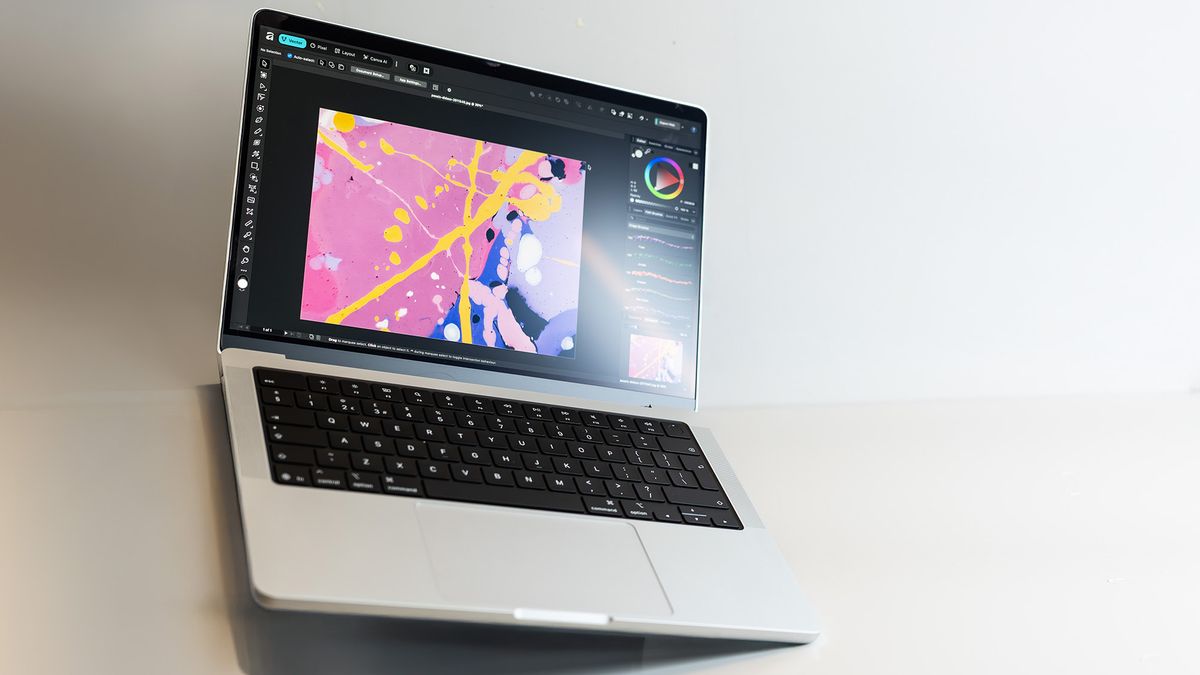
The Windows Powerhouse: ASUS ProArt P16
Best Windows AI laptop for motion design and VFX
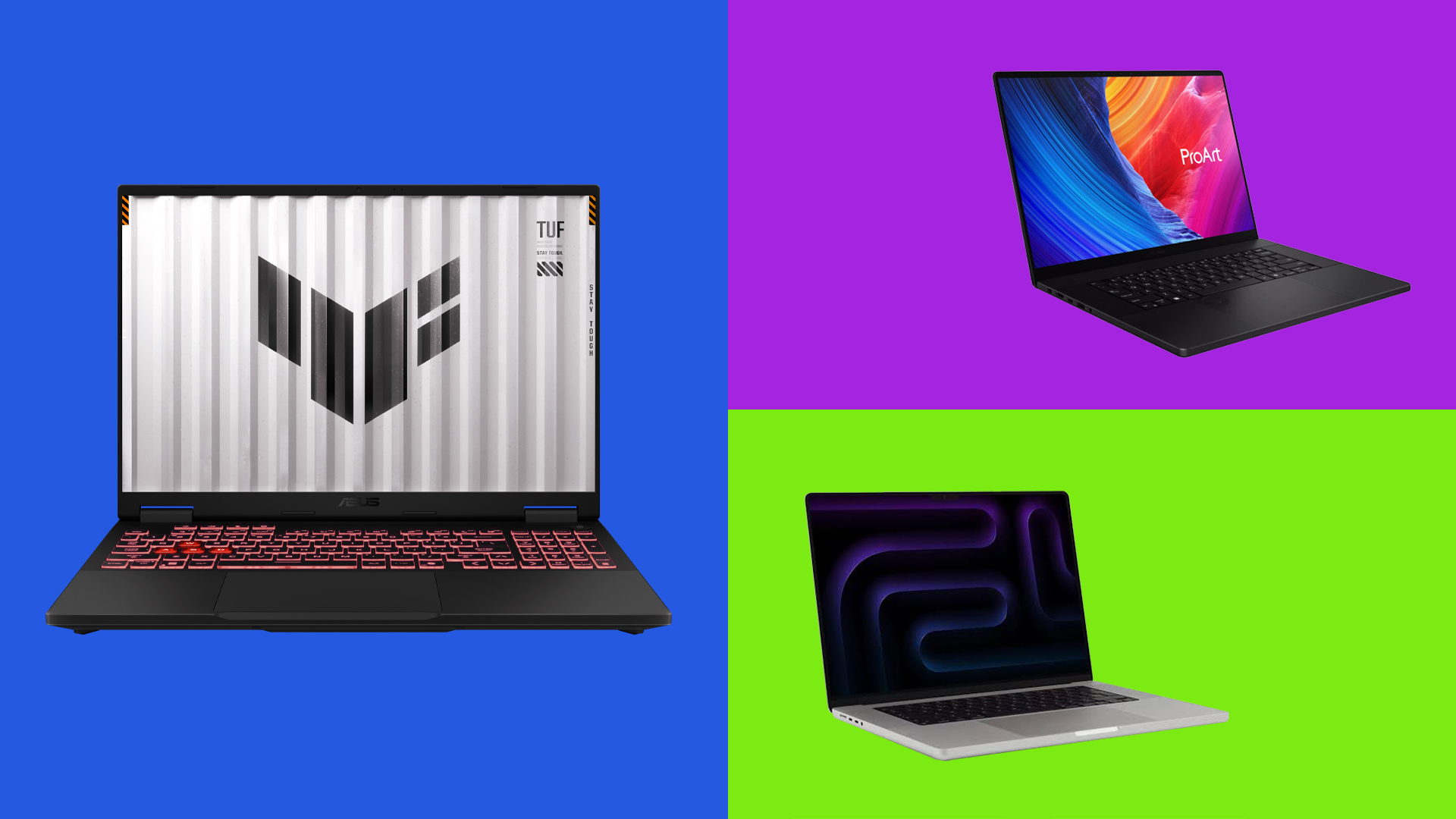
For professionals who prefer the Windows ecosystem, the ASUS ProArt P16 stands as a formidable competitor, meticulously crafted to rival the capabilities of its macOS counterparts. This laptop is engineered with the specific demands of creative professionals in mind, offering a robust platform for motion graphics and VFX work.
Specifications
- CPU: AMD Ryzen AI 9 HX 370
- GPU: Nvidia GeForce RTX 5070 Laptop GPU
- NPU: AMD XDNA (up to 50 TOPS)
- Display: 16-inch OLED touchscreen, 3K (2880 x 1800), 120Hz
- RAM: Up to 64GB LPDDR5x-7500
- Storage: 2TB PCIe 4.0 SSD (expandable)
Reasons to Buy
- Exceptional Power: Combines a potent CPU with a high-end Nvidia GPU for demanding tasks.
- Stunning Touchscreen: The brilliant OLED display offers vibrant colors and interactive control.
- Evolving Creator Hub: ASUS’s integrated software suite enhances creative workflows.
Reasons to Avoid
- Higher Price Point: Competes with premium-priced devices in the market.
- Proprietary Power Port: Requires specific ASUS chargers, limiting charging flexibility.
The ASUS ProArt P16 distinguishes itself with its powerful Nvidia GeForce RTX 5070 Laptop GPU, representing a significant leap in graphics performance compared to previous models. This enhancement translates to a noticeable improvement, estimated between 25-28%, in graphics-intensive tasks. Consequently, applications such as Adobe Premiere Pro, Photoshop, and various generative AI tools operate with remarkable fluidity, even when handling feature-rich and complex files. The integration of the AMD XDNA NPU, boasting up to 50 TOPS (Trillions of Operations Per Second), further bolsters the laptop’s AI capabilities. This dedicated AI processing unit efficiently manages on-device AI computations within ASUS’s proprietary Creator Hub software, tasks like sketch enhancement and image generation. By offloading these processes from the main GPU, it ensures that the RTX 5070 remains free to focus on demanding rendering tasks.
A standout feature of the ProArt P16 is its 3K OLED touchscreen. This display not only delivers breathtaking visual fidelity with near-full DCI-P3 color gamut coverage and exceptional color accuracy but also offers a hands-on, stylus-driven control experience that is highly valued by artists. This tactile interaction is something currently absent from Apple’s Pro line, making the ProArt P16 a compelling choice for creators who benefit from direct manipulation of their digital canvas.
However, this level of performance does come with certain trade-offs. Under sustained heavy loads, such as prolonged rendering sessions, users may notice increased fan noise and heat generation. Additionally, the laptop utilizes a proprietary charging port, which necessitates the use of ASUS-specific chargers, limiting charging versatility. Despite these considerations, the ASUS ProArt P16 is undeniably the most well-rounded Windows AI laptop for creative professionals working in motion graphics and VFX today, offering a potent blend of performance, display quality, and integrated creative tools.
Supporting Data and Benchmarks
The performance claims for the ASUS ProArt P16 are substantiated by industry-standard benchmarks and real-world application tests. The RTX 5070 Laptop GPU, when compared to previous generations or lower-tier GPUs, consistently shows significant gains in rendering times for 3D scenes and video effects. For instance, in applications like Adobe Premiere Pro, tasks such as applying complex Lumetri color grading or rendering timeline previews can see reductions in processing time by as much as 25-28%. The AMD XDNA NPU’s 50 TOPS rating is also a critical data point, indicating its capacity to handle a substantial number of AI operations per second. This translates to faster execution of AI features within software, such as intelligent upscaling in video editing suites or AI-powered object removal in compositing software, without a significant impact on the overall system performance. The OLED display’s color accuracy, often measured by Delta E values, typically falls below 2, indicating near-perfect color reproduction, which is crucial for color-critical work in VFX and motion graphics.
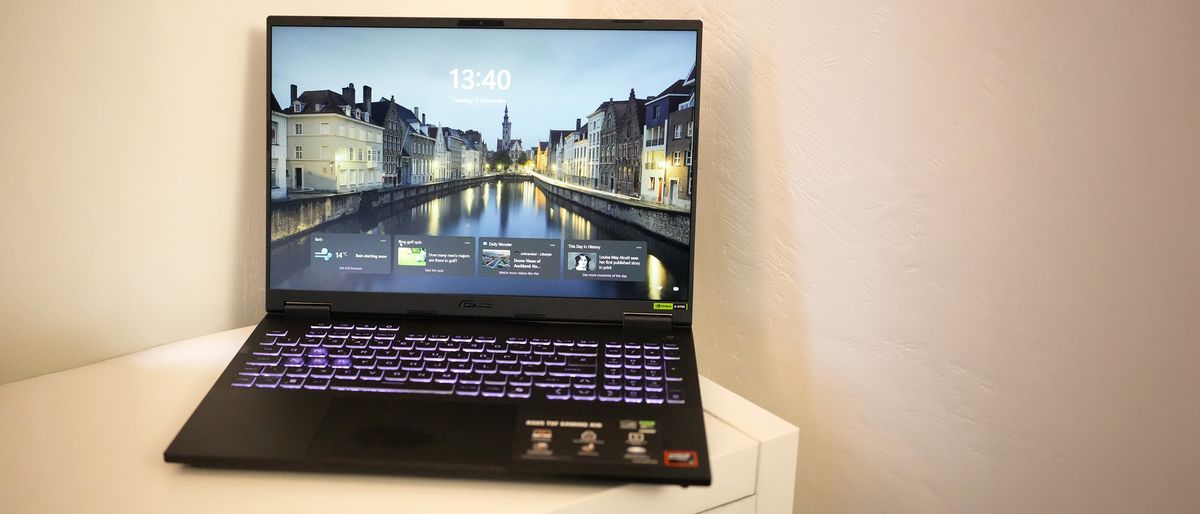
The Accessible Powerhouse: ASUS TUF Gaming A16
Best budget AI laptop for motion design & VFX
For motion design and VFX professionals operating with budget constraints, the ASUS TUF Gaming A16 demonstrates that even an entry-level discrete GPU can provide a significant advantage over relying solely on integrated graphics. This laptop offers a compelling entry point into the world of AI-assisted creative work without demanding a premium price.
Specifications
- CPU: AMD Ryzen 7 260 (8-core)
- GPU: Nvidia GeForce RTX 5050, 8GB, 55W
- NPU: AMD XDNA (16 TOPS)
- Display: 16-inch IPS, 1920 x 1200, 165Hz
- RAM: 16GB DDR5-5600
- Storage: 1TB SSD
Reasons to Buy
- Robust CPU Performance: The AMD Ryzen 7 provides strong processing capabilities for general tasks.
- Capable Discrete Graphics: The RTX 5050 offers a tangible upgrade over integrated solutions.
- Respectable Battery Life: Offers a surprisingly good endurance for a gaming-oriented laptop.
Reasons to Avoid
- Price Point: While budget-friendly for its class, it still represents a notable investment.
- Fan Noise: Can become audible under sustained load.
The ASUS TUF Gaming A16 is equipped with an Nvidia GeForce RTX 5050 GPU, an accessible yet capable discrete graphics solution. This GPU comfortably handles everyday 2D creative tasks within Photoshop and is also competent in 3D and AI-assisted applications, although it naturally falls behind more expensive options when dealing with heavy video editing in applications like Adobe Premiere Pro. The laptop’s NPU, rated at a modest 16 TOPS, means that the GPU is primarily responsible for the heavy lifting in AI-intensive tasks, rather than on-device AI acceleration.
The display on the TUF Gaming A16 is bright and covers the sRGB color space comprehensively. However, it falls short of the wider DCI-P3 and Adobe RGB gamuts that are crucial for color-critical grading. Consequently, this laptop is best suited for tasks like layout, compositing, and general motion graphics rather than precise color work. A pleasant surprise for a gaming laptop is its battery life, which can deliver nearly eight hours of usage in everyday scenarios. While not the absolute best AI laptop for high-end motion graphics and VFX, the ASUS TUF Gaming A16 provides an affordable and capable entry point for professionals who cannot yet justify the investment in a full workstation-grade GPU.
Market Positioning and Value Proposition
The ASUS TUF Gaming A16 occupies a unique position in the market by democratizing access to dedicated graphics and AI capabilities. Historically, laptops suitable for professional creative work, especially those with discrete GPUs, have been prohibitively expensive. By integrating an RTX 5050 and a capable AMD CPU into a gaming chassis, ASUS has created a machine that offers a significant performance upgrade over standard consumer laptops at a more accessible price point. While it may not excel in every niche area like color accuracy or raw rendering speed compared to its higher-end counterparts, its value lies in providing a functional and accelerated workflow for a broader range of creative professionals. The 16 TOPS NPU, while not groundbreaking, still offers a foundational level of AI acceleration that can contribute to smoother performance in supported applications, setting it apart from laptops entirely reliant on CPU-based processing for AI tasks.
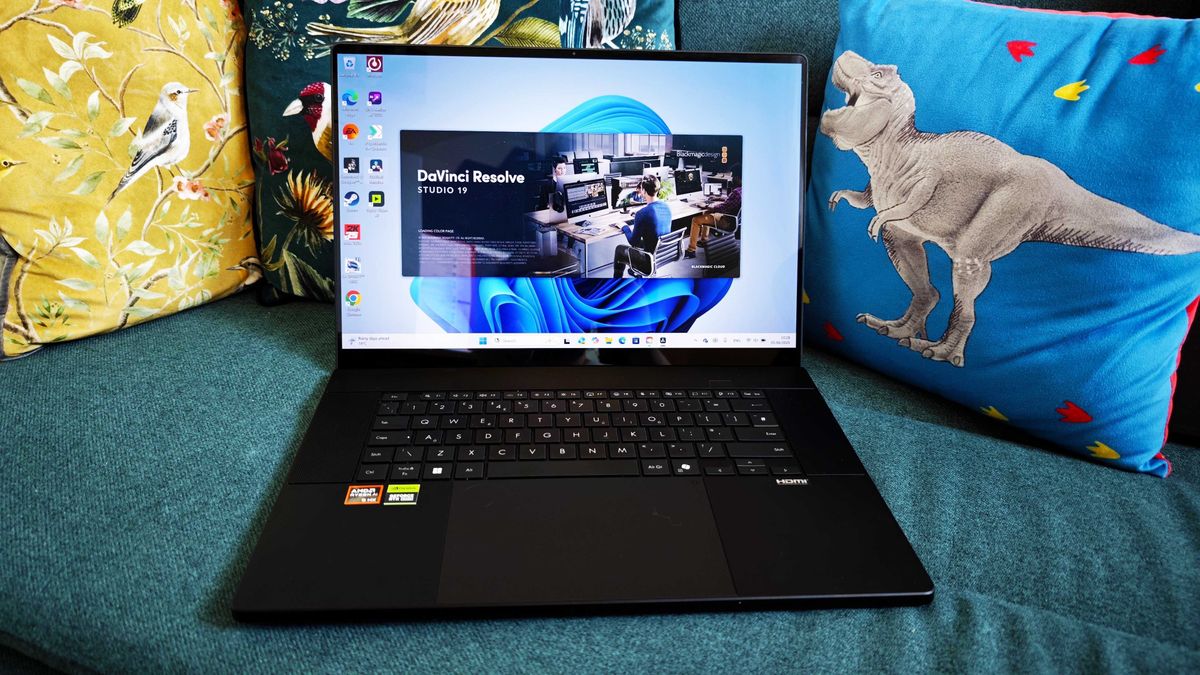
The Uncompromising Powerhouse: Lenovo Legion Pro 7
Best workstation for motion design & VFX
For professionals who prioritize raw power and portability in a desktop-replacement form factor, the Lenovo Legion Pro 7 stands as an exceptional choice. This machine blurs the lines between a laptop and a dedicated workstation, offering unparalleled performance for the most demanding creative and gaming workloads.
Specifications
- CPU: Intel Core Ultra 9 275HX
- GPU: Nvidia GeForce RTX 5090 Laptop, 16GB VRAM
- NPU: Intel AI Boost
- Display: 16-inch OLED, 2560 x 1600 (QHD), 240Hz
- RAM: Up to 64GB DDR5-6400
- Storage: Up to 2TB SSD (dual M.2)
Reasons to Buy
- Extreme Performance: The RTX 5090 GPU delivers unmatched rendering and 3D processing capabilities.
- Stunning OLED Display: The vibrant 16-inch OLED screen provides excellent color accuracy for critical work.
- Superb Keyboard: Offers a comfortable and precise typing experience for extended use.
Reasons to Avoid
- Size and Weight: Its powerful internals contribute to a larger and heavier chassis.
- High Cost: Represents a significant financial investment.
- Limited Battery Life: Performance heavily relies on AC power.
The Lenovo Legion Pro 7 is equipped with the flagship Nvidia GeForce RTX 5090 Laptop GPU, a component that significantly outpaces all other laptops on this list in terms of rendering and 3D processing capabilities. This makes it an ideal choice for studios and freelancers who require workstation-class performance in a portable package. The Intel AI Boost NPU, while playing a secondary role to the GPU in day-to-day intensive use, still contributes by offloading lighter background AI tasks, enhancing overall system efficiency.
The 16-inch OLED display is a significant asset, covering the full DCI-P3 color space. This ensures exceptional color accuracy, making it suitable for serious photo editing, color grading, and VFX previews. While the laptop is a powerhouse, it does come with certain compromises. Its size and weight are considerable, reflecting its substantial internal components. Furthermore, battery life away from a power outlet is limited, especially when the GPU is under heavy load. An unexpected omission for a creative-focused laptop is the lack of an SD card slot. Nevertheless, for those who demand uncompromising workstation-level performance in a portable shell, the Lenovo Legion Pro 7 is the premier recommendation.
Official Responses and Industry Trends
The development and integration of AI into hardware like the Lenovo Legion Pro 7 reflect broader industry trends. Manufacturers are increasingly recognizing the growing demand for AI acceleration across various computing domains, from gaming to professional creative applications. Nvidia’s commitment to developing increasingly powerful laptop GPUs, like the RTX 5090, directly addresses the needs of professionals who require desktop-grade performance on the go. Similarly, Intel’s focus on integrated NPUs like Intel AI Boost signifies a strategic push towards more efficient and specialized AI processing within mainstream hardware. These advancements are not isolated events but rather part of a concerted effort by major technology players to equip users with the tools necessary to harness the transformative potential of artificial intelligence in their daily workflows. The inclusion of these features in high-performance laptops like the Legion Pro 7 underscores their growing importance in the professional creative landscape.
Frequently Asked Questions (FAQs)
What are the most important specifications in an AI motion design laptop?
For an AI laptop geared towards motion design and VFX, several specifications are critical for optimal performance. A capable Neural Processing Unit (NPU) is essential as it accelerates on-device AI tools such as motion tracking, rotoscoping, and frame interpolation, alleviating the strain on the CPU and GPU and reducing reliance on cloud processing. However, GPU performance remains paramount. As a baseline, aim for at least a mid-range dedicated GPU, such as an Nvidia RTX 5050 or the equivalent integrated GPU cores in Apple’s chips. A minimum of 32GB of RAM is recommended to handle large project files and video assets smoothly, and a 1TB SSD is crucial for fast access to these files. If on-device AI tools are a regular part of your workflow, an NPU rated at 40 TOPS or above will significantly enhance your experience.
What is the cheapest AI laptop for motion design and VFX?
Among the AI laptops currently available that are suitable for motion design and VFX, the ASUS TUF Gaming A16 stands out as the most affordable option. It ingeniously pairs an entry-level Nvidia RTX 5050 GPU with a capable AMD CPU, offering a substantial performance upgrade over integrated-only laptops at a fraction of the cost of higher-end workstation-class machines. While it may not match the color accuracy of the ASUS ProArt P16 or the raw rendering speed of the Lenovo Legion Pro 7, its discrete graphics capabilities provide a significant advantage for 2D creative work and lighter 3D and AI tasks, making it an excellent starting point for professionals with budget limitations.
The Future of Creative Computing
The rapid evolution of AI technology is fundamentally reshaping the tools and capabilities available to creative professionals. Laptops that can effectively harness AI for tasks like denoising, rendering, and complex simulations are no longer a futuristic concept but a present-day reality. As AI models become more sophisticated and hardware continues to advance, we can anticipate even greater integration of AI into creative workflows. This will likely lead to further advancements in processing power, efficiency, and specialized AI acceleration, making these powerful machines even more indispensable for anyone serious about pushing the boundaries of visual storytelling and digital art. The machines discussed here represent the current vanguard, offering a glimpse into a future where computational power and artificial intelligence work in tandem to unlock unprecedented creative potential.