Meta Unveils Horizon OS 2.10 PTC: A Deep Dive into the Theater Environment and UI Streamlining
The landscape of standalone virtual and mixed reality continues to evolve at a rapid pace, with Meta leading the charge through its iterative software development cycle. Recently, the tech giant began rolling out the Horizon OS 2.10 (v210) system software update to its Public Test Channel (PTC). This latest iteration represents more than just a routine patch; it signals a fundamental shift in how Meta envisions the user interface and media consumption experience on its Quest lineup. From a sophisticated new virtual cinema environment to a radical "Simplified Navigator" UI overhaul, v210 provides a glimpse into the future of Meta’s spatial computing ecosystem, particularly as the company prepares for the eventual launch of its highly anticipated VR Glasses.
Main Facts: What’s New in Horizon OS 2.10?
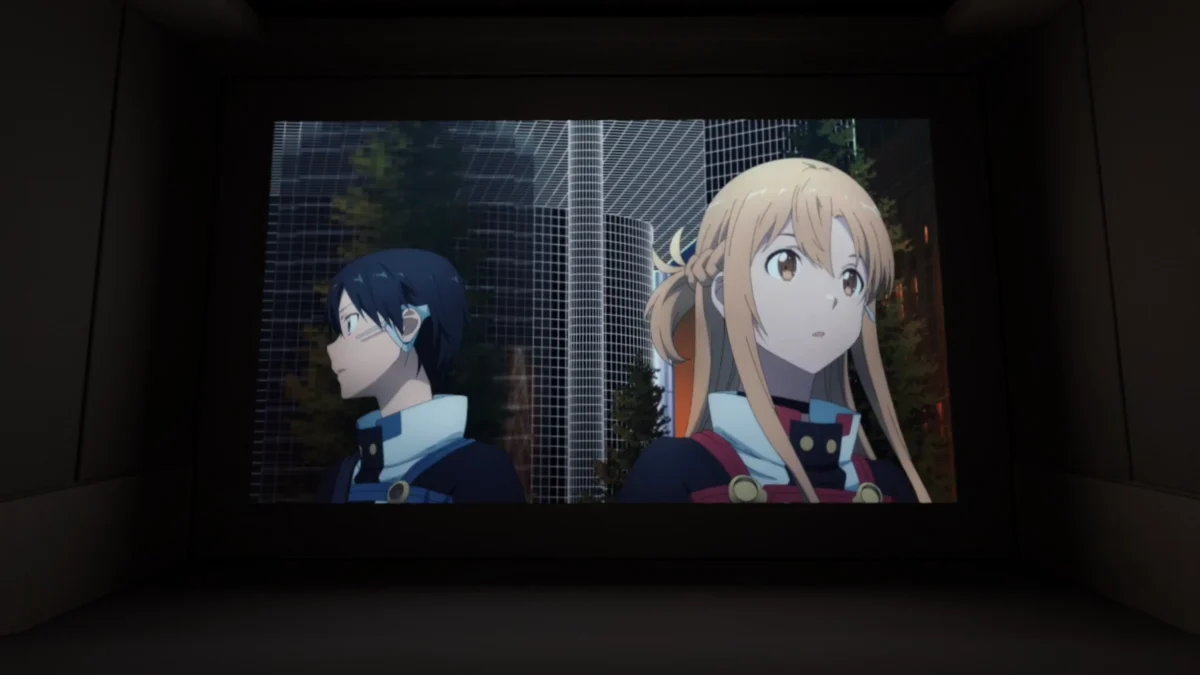
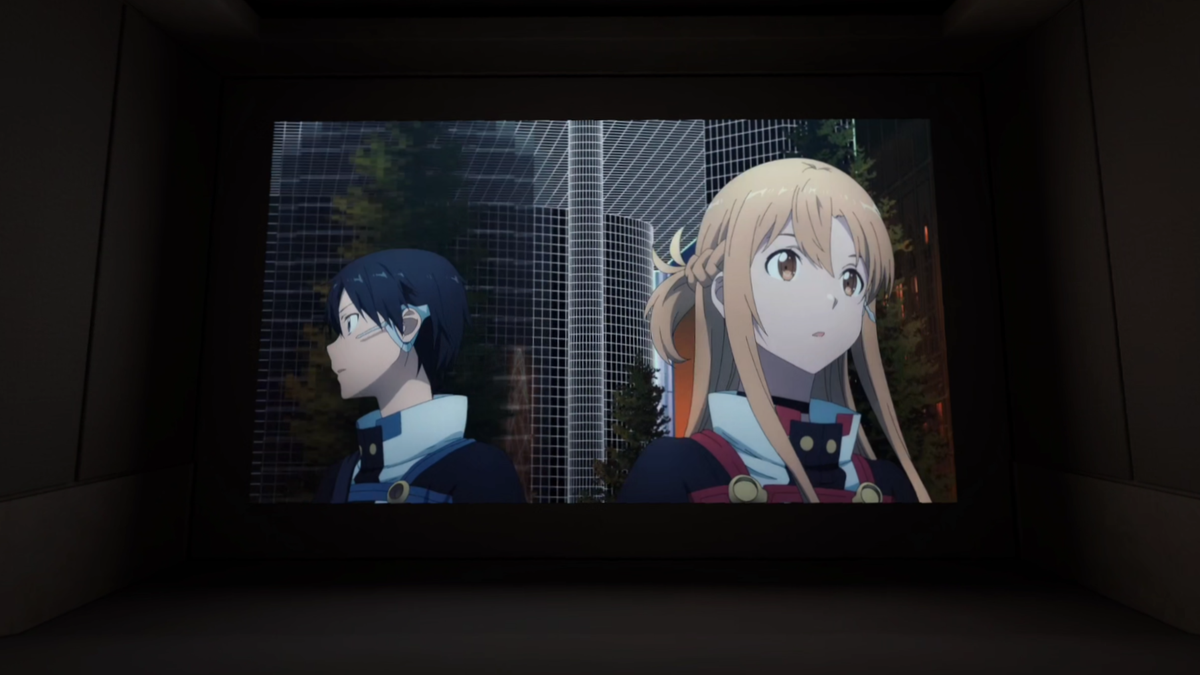
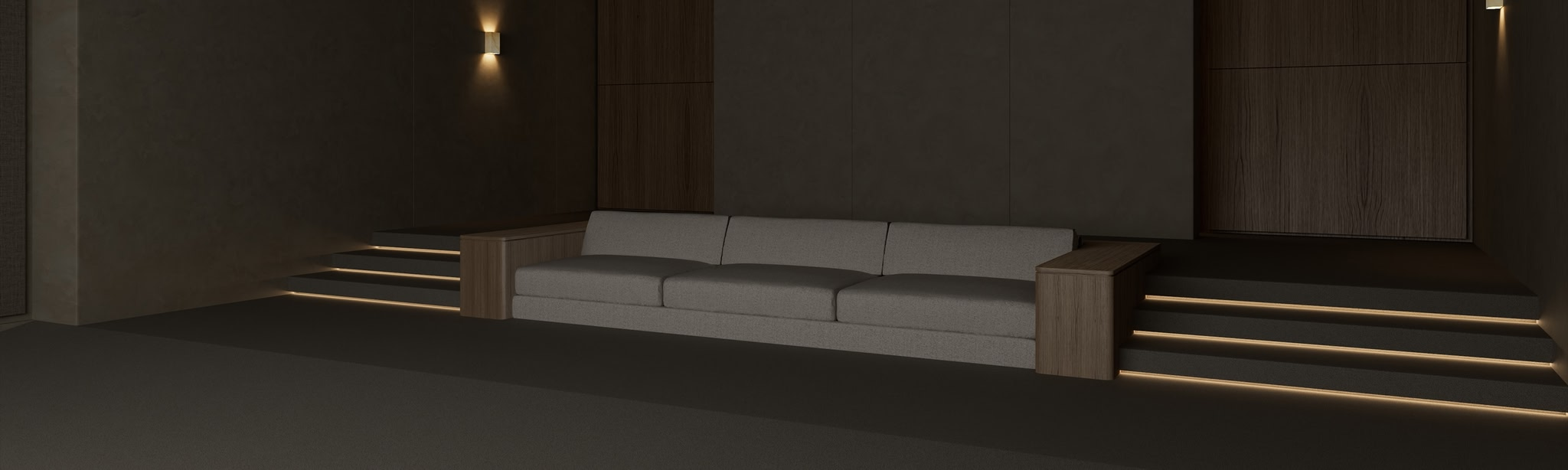
Horizon OS 2.10 brings several high-impact features to the forefront, alongside a suite of undocumented refinements discovered by early testers. The centerpiece of this update is the "Theater" environment, a high-fidelity virtual space designed specifically for immersive media consumption. Unlike previous "Home" environments, Theater is an application-specific mode that prioritizes high-resolution textures and dynamic lighting to simulate a premium home cinema experience.
In addition to the visual upgrades, Meta is testing a significant reorganization of the system’s core navigation. Labeled in the firmware as the "Simplified Navigator," this redesign consolidates numerous menus and buttons into a streamlined three-tab system. The update also introduces avatar-based video calling within the first-party Chats app, improves window resizing mechanics for apps with fixed aspect ratios, and makes subtle but curious changes to how external hardware, such as USB-C microphones, is managed.
Chronology: The Path from Quest v64 to Horizon OS 2.10
To understand the significance of v210, one must look at the trajectory of Meta’s software development over the past year. The Public Test Channel (PTC) has served as a laboratory for features that often take months to reach the stable channel.
- April 2024 (v64): Meta introduced experimental support for external USB-C microphones, a feature highly requested by content creators and social VR users.
- Late 2023 – Early 2024 (v76/v77): The "Navigator" UI began its first major overhaul, introducing a more modern, translucent look and testing the "Selfie Camera" functionality, which allowed users to use their Meta Avatar as a virtual webcam.
- September 2024 (Connect 2024): Meta officially showcased its future VR Glasses. The promotional footage featured a streamlined UI that looked remarkably different from the current Quest interface.
- Recent Months (v83 – v85): Meta rebranded the software to Horizon OS and began testing smartphone-style app folders and system-level anti-malware services.
- Present (v210 PTC): The current update merges these disparate threads—the UI from the VR Glasses reveal, the avatar webcam technology, and the advanced media environments—into a single, cohesive test build.
Supporting Data: Detailed Analysis of Key Features
The Theater Environment: Beyond the Virtual Living Room
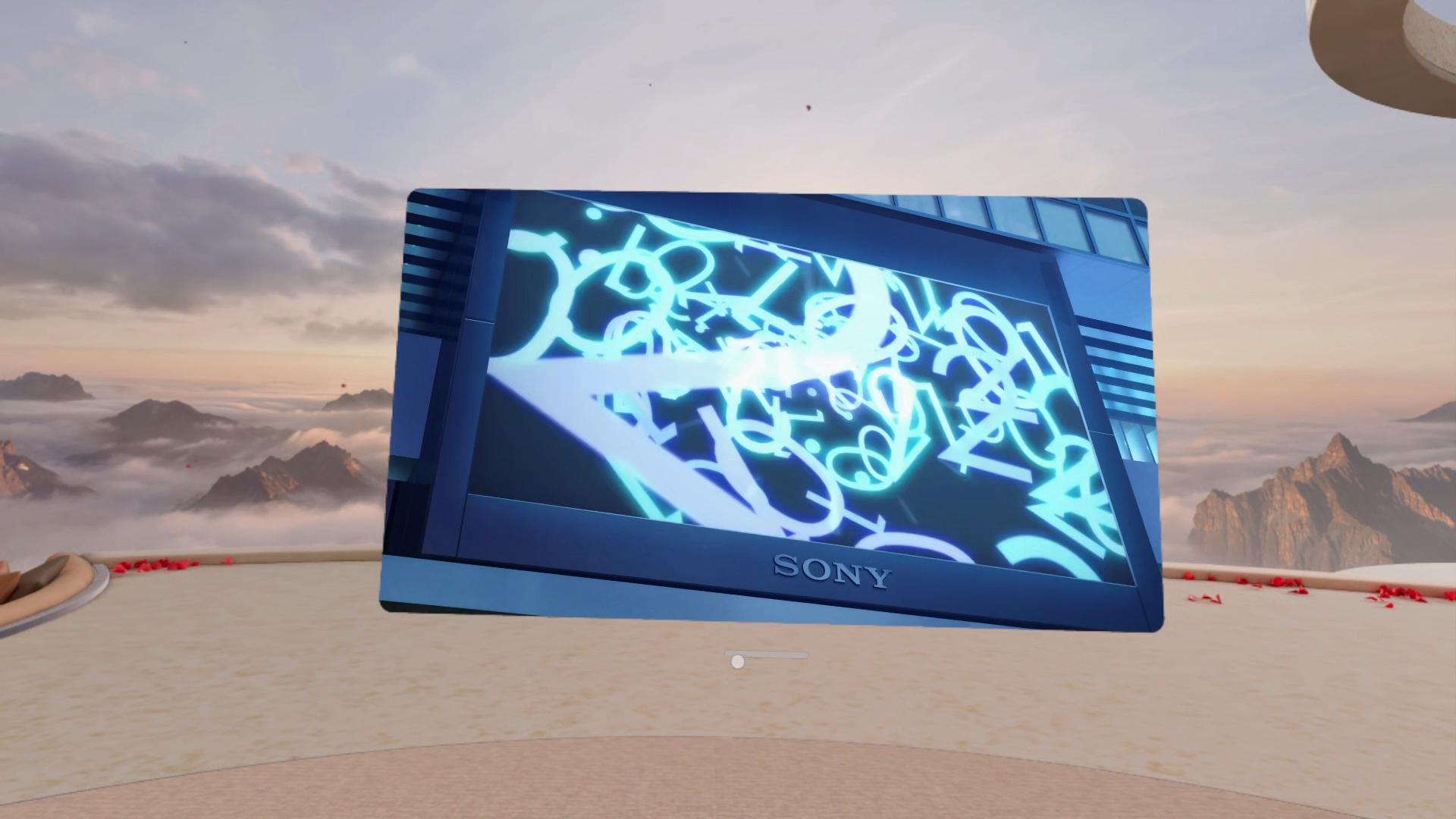
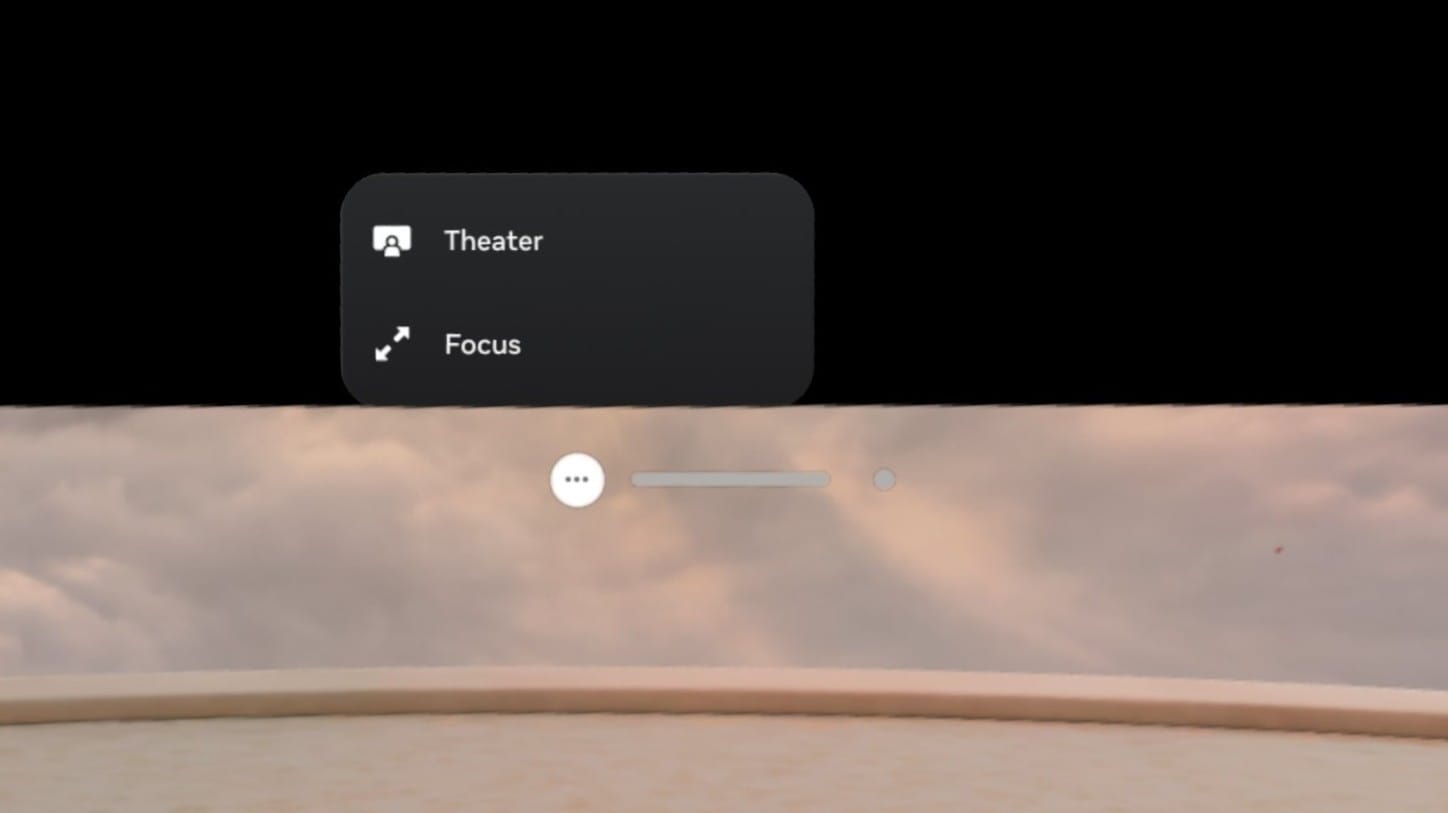
The Theater environment is a departure from the traditional VR Home. It is accessed via a dedicated "Theater" button on the control bar of supported windows. Early testing confirms compatibility with a wide range of media-centric applications, including:
- The native Horizon OS Media Player
- The Meta Quest Browser
- YouTube
- Disney+
- Amazon Prime Video
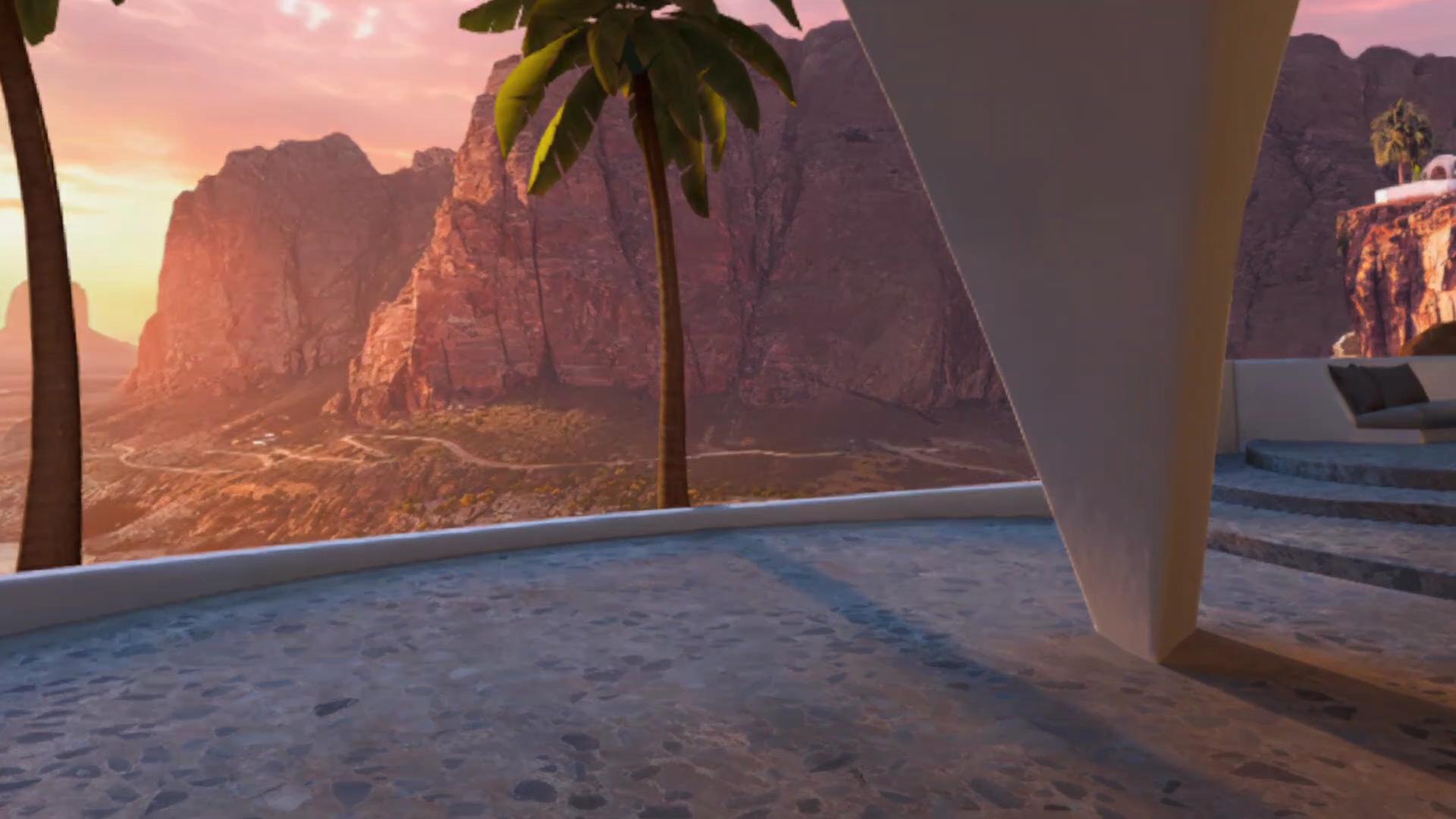
Technically, the environment utilizes real-time dynamic lighting. This means the virtual room’s ambient light shifts in color and intensity based on the pixels displayed on the virtual screen, enhancing the sense of presence. While the current build lacks the "Dynamic Ambiance" (hue-backlight style) feature previously rumored, the high-resolution textures of the theater seating and walls mark a noticeable step up from older environments like the "Skybox" or "Desert Terrace."
The Simplified Navigator: A Radical UI Shift
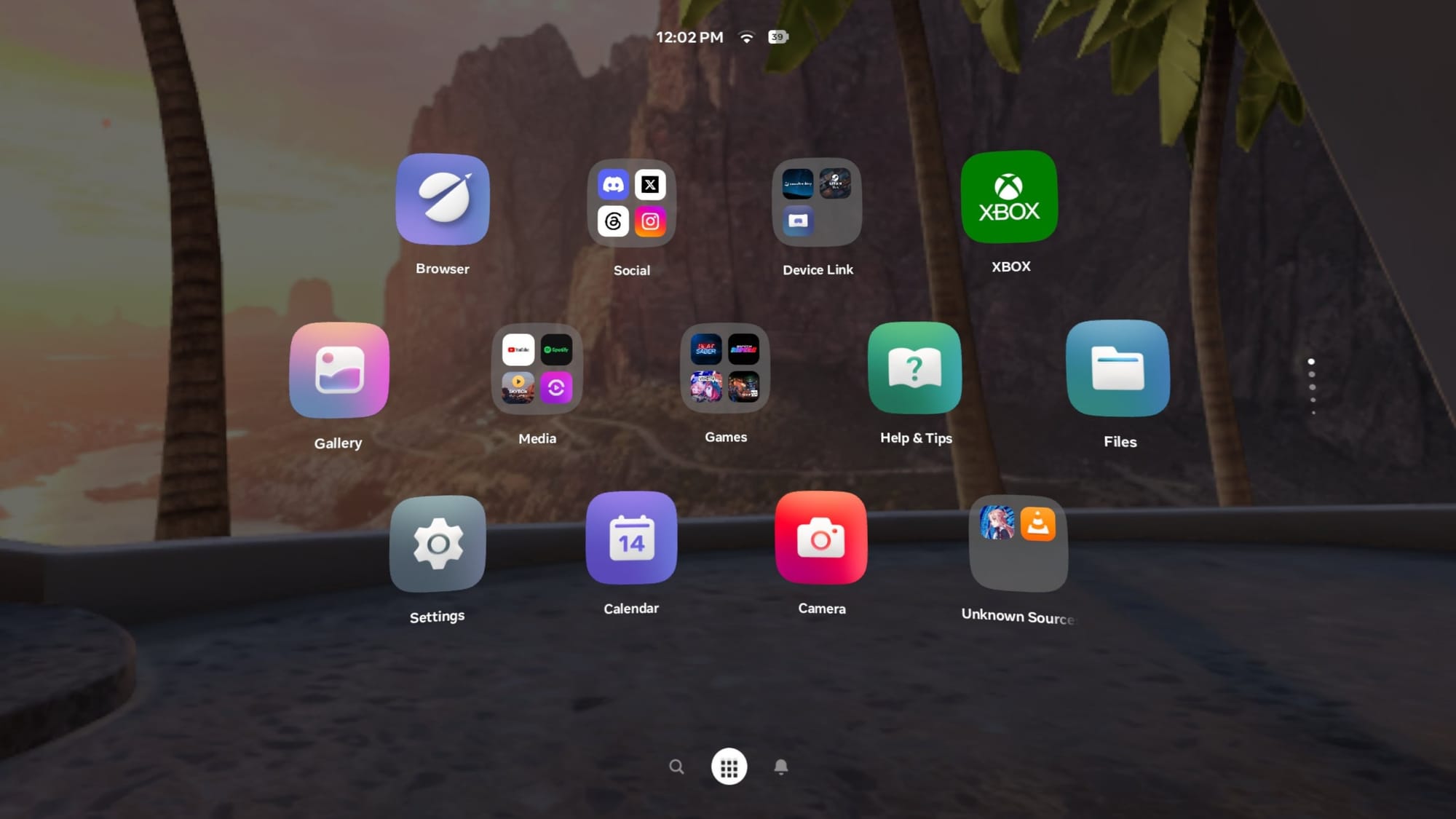
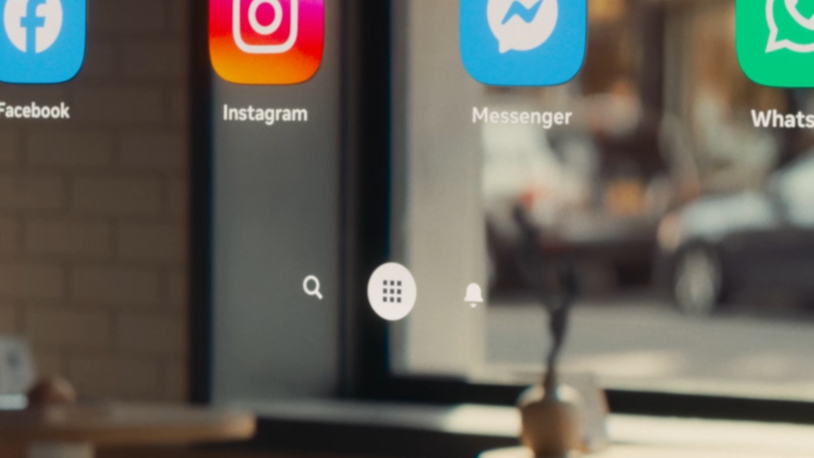
The "Simplified Navigator" is perhaps the most controversial element of v210. By removing the "Me," "People," "Quick Controls," and "Environment" buttons from the main overlay, Meta has moved toward a minimalist philosophy.
- Tab Consolidation: The interface is now distilled into Search, Library, and Notifications.
- Quick Controls: These are now hidden behind the status bar (Clock/Wi-Fi/Battery icon), requiring an extra click but resulting in a cleaner visual field.
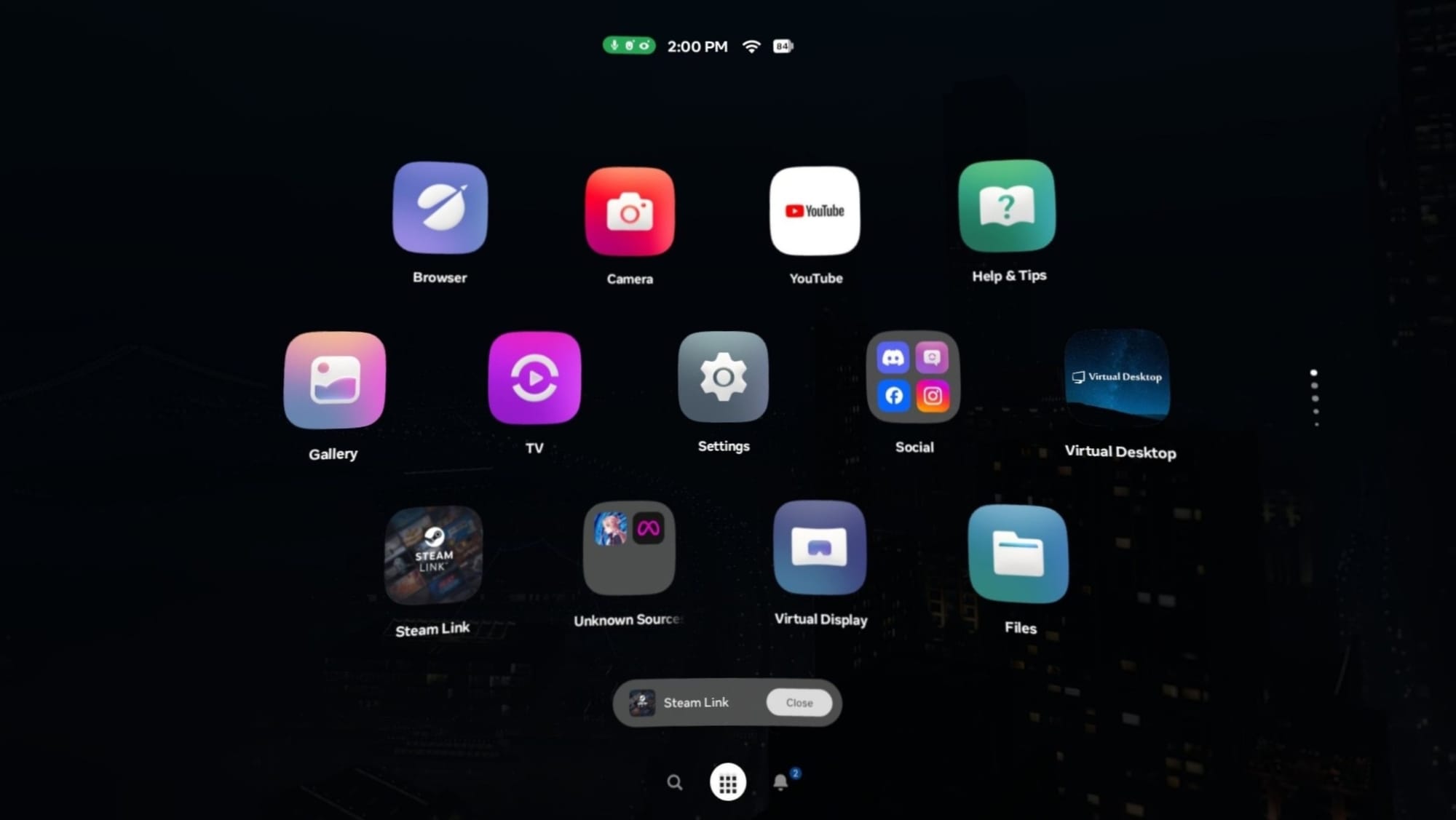
- Library Reorganization: The update defaults to a grid view utilizing the smartphone-style folders introduced in v2.4. Notably, a dedicated "Unknown Sources" folder is now present, making sideloaded content more accessible, though it removes the ability to easily filter by "Installed" or "Update Available" content—a change that has already drawn criticism for increasing "clutter" in the library.
Technical Refinements and Security
Under the hood, v210 addresses long-standing UX friction points. Window resizing, particularly for apps like YouTube that maintain a strict aspect ratio, is now significantly smoother. Previously, resizing these windows often resulted in "stuttering" or visual jumps; the new system handles the scaling logic with higher precision.
On the security front, Meta has updated the system’s ability to verify the authenticity of websites. This is likely an extension of the v85 anti-malware service, aimed at protecting users from phishing attacks within the VR Browser—a growing concern as more users conduct sensitive tasks like banking or shopping within the headset.
Official Responses and Documentation
Meta’s official release notes for the v210 PTC are characteristically brief, focusing primarily on the Avatar Video Call feature. According to Meta:
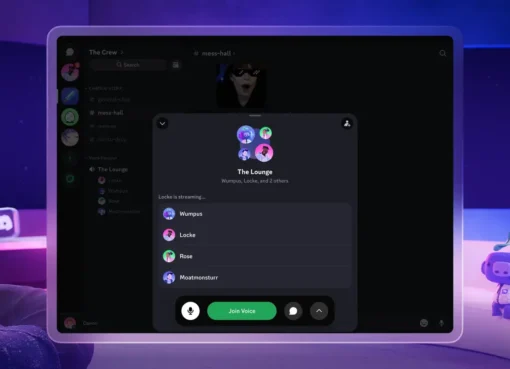
"Horizon OS 2.10 allows you to make video calls as your avatar in the Chats app. During a call, selecting the video icon in the active call bar switches between an avatar video call and an audio-only call."
Regarding the security updates, the company noted that the system now "improves how Quest verifies the authenticity of websites and online services," though they did not elaborate on the specific technical protocols used.
Notably, many of the most significant changes—the Theater environment, the Navigator overhaul, and the removal of the external microphone toggle—remain undocumented in the official logs. This is standard practice for Meta, which often uses the PTC to "shadow drop" features to select user groups to gather telemetry data before a wider announcement.
Implications: The Road to Meta VR Glasses
The changes observed in Horizon OS 2.10 point toward a singular destination: the "glasses-ification" of the operating system. The Simplified Navigator is almost certainly the UI intended for Meta’s future AR and VR glasses. On a lightweight pair of glasses, a bulky, button-heavy interface would be intrusive. By consolidating controls and prioritizing a clean, three-tab layout, Meta is preparing its user base for a more passive, heads-up display style of interaction.
The introduction of Avatar Video Calls in the native Chats app is another piece of the puzzle. This serves as the foundational architecture for "Hologram Calling," a feature Meta showcased at Connect where a caller appears as a high-fidelity 3D avatar in the recipient’s physical space. By testing the webcam-style avatar integration now, Meta is refining the latency and tracking requirements needed for more advanced holographic communication.
However, the update also highlights the growing pains of a maturing OS. The "regression" in the Library filters suggests that Meta is struggling to balance simplicity for casual users with the functional needs of "power users" who manage large libraries of apps. Furthermore, the removal of the External Microphone toggle, despite the feature still functioning, indicates a shift toward "intelligent" hardware detection—where the system makes choices for the user rather than providing manual toggles.
Conclusion
Horizon OS 2.10 (v210) is a pivotal update that prioritizes the "Media" and "Social" pillars of Meta’s vision. While the Theater environment offers a refined way to consume content, the Simplified Navigator represents a bold—and potentially divisive—bet on the future of spatial UI. As these features move from the Public Test Channel to the stable release, they will likely undergo further refinement based on user feedback. For now, v210 stands as a clear indicator that Meta is no longer just building a gaming OS; it is building a comprehensive spatial computing platform designed for the transition from bulky headsets to everyday eyewear.