Navigating the Volumetric Frontier: A Comprehensive Guide to Gaussian Splatting on Meta Quest 3
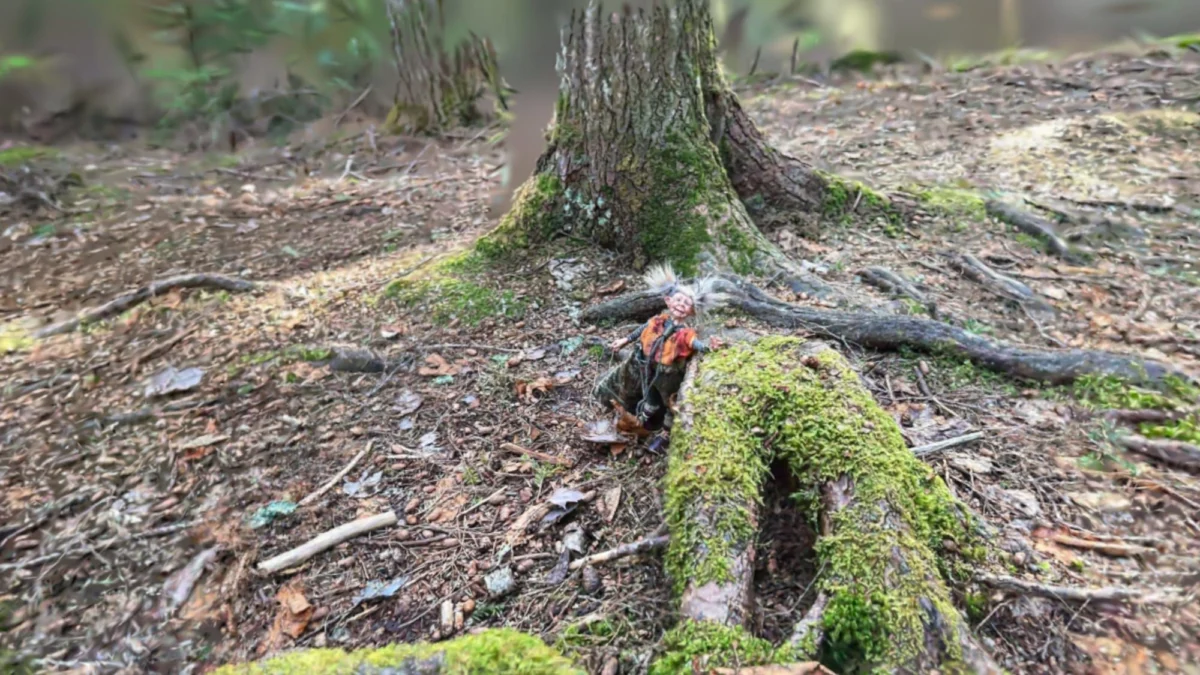
The evolution of digital photography has reached a pivotal junction. While traditional 2D images and even 360-degree panoramas offer a window into a moment, Gaussian Splatting provides a doorway. These "dimensional photographs" capture environments with such high fidelity that they can be explored from nearly any angle, offering a sense of presence that traditional photogrammetry often lacks. However, for users of the Meta Quest 3, the journey from capturing a scene to experiencing it in immersive VR is currently defined by a fragmented ecosystem of apps, varying performance standards, and shifting corporate policies.
This report explores the current landscape of Gaussian Splatting on standalone VR hardware, evaluating the leading platforms, technical performance data, and the broader implications for the future of spatial computing.
Main Facts: The State of Standalone Volumetric Viewing
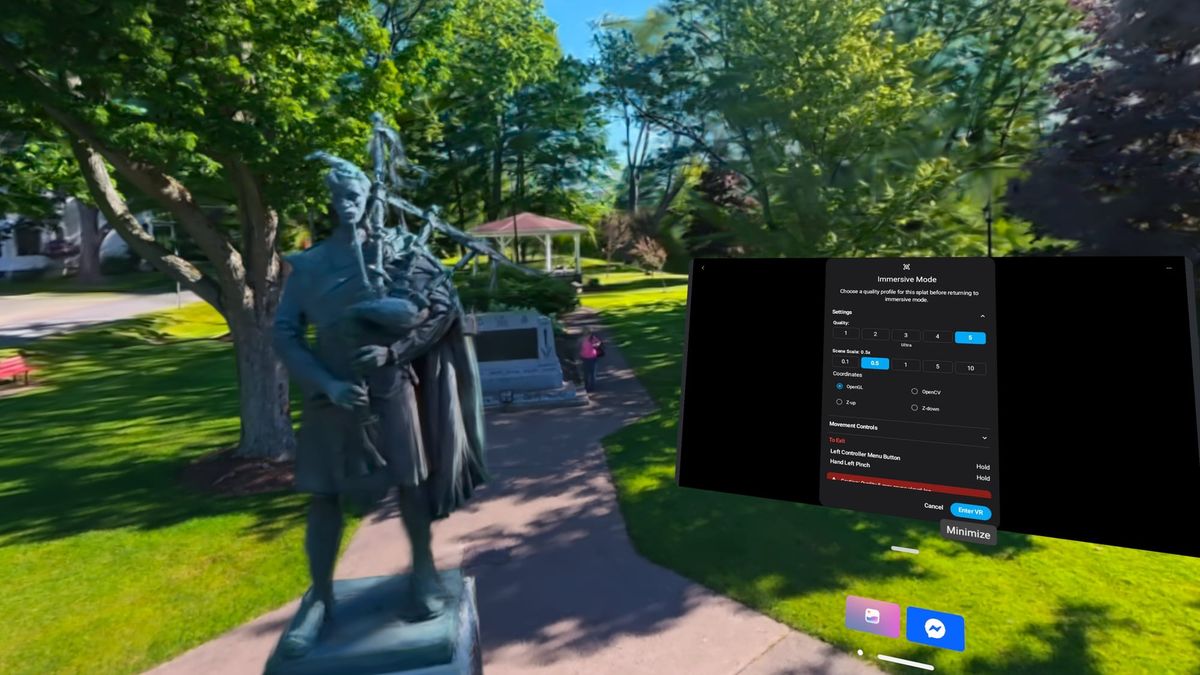
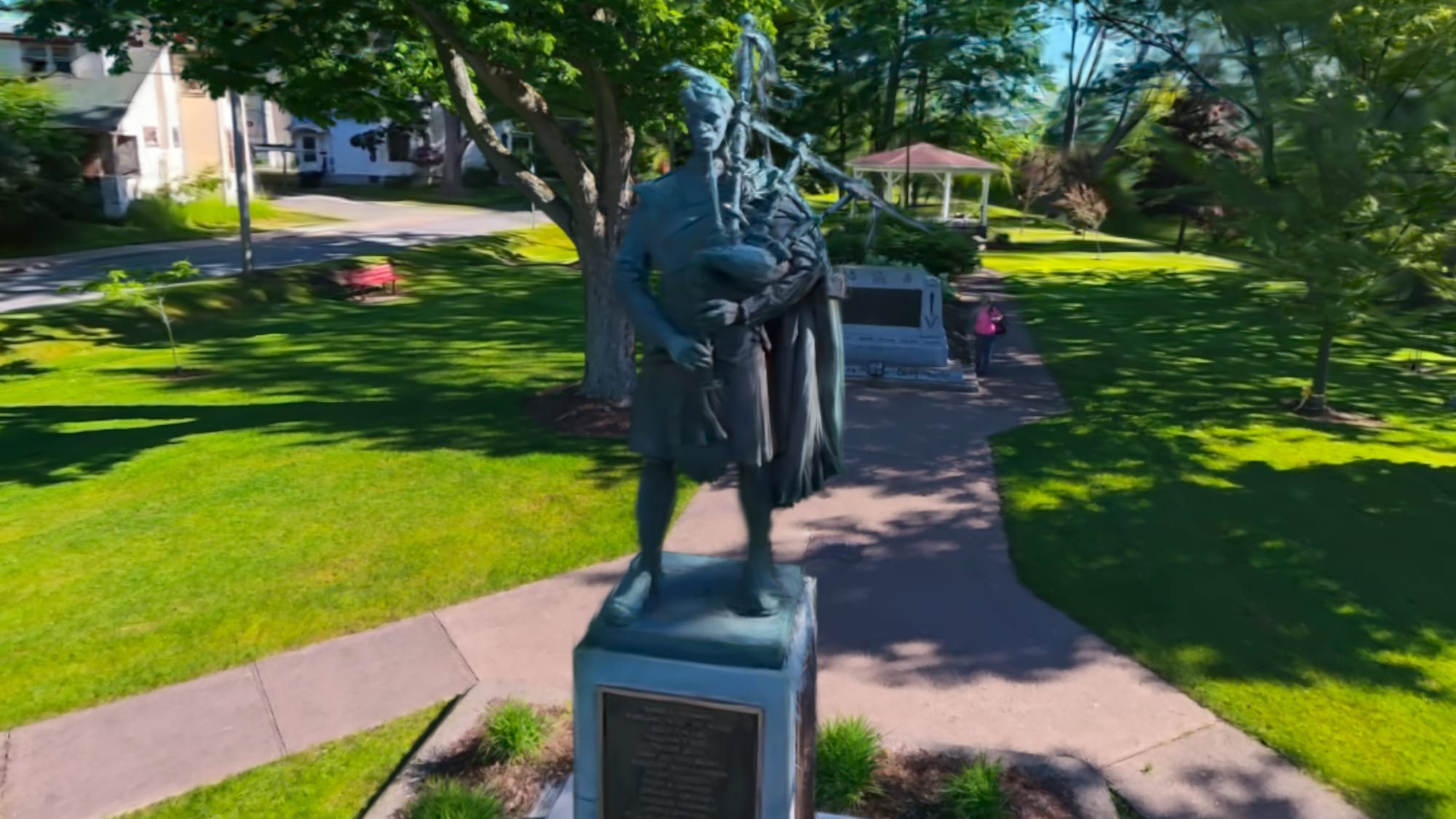
Gaussian Splatting represents a leap forward in neural rendering. Unlike traditional 3D models composed of polygons and textures, "splats" use a collection of 3D Gaussians—essentially fuzzy, semi-transparent blobs with color and opacity—to reconstruct a scene. When viewed through a headset like the Meta Quest 3, these captures transition from interesting screen-based curiosities to tangible "places" one can visit.
Despite the technological promise, the user experience is currently hindered by three primary factors:
- Platform Fragmentation: There is no "universal" file format or player that dominates the market. Users must choose between native apps, WebXR browser-based viewers, or PC-tethered streaming solutions.
- Hardware Bottlenecks: The Quest 3, while powerful for a mobile chipset, struggles with the computational load of rendering millions of Gaussians in real-time, often leading to frame-rate drops or "holes" in the visual data.
- Access Control: The ability to share these captured realities is inconsistent. Some platforms prioritize community libraries, while others, most notably Meta’s own Hyperscape, have recently restricted social features.
Chronology: From Research to Consumer Reality
The timeline of Gaussian Splatting’s integration into the VR mainstream has been remarkably compressed, moving from academic theory to consumer-ready applications in less than three years.
- 2023 – The Breakthrough: The original research paper on 3D Gaussian Splatting for Real-Time Radiance Field Rendering is published, sparking a gold rush in the computer vision community.
- Early 2024 – Initial Porting: Early developers began porting splat viewers to VR, though they initially required high-end PCs to function.
- Late 2024 – Mid 2025 – Mobile Optimization: Apps like AirVis and Scaniverse began optimizing their pipelines for the Snapdragon XR2 Gen 2 chip found in the Quest 3, allowing for standalone viewing without a PC.
- May 2026 – The Policy Shift: Meta updated its Horizon Hyperscape platform. While initially allowing users to invite friends into their captured "worlds," Meta officially removed shared visits and social sharing features, restricting Hyperscape to a solo, private experience.
- Late 2026 – The Present Day: The ecosystem has settled into a tiered structure, with AirVis leading for flexibility, SuperSplat for library size, and niche players like Gracia exploring temporal (moving) splats.
Supporting Data: Performance Benchmarks and App Evaluation
To determine the most viable path for enthusiasts and professionals, several platforms were tested on the Meta Quest 3. Performance was measured based on visual fidelity, frame rate stability, and navigational intuition.
1. AirVis: The Gold Standard for Versatility
AirVis has emerged as the most balanced native Quest application. It bridges the gap between ease of use and high-end performance.
- Cloud Integration: Offers 5GB of free cloud storage, allowing users to upload captures via a web portal and access them instantly on the headset.
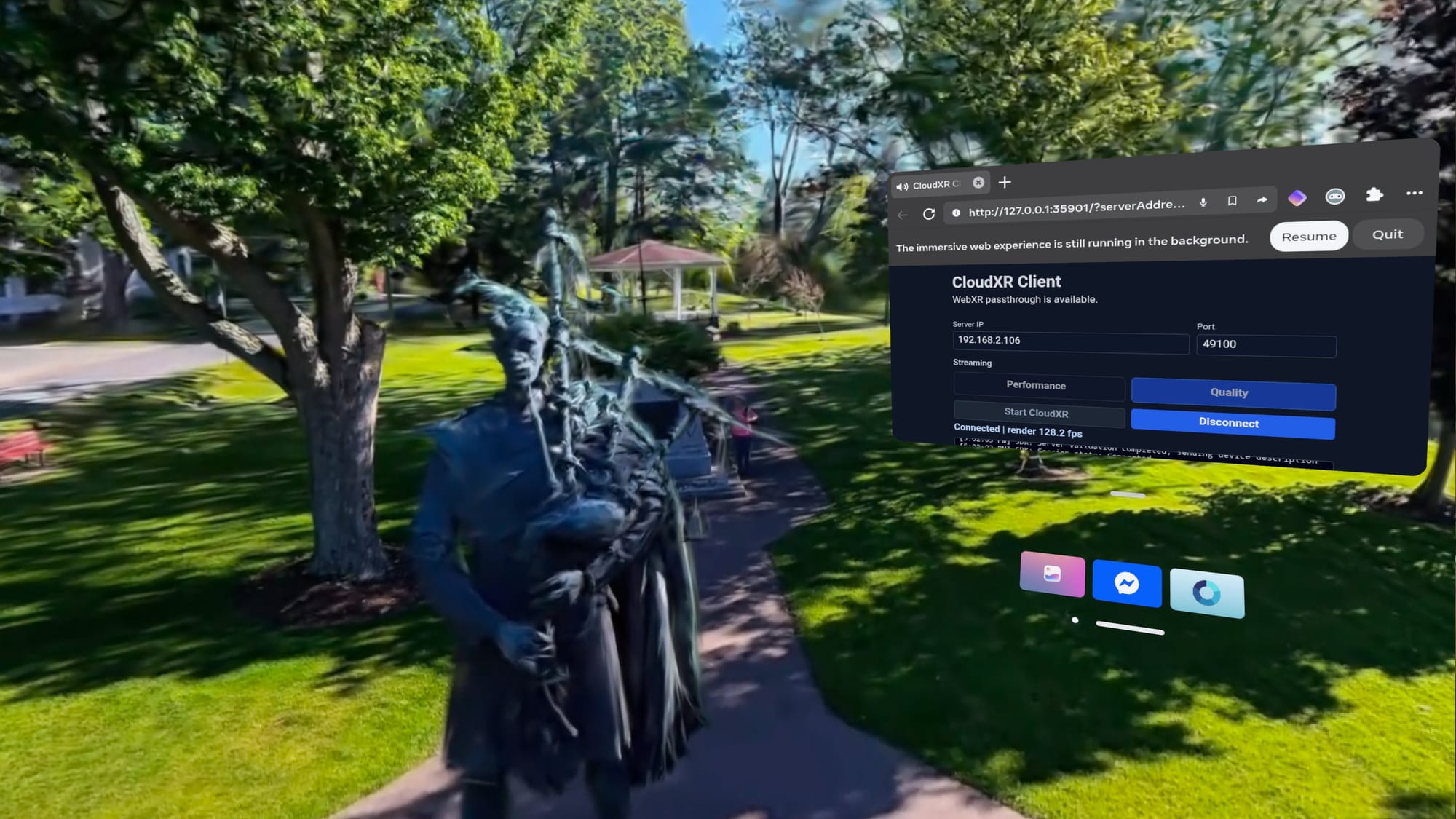
- Performance Metrics: On a standard 5-million-splat scene, AirVis maintained a consistent frame rate on "Medium" settings. When paired with a PC running an Nvidia RTX 4070 Super via CloudXR, the app reported 30 to 40 frames per second for high-complexity scenes, significantly reducing latency compared to standalone mode.
- Control Scheme: Utilizes a "drone-flight" metaphor, which proved the most intuitive for navigating large-scale outdoor environments.
2. SuperSplat: The WebXR Contender
SuperSplat operates entirely through the Quest’s web browser. Its primary advantage is its massive community-driven library.
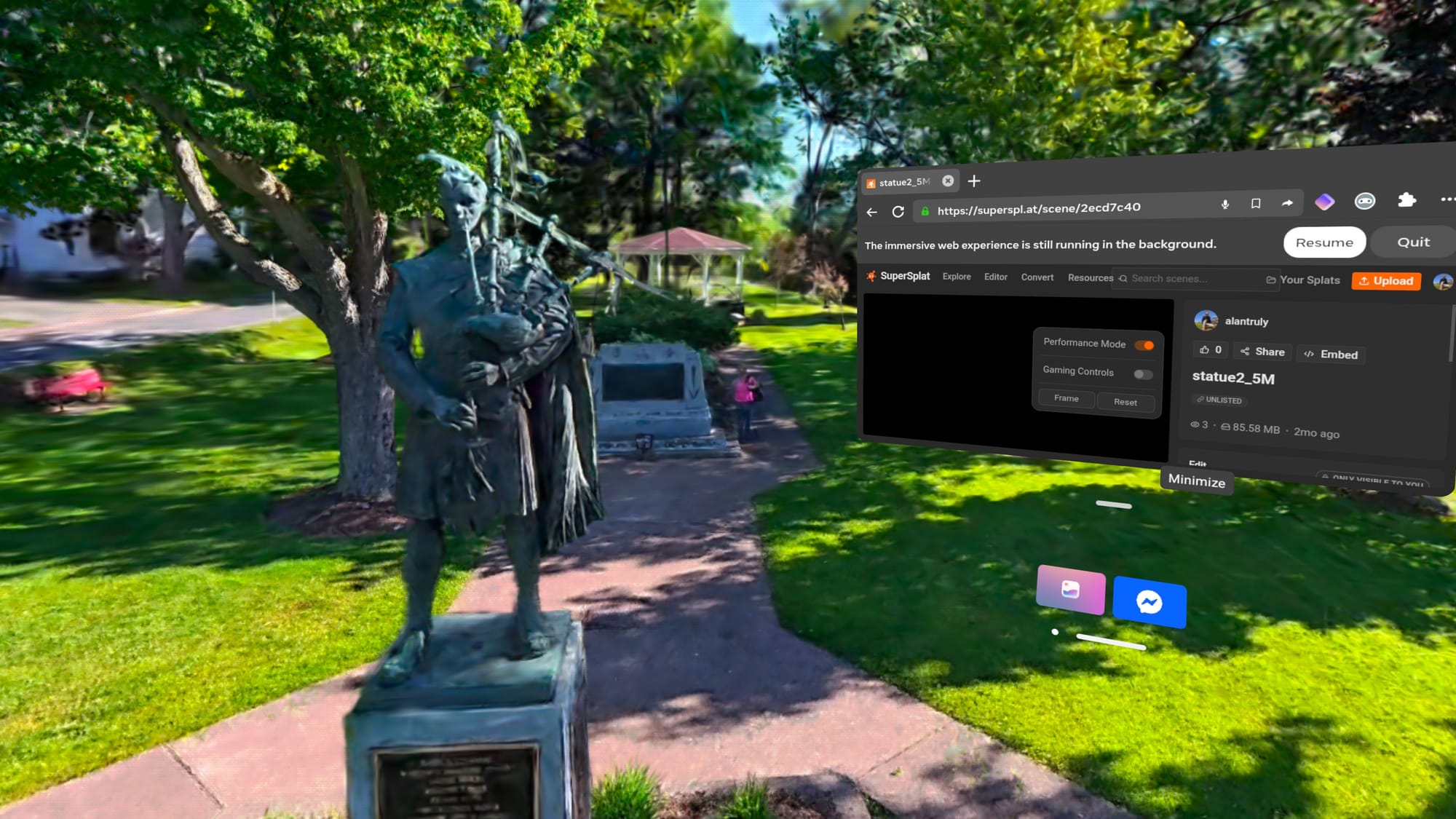
- The Hardware Gap: Testing revealed that the Quest 3 hardware is the limiting factor here. Large, unoptimized scenes frequently triggered "Performance Mode," and even then, lag was significant enough to induce motion sickness in some users.
- Accessibility: Because it requires no installation, it remains the quickest way to browse the global splatting community, provided the user has a high tolerance for variable frame rates.
3. GSVision: Local File Management
For users who prefer to keep their data offline, GSVision provides a toolset for viewing files transferred via USB.
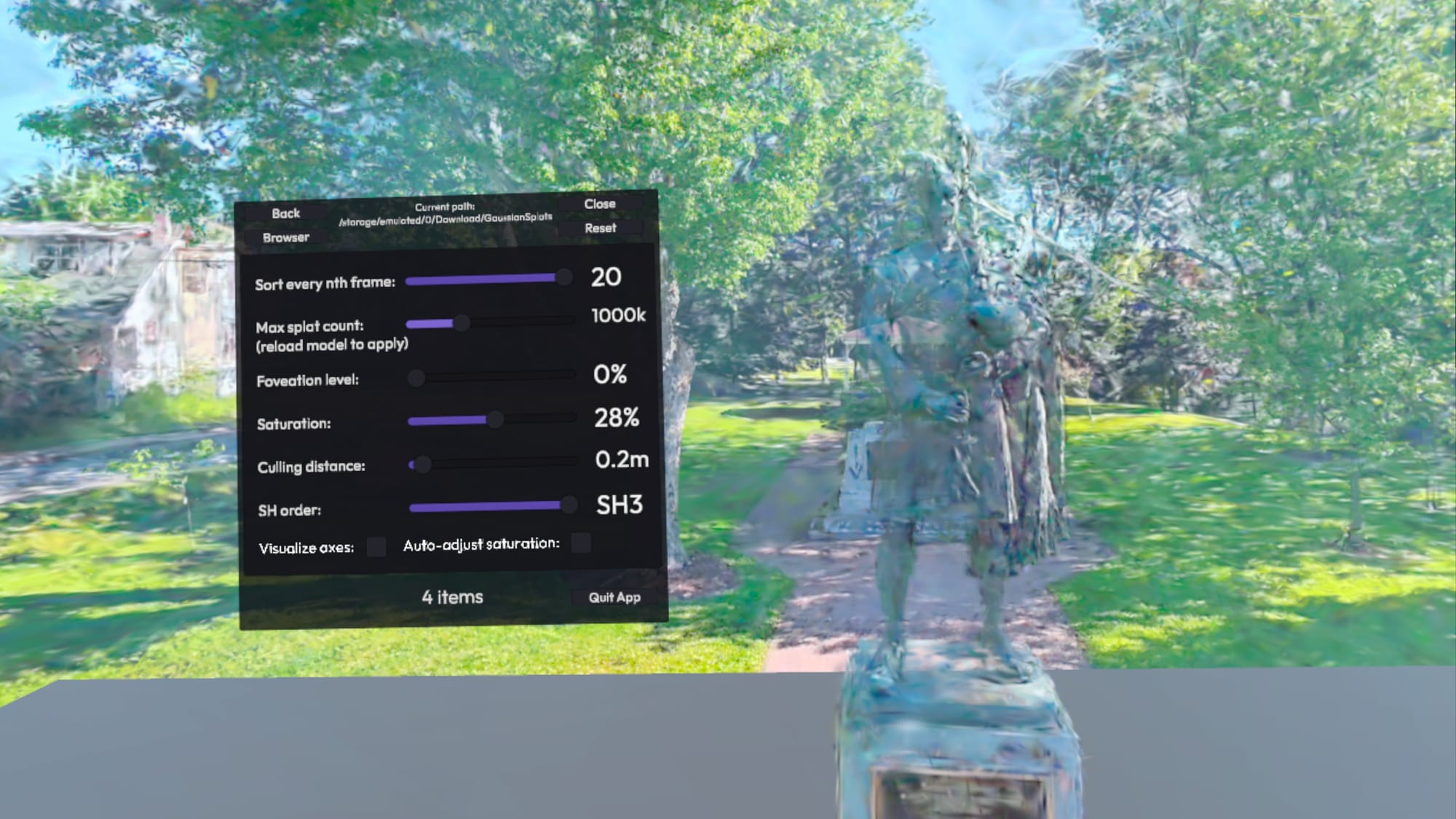
- Optimization Constraints: The app recommends a limit of 700,000 splats for a smooth experience. Pushing the limit to 1.2 million splats caused noticeable stuttering.
- Technical Tuning: GSVision allows for "Sort Every Nth Frame" adjustments. Setting this to 20 (updating the depth order less frequently) significantly improved smoothness at the cost of occasional visual artifacts during rapid head movement.
4. Horizon Hyperscape: The Walled Garden
Meta’s first-party solution offers arguably the highest visual quality due to deep integration with the Quest’s system-level rendering.
- Pros: The smoothest navigation (teleportation and physical walking) and the most "solid" feeling environments.
- Cons: Extremely restrictive. Captures can only be initiated on a Quest 3 or 3S, and as of May 2026, these captures cannot be shared with other users, effectively killing the platform’s potential as a social "memory sharing" tool.
Official Responses and Corporate Directions
The trajectory of these apps is heavily influenced by the parent companies’ strategic goals.
Niantic (Scaniverse):
Niantic’s Scaniverse was a pioneer in mobile 3D capture. However, recent developments suggest a shift in focus. While Niantic Spatial has developed a high-quality processing system that accepts video from various sources, the company has indicated it is not currently prioritizing the development of this improved system for the Quest platform. The existing "Into the Scaniverse" Quest app remains functional but utilizes older technology, resulting in lower-detail captures compared to AirVis.
Meta (Hyperscape):
Meta’s decision to remove sharing features from Hyperscape in 2026 has been met with confusion by the developer community. While Meta continues to support the "capture and revisit" aspect of the app—pitching it as a personal digital archive—the removal of social visits suggests a pivot away from the "Metaverse" concept of shared spaces in favor of private, high-fidelity digital twins.
Implications: The Future of Spatial Memories
The current state of Gaussian Splatting on the Quest 3 highlights a critical transition in spatial computing. We are moving from "creating content" to "capturing reality." This shift has several long-term implications:
The Democratization of Digital Twins
Previously, creating a digital twin of a room or a historical site required expensive LiDAR equipment and hours of manual cleanup. Gaussian Splatting allows anyone with a smartphone and a Quest headset to preserve a space. As shown by the Marble platform, AI is now being used to generate these worlds from single images, further lowering the barrier to entry.
The Rise of 4D Splats
The work being done by Gracia on moving subjects suggests that the next frontier is temporal. Static scenes are impressive, but "moving volumetric captures" allow for the preservation of human performances or transient events. This could revolutionize journalism, education, and family archiving, allowing users to "stand" next to a moving, breathing representation of a person from the past.
Hardware Limitations as a Catalyst
The struggle of the Quest 3 to handle large splat scenes is a clear indicator of where the Quest 4 and beyond must improve. To make splats truly viable, future hardware will likely need dedicated silicon for neural rendering or more robust integrated streaming solutions to offload the heavy lifting to the cloud.
The Sharing Paradox
The most significant hurdle remains the "walled garden" approach. If the industry moves toward a future where we "visit" each other’s memories, the current restrictions on sharing (as seen in Hyperscape) must be resolved. The success of open platforms like AirVis suggests that users value interoperability and the ability to share their digital lives more than the slight fidelity boost of a closed system.
Conclusion
Gaussian Splatting on the Meta Quest 3 is currently a tale of two experiences. On one hand, it offers a magical, almost sci-fi ability to step inside a photograph. On the other, it is a technical minefield of file formats, performance tweaks, and restrictive policies. For the casual user, AirVis provides the most frictionless path to exploration, while Hyperscape offers a glimpse of the high-fidelity future, albeit a lonely one. As the technology matures and hardware catches up to the demands of neural rendering, these "splats" will likely become the standard for how we record and relive our history in the digital age.