The Rise of Browser-Based Proceduralism: An In-Depth Look at Terrain Studio
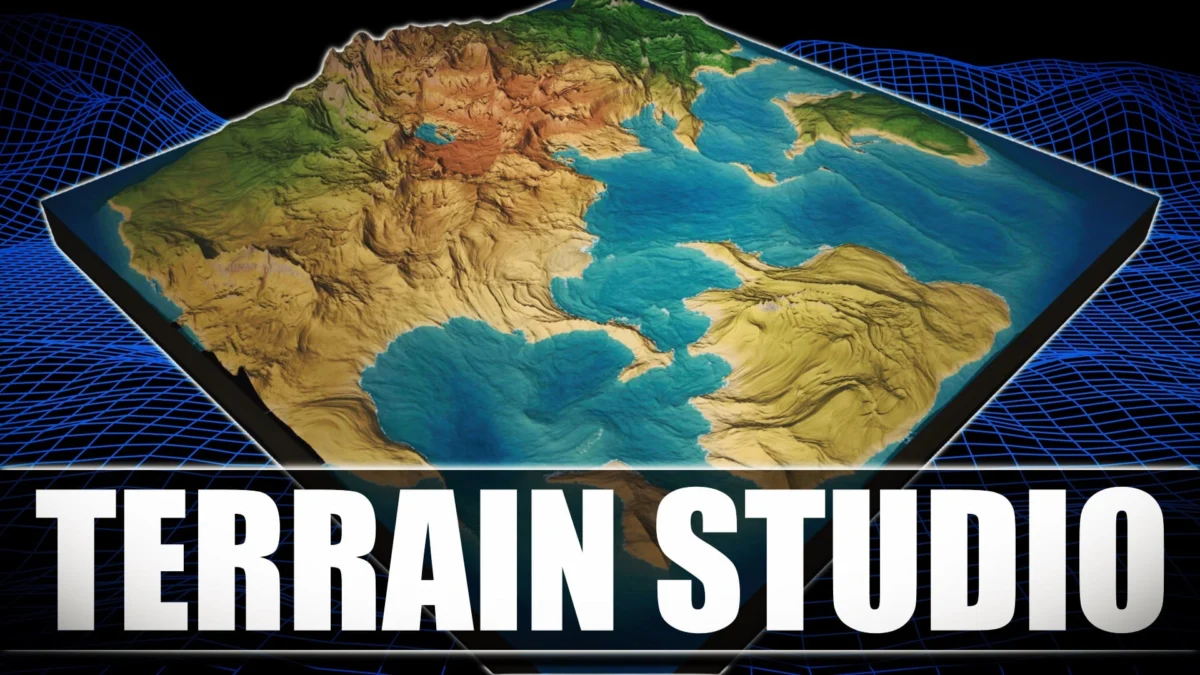
In the rapidly evolving landscape of digital content creation, the barrier to entry for high-end world-building tools is beginning to dissolve. The latest entry into this democratization of development is Terrain Studio, a free and open-source world-building application that leverages the power of modern web technologies to deliver a sophisticated terrain generation suite directly within a browser. Built on the robust Three.js framework, Terrain Studio offers a glimpse into a future where professional-grade environment design is platform-agnostic, collaborative, and entirely shader-driven.
Main Facts: A New Paradigm in Web-Based Generation
Terrain Studio is not merely a toy or a simple demonstration of WebGL capabilities; it is a comprehensive tool designed for artists and developers who require rapid prototyping and high-quality environmental assets. At its core, Terrain Studio is a procedural generator and editor constructed using a modern web stack: React, Vite, and Three.js (utilizing WebGL2).
The standout feature of Terrain Studio is its architectural reliance on the GPU. Unlike traditional terrain tools that often rely on CPU-heavy "baking" processes to generate heightmaps before they can be visualized, Terrain Studio computes height, normals, and biome colors in real-time via shaders. This means that as a user adjusts a parameter—whether it be the frequency of a noise function or the steepness of a mountain range—the visual feedback is instantaneous.
The application is currently available as an open-source project on GitHub under the authorship of developer ZyFou, and it can be accessed immediately via a web browser. This accessibility eliminates the need for complex installations or high-cost licenses, positioning it as a formidable alternative for indie developers and hobbyists.
Core Technical Specifications:
- Engine: Three.js (WebGL2)
- UI Framework: React
- Build Tool: Vite
- Computation: GPU-accelerated shader-driven procedural generation
- Export Formats: Heightmaps and textured mesh objects (.obj/.gltf compatibility)
Chronology: From Static Maps to Dynamic Spheres
The development of Terrain Studio arrives at a pivotal moment in the history of web graphics. To understand its significance, one must look at the trajectory of browser-based 3D tools over the last decade.
- The WebGL 1.0 Era (2011–2016): Early browser-based 3D was limited by hardware access and API constraints. Tools were largely experimental, and procedural generation was often slow, relying on Javascript-based CPU calculations that would freeze the browser thread.
- The Rise of Three.js: As Three.js matured, it became the industry standard for simplifying the complex WebGL API. It allowed developers to create scenes with lighting, shadows, and geometry with much less boilerplate code.
- The WebGL2 Transition: With the widespread adoption of WebGL2, developers gained access to advanced features like Transform Feedback, Multiple Render Targets, and more efficient texture handling. This allowed for the type of GPU-heavy computation that Terrain Studio utilizes today.
- Modern Web Tooling (2020–Present): The introduction of Vite and the refinement of React for 3D (via ecosystems like React Three Fiber) allowed for the creation of complex, high-performance user interfaces that could manage the state of a 3D engine without sacrificing frame rates.
- The Release of Terrain Studio: Terrain Studio represents the culmination of these advancements. It moves away from the "static heightmap" model and embraces a fully dynamic, shader-driven workflow that provides three distinct modes of operation: Tile, Infinite World, and Planet.
Supporting Data: Feature Breakdown and Performance
The utility of Terrain Studio is best understood through its three operational modes, each catering to a different aspect of game design and world-building.
1. Tile Mode: Precision and Exporting
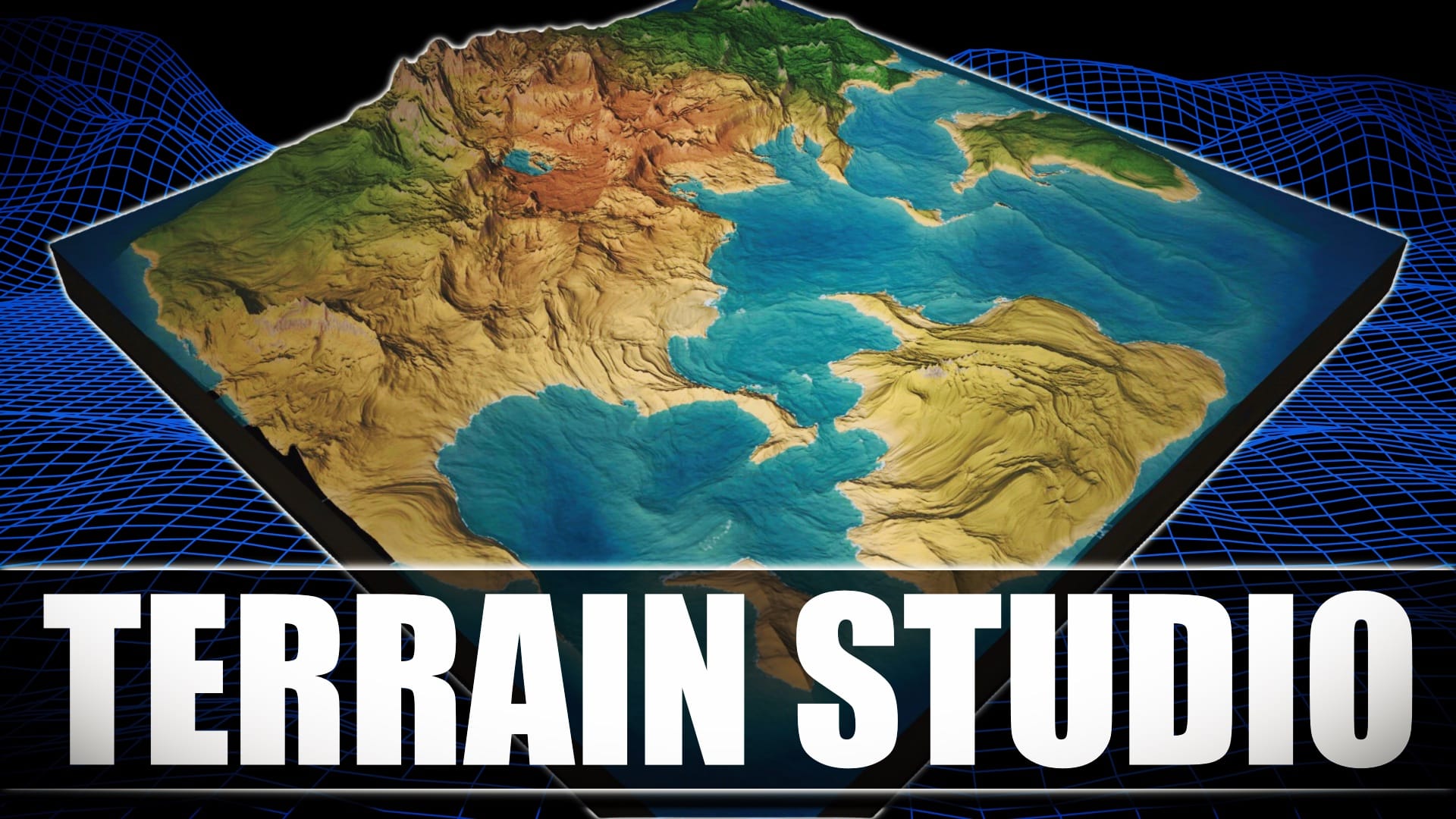
The Tile Mode is the cornerstone for artists looking to create specific assets for use in external engines like Unity, Unreal Engine, or Godot. In this mode, the terrain is treated as a fixed "board."
- LOD (Level of Detail): It utilizes per-chunk LOD, ensuring that the camera only renders high-resolution geometry where necessary.
- Painting Tools: This mode is optimized for manual painting, allowing users to influence the procedurally generated terrain with direct artistic input.
- Export Pipeline: Users can export their creations as high-resolution heightmaps (which can be used to drive displacement in other software) or as fully textured mesh objects. This makes it a bridge between procedural web design and traditional DCC (Digital Content Creation) tools like Blender.
2. Infinite World Mode: Exploration and Prototyping
The Infinite World Mode transforms the application into an exploration engine.
- Streamed Chunking: As the camera moves, the engine dynamically generates and streams new chunks of terrain based on the underlying noise functions.
- Navigation: It features an FPS-style walk mode and a plane exploration mode, allowing developers to "feel" the scale of the world they are creating. This is particularly useful for testing the "readability" of a landscape from a player’s perspective.
3. Planet Mode: The Macro Scale
Perhaps the most impressive technical feat of Terrain Studio is its Planet Mode.
- Cube-Sphere Geometry: Instead of a flat plane, the terrain is projected onto a cube-sphere, allowing for the creation of entire procedural planets.
- Atmospheric Effects: The mode includes atmospheric scattering and volumetric clouds, providing a sense of scale and realism usually reserved for high-end space simulators.
- Orbital Camera: Users can transition from a ground-level view to an orbital perspective, showcasing the seamless nature of the procedural shaders.
Official Responses and Community Impact
While Terrain Studio is an independent open-source project, its reception within the developer community—specifically through platforms like GameFromScratch—has been overwhelmingly positive.
In documentation and project descriptions, the developer (ZyFou) emphasizes the "shader-driven" nature of the tool. The official project repository highlights that by moving the heavy lifting to the GPU, the application avoids the "bottlenecks associated with CPU heightmap baking." This focus on performance is a direct response to the community’s demand for more responsive creative tools.
Community feedback has highlighted several key areas of praise:
- Zero-Install Workflow: Developers have noted the convenience of being able to jump into a world-building session on any machine with a modern browser, including Linux systems that often struggle with proprietary world-building software.
- Educational Value: As an open-source project, Terrain Studio serves as a masterclass in Three.js and WebGL2 implementation. Developers are already dissecting the source code to learn how to implement similar GPU-based terrain systems in their own projects.
- Tool Integration: The ability to export to Blender has been cited as a "killer feature," allowing artists to use the web tool for the "broad strokes" of terrain creation before refining the assets in a traditional 3D suite.
Implications: The Future of Environment Design
The emergence of Terrain Studio carries significant implications for the future of the gaming and VFX industries.
The Democratization of Professional Tools
Historically, high-end terrain generation was the domain of expensive software suites like World Machine, Gaea, or World Creator. These tools, while powerful, often come with steep learning curves and significant price tags. Terrain Studio, by being free and open-source, lowers the barrier to entry for indie developers who may have the vision but lack the budget for premium software.
The Browser as a Professional Workstation
Terrain Studio is part of a broader trend where the browser is no longer seen as a place for "lite" versions of software. With the advent of WebAssembly (WASM) and WebGPU on the horizon, the gap between desktop applications and web applications is narrowing. Terrain Studio proves that complex, GPU-bound tasks can be handled efficiently in a web environment, paving the way for more collaborative, cloud-based game development tools.
Proceduralism vs. Manual Artistry
The tool highlights the ongoing shift toward proceduralism in game dev. By allowing users to define the "rules" of a world (via shaders) rather than sculpting every rock and valley by hand, developers can create larger, more complex environments with smaller teams. Terrain Studio’s hybrid approach—allowing for both procedural generation and manual painting—represents the ideal balance for modern creators.
Impact on Game Engine Choice
As tools like Terrain Studio make it easier to generate assets that are engine-agnostic, developers are less "locked in" to the proprietary terrain tools of specific engines. A developer can create a world in Terrain Studio and, because of the standardized export formats, decide later whether to implement that world in Unity, Unreal, Godot, or even a custom engine.
Conclusion
Terrain Studio stands as a testament to the power of open-source development and the capabilities of modern web technology. By providing a high-performance, shader-driven environment for terrain generation, it offers a valuable resource to the global developer community. Whether used for rapid prototyping, asset creation, or as an educational resource, Terrain Studio is a significant addition to the modern developer’s toolkit. As the project continues to evolve on GitHub, it will likely serve as a foundation for even more ambitious browser-based creative tools in the years to come.