Decoding the Digital Canvas: Which Mac Reigns Supreme for Content Creators?
In the dynamic realm of digital content creation, the tools at an artist’s or producer’s disposal are paramount. For a discerning audience that values both performance and user experience, Apple’s Mac ecosystem has long been a cornerstone. However, navigating the diverse lineup of Macs to find the "best" machine can be a complex endeavor, as the ideal choice hinges on the specific demands of the creative workflow, ranging from editing bite-sized social media clips to meticulously grading high-resolution cinematic footage. This comprehensive guide delves into the nuances of Apple’s offerings, dissecting the top contenders for both light and heavy content creation, and helping you identify the perfect digital partner for your creative journey.
The Evolving Landscape of Content Creation
The definition of "content creation" has broadened considerably. What was once the exclusive domain of professional studios and seasoned filmmakers has now become accessible to a wider audience. The proliferation of smartphones with advanced camera capabilities, the rise of social media platforms demanding constant visual output, and the increasing demand for high-quality video and design work have all contributed to this shift. This democratization of content creation necessitates a diverse range of computing power, from the nimble portability of a laptop for on-the-go editing to the robust processing capabilities of a desktop for demanding post-production tasks.
Apple’s strategy has been to cater to this spectrum with distinct product lines. For those who prioritize mobility and require a device that can seamlessly transition from a coffee shop to a client meeting, the MacBook series offers unparalleled portability. Conversely, for creators who operate from a dedicated workspace and prioritize raw power and value, the Mac mini and Mac Studio present compelling desktop solutions. This article aims to demystify these choices, offering a clear breakdown of which Mac excels in different creative scenarios.
Best Mac for Light Content Creation: Portability Meets Performance
For creators whose work involves tasks like editing smartphone footage for social media, managing photo libraries, or performing basic graphic design, the demands placed on a computer are relatively moderate. These workflows typically don’t involve extensive color grading, complex visual effects, or multi-camera editing of uncompressed, high-bitrate video. In this category, the key considerations are a balance of performance, portability, and affordability.
The Unrivaled Champion: MacBook Air (M5)
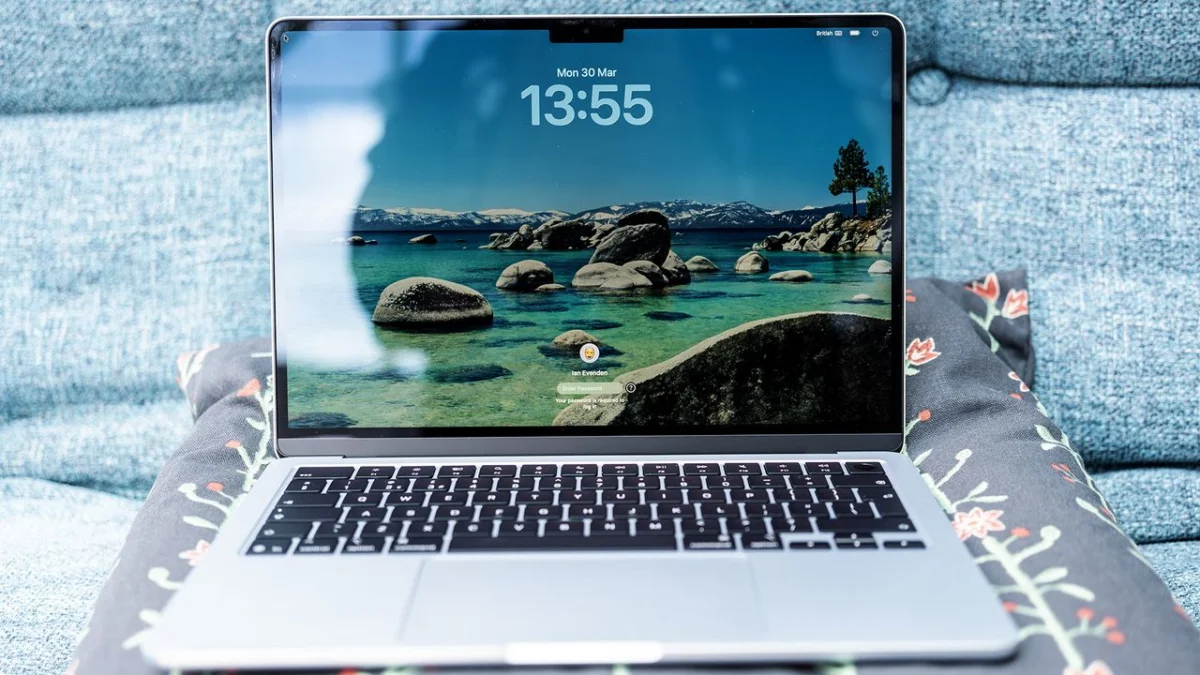
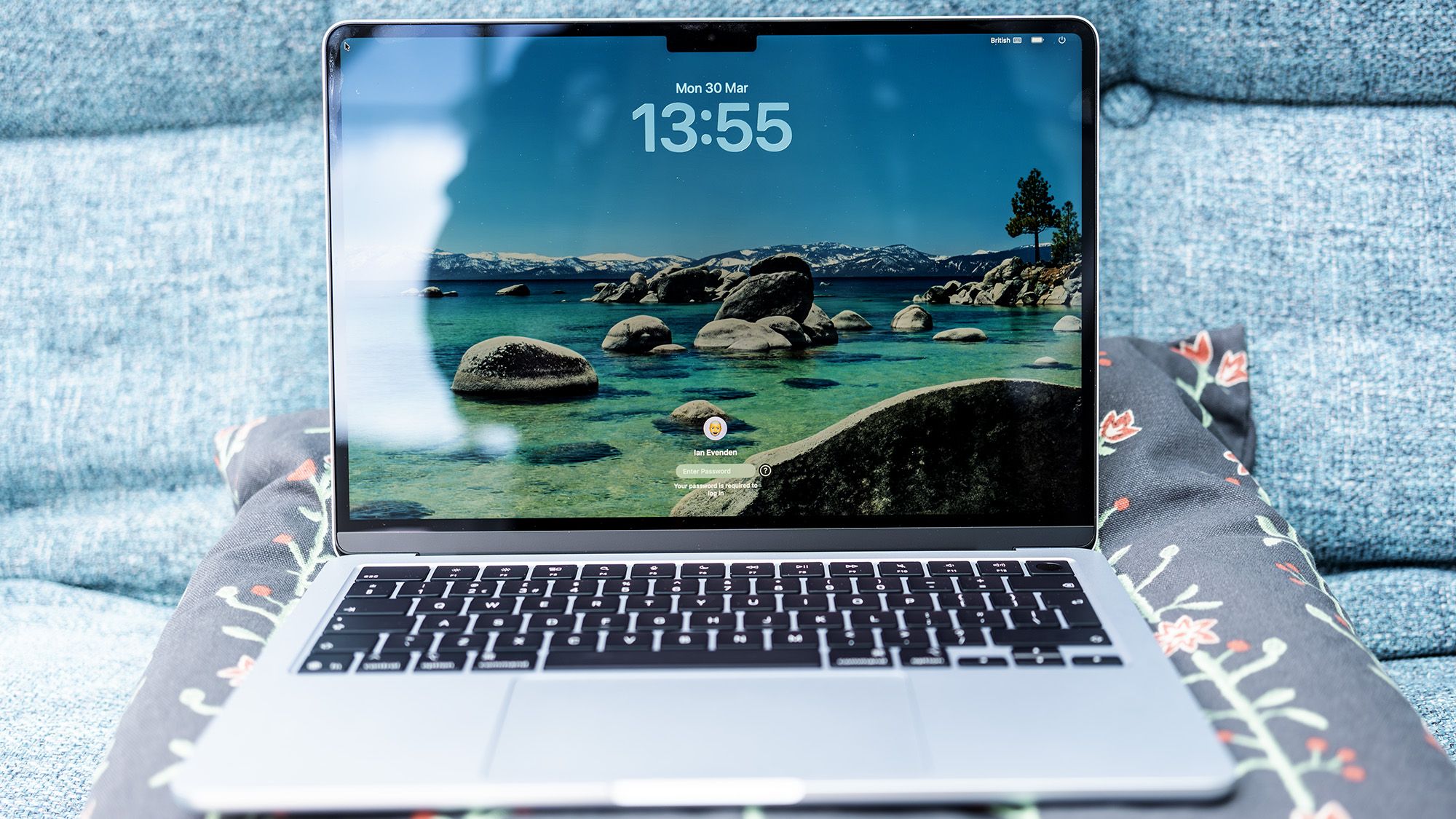
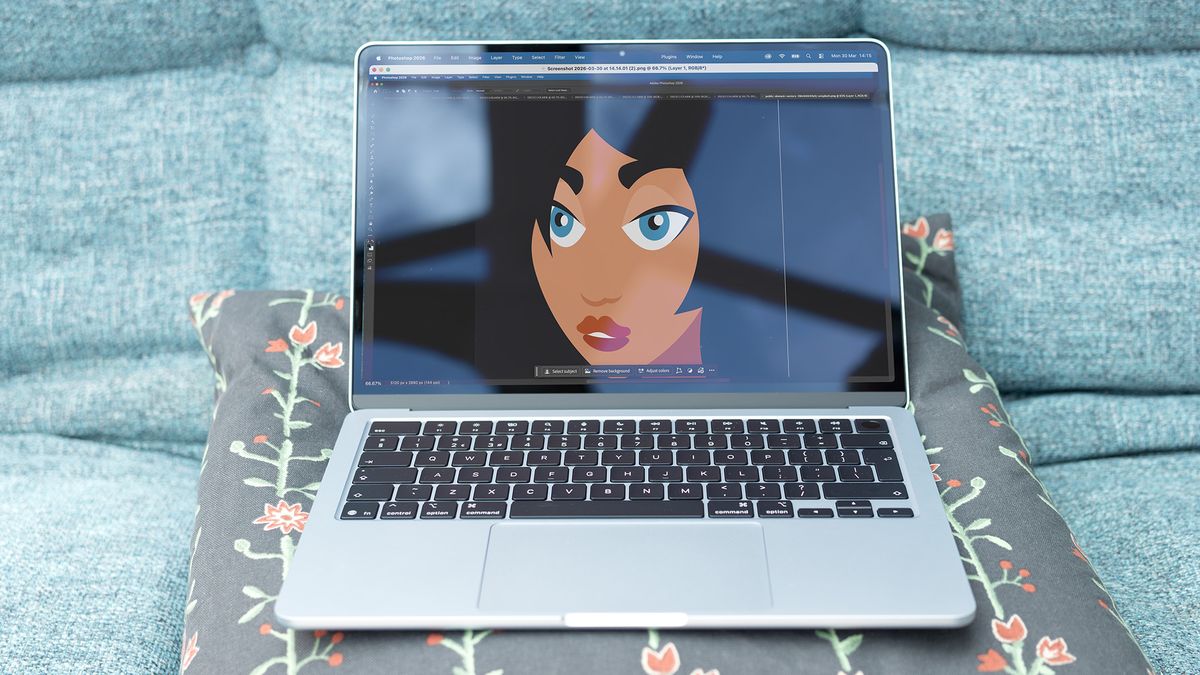
The MacBook Air, powered by Apple’s M5 chip, stands as the top recommendation for creators who need a portable solution for lighter content editing tasks. Despite its remarkably slim and lightweight design, the M5 chip delivers impressive performance, adeptly handling applications like Adobe Photoshop and less intensive video editing in Adobe Premiere Pro without breaking a sweat.
Key Specifications:
- Processor: Apple M5 (10-core CPU)
- RAM: 16GB unified (configurable to 32GB)
- Storage: 512GB SSD (configurable to 2TB)
- Display: 13-inch Liquid Retina, 2560 x 1664, 60Hz
- Ports: 2x Thunderbolt 4, 1x MagSafe 3, 1x 3.5mm audio
Why it Excels for Light Creation:
The MacBook Air’s M5 chip offers a significant leap in performance compared to previous generations. In real-world testing, it demonstrates a performance close to the entry-level MacBook Pro, with only a marginal difference in demanding benchmarks like Geekbench 6 and slightly slower performance in Photoshop. Crucially, for typical light video editing workflows, the performance gap is virtually imperceptible. The base configuration of 16GB of RAM and a 512GB SSD is more than sufficient for most users engaged in photo editing, general productivity, and non-3D graphic design.
Considerations for Growth:
While the MacBook Air is an exceptional choice for its intended purpose, it’s important to note its limitations for users with rapidly expanding creative ambitions. The maximum RAM configuration is 32GB, which may become a bottleneck for more complex projects in the future. Therefore, if long-term scalability is a primary concern, exploring other options might be advisable.
Pricing and Value:
While the MacBook Air is no longer the absolute cheapest Mac available, its pricing remains competitive, especially when considering its performance and the premium Apple ecosystem. It strikes an excellent balance between cost and capability for the light content creator.
The Desktop Alternative: Mac Mini (M4)
For creators who prefer a stationary setup and prioritize value, the Mac mini equipped with the M4 chip emerges as a compelling desktop option for light content creation. Its compact form factor belies its powerful processing capabilities, making it an ideal choice for photo editing, general productivity, and light video work from a permanent workstation.
Key Specifications:
- Processor: 10-core Apple M4
- RAM: 16GB unified (configurable to 32GB)
- Storage: 256GB SSD (configurable to 8TB)
- Display: Not included
- Ports: 3x Thunderbolt 4, 1x HDMI, 2x USB-C, 1x headphone jack, 1x Ethernet
Why it Excels for Light Creation:
The Mac mini’s CPU performance often surpasses that of desktop machines costing significantly more, offering exceptional value for money. The entry-level configuration provides ample power for everyday photo editing, graphic design, and light video editing. The ability to configure it with up to 64GB of RAM and 8TB of storage ensures longevity and scalability for years to come.
The Trade-off: Peripherals Required
The primary compromise with the Mac mini is the absence of an integrated display, keyboard, or mouse. These peripherals must be purchased separately, adding to the overall cost. However, this also offers the flexibility to choose components that best suit your ergonomic and visual preferences.
Graphics Capability:
The integrated GPU in the M4 Mac mini is proficient for photo editing and light video tasks. However, it is not designed for intensive 3D modeling or gaming. For creators whose workflows venture into these demanding graphical territories, alternative options should be considered.
Best Mac for Heavy Content Creation: Powering Demanding Workflows
When the creative process involves shooting in Log formats, working with 10-bit footage, employing numerous effects and plugins, or managing extensive multicam timelines, the demands on a Mac’s processing power, memory, and thermal management escalate significantly. These "heavy" content creation workflows require machines that can sustain peak performance over extended periods.
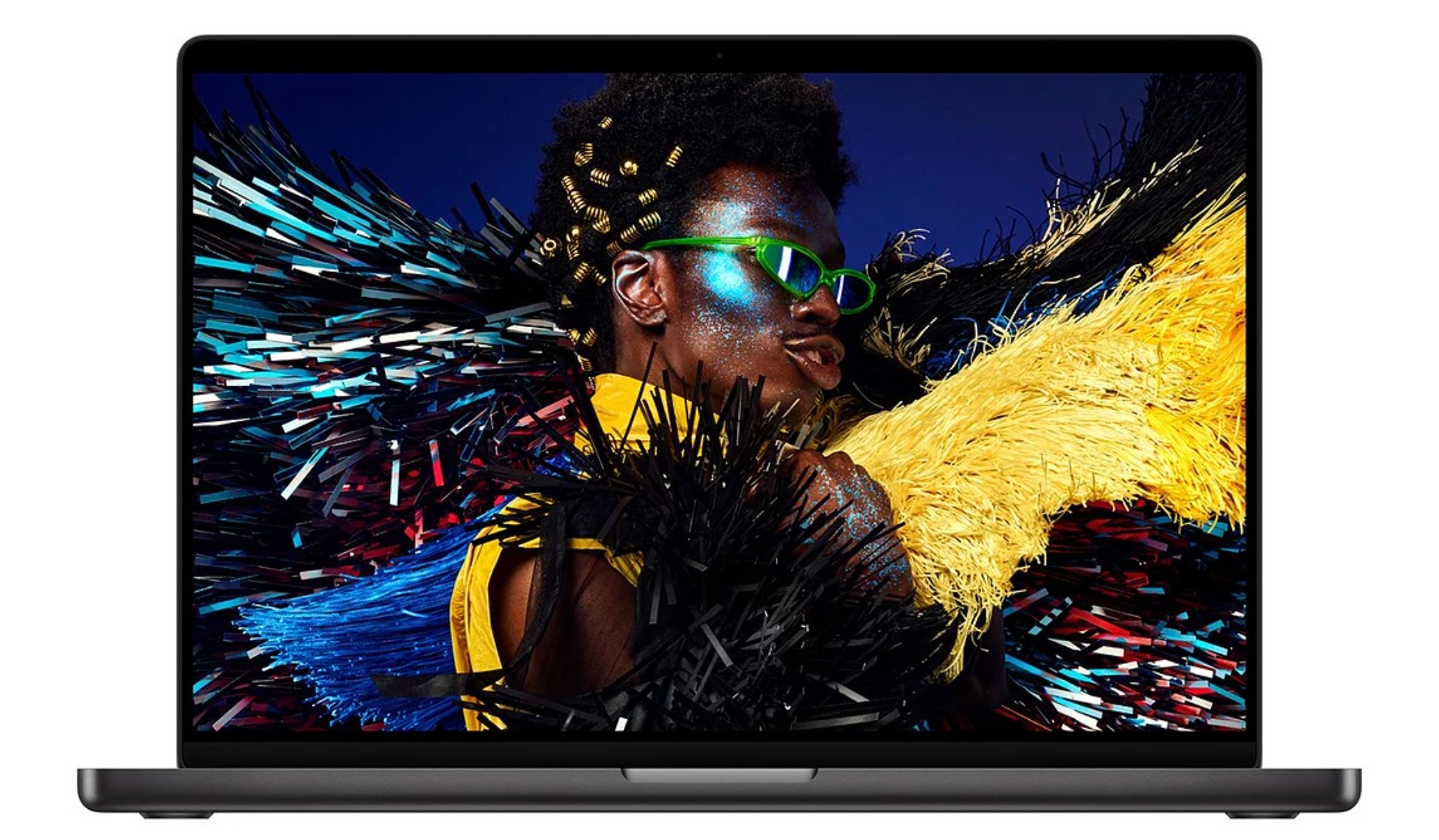
The Mobile Powerhouse: MacBook Pro (M5 Pro)
The MacBook Pro, particularly the model featuring the M5 Pro chip, represents the sweet spot for many serious content creators who require a portable yet robust solution. While the standard M5 MacBook Pro offers similar performance to the Air, stepping up to the M5 Pro unlocks a substantial increase in multi-core performance and benefits from a more advanced cooling system, ensuring sustained operation under heavy loads.
Key Specifications:
- Processor: Apple M5 Pro (up to 18-core CPU, 20-core GPU)
- RAM: 24GB unified (configurable to 64GB or more)
- Storage: 1TB SSD (configurable to 8TB)
- Display: 14-inch or 16-inch Liquid Retina XDR, up to 1,600 nits HDR
- Ports: 3x Thunderbolt 5, 1x MagSafe 3, 1x HDMI, 1x SDXC card slot, 1x 3.5mm audio
Why it Excels for Heavy Creation:
The M5 Pro chip provides a noticeable uplift in multi-core performance compared to the standard M5. Combined with its active cooling system, it can sustain high performance for longer durations, crucial for rendering complex timelines or processing large video files. The recommended configuration of 48GB of RAM, while an upgrade from the base 24GB, is highly beneficial for handling Log footage and multicam editing smoothly. The SSD speeds are exceptionally fast, allowing for seamless handling of large ProRes or RAW files.
GPU Considerations:
While the M5 Pro is a formidable chip, it’s important to acknowledge that Windows laptops equipped with dedicated NVIDIA GPUs may offer superior performance in highly GPU-intensive tasks such as AI image generation or transcoding 8K proxies. Creators whose workflows are heavily reliant on these specific graphical processes might find an advantage in alternative platforms.
The M5 Max: A Step Beyond?
The M5 Max variant of the MacBook Pro offers even greater processing power, making it an exceptional choice for professionals engaged in demanding 3D rendering or complex visual effects work. However, for the majority of content creators, the M5 Pro strikes a more advantageous balance between cost and performance. The M5 Max often represents a significant price increase for capabilities that may not be fully utilized in typical creative workflows.
Battery Life and Display:
Despite its power, the MacBook Pro maintains excellent battery life, capable of powering through a full day of editing on a single charge. The Liquid Retina XDR display, with its high brightness and contrast, provides an exceptional visual experience for color-critical work.
The Desktop Powerhouse: Mac mini (M4 Pro)
For creators who prefer a desktop environment for their demanding workflows, the Mac mini with the M4 Pro chip currently stands as the premier option. While the imminent arrival of newer models necessitates careful consideration, the M4 Pro configuration offers robust capabilities for heavy content creation.
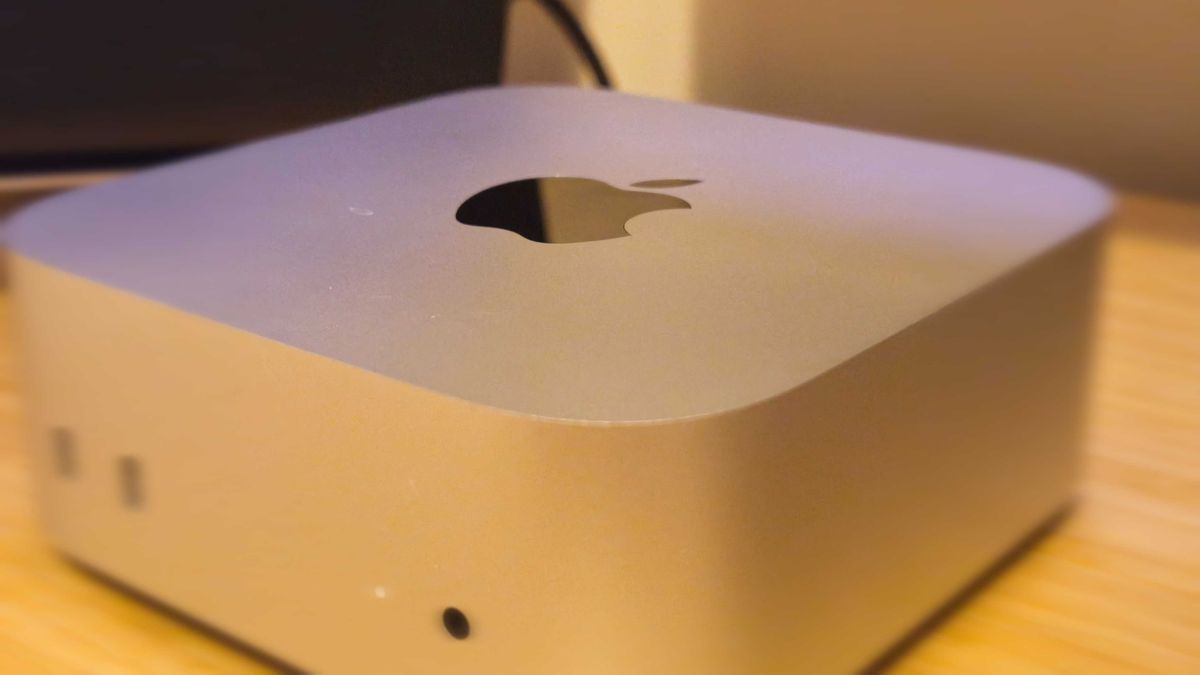
Key Specifications:
- Processor: 12-core Apple M4 Pro
- RAM: 24GB unified (configurable to 64GB)
- Storage: 512GB SSD (configurable to 8TB)
- Display: Not included
- Ports: 3x Thunderbolt 5, 1x HDMI, 2x USB-C, 1x headphone jack, 1x Ethernet
Why it Excels for Heavy Creation:
The M4 Pro chip in the Mac mini delivers substantial multi-core processing power. When configured with up to 64GB of unified memory and a higher-core GPU, it can comfortably handle demanding tasks such as editing Log footage, intricate color grading, and timelines laden with effects. The compact design, quiet operation, and efficiency make it an attractive choice for a dedicated workspace.
The Shadow of the Successor:
It is crucial to note that Apple has recently announced and made available for pre-order a new generation of Mac mini models, featuring M6 chips and M5 Pro options. These new models are expected to offer enhanced performance, particularly in AI-heavy workflows due to dedicated Neural Accelerators. For individuals starting a new setup, these upcoming models are likely to be the more future-proof choice.
Navigating the Transition:
However, the magnitude of the performance leap between generations can vary. Historical precedent, such as the incremental upgrade from the M2 to the M3 MacBook Pro, suggests that not every new generation offers a revolutionary improvement across all metrics. Until independent benchmarks of the M5 Pro Mac mini become available, the M4 Pro remains a powerful and reliable option. The expectation is that as the new models become widely available, prices for the M4 Pro configurations may decrease, offering even greater value.
The Importance of Configuration:
As with any professional-grade machine, the specific configuration of the Mac mini is paramount. For heavy content creation, investing in higher RAM (up to 64GB) and ample SSD storage (configurable up to 8TB) is essential for a smooth and efficient workflow.
Conclusion: A Mac for Every Creative Vision
The Apple ecosystem provides a compelling array of options for content creators, catering to a wide spectrum of needs and budgets. For those embarking on lighter creative endeavors, the MacBook Air (M5) offers an exceptional blend of portability and performance, while the Mac mini (M4) provides outstanding value as a desktop alternative.
When the creative demands escalate to heavy video editing, complex graphic design, or 3D work, the MacBook Pro (M5 Pro) emerges as the undisputed portable champion, offering a potent combination of processing power, memory, and battery life. For desktop users tackling these intensive tasks, the Mac mini (M4 Pro) remains a highly capable solution, though it’s wise to monitor the release and benchmarks of its successor.
Ultimately, the "best" Mac for you hinges on a clear understanding of your specific workflow, your budget, and your priorities regarding portability versus stationary power. By carefully considering these factors, you can confidently select the Apple machine that will empower your creative vision and help you bring your digital masterpieces to life.