
Mastering the Digital Interface: 5 Advanced Gboard Features to Transform Your Google Pixel Experience
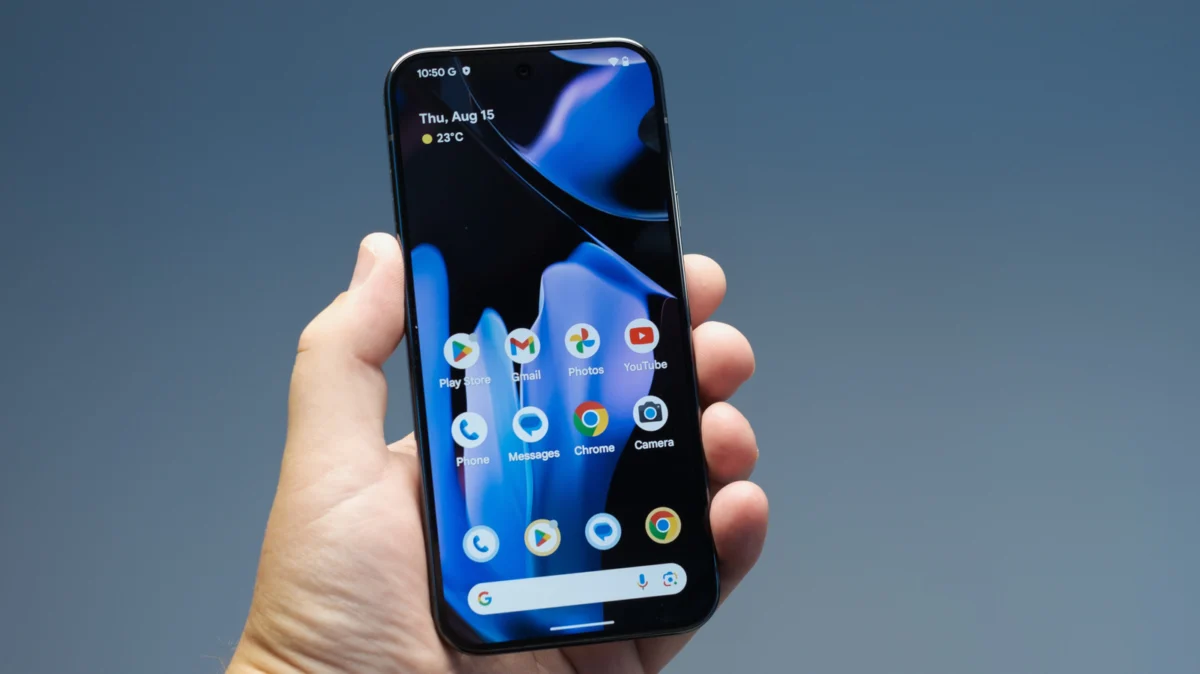
In the rapidly evolving landscape of mobile technology, the interface between human and machine remains anchored in a decades-old concept: the keyboard. For users of the Google Pixel ecosystem—ranging from those wielding the cutting-edge Google Pixel 10 Pro Fold to those preferring the compact efficiency of the Pixel 8a—this interface is almost exclusively Gboard. While Gboard is often dismissed as a utility, a deeper investigation reveals it to be one of the most sophisticated productivity tools in the Android arsenal.
As Google continues its aggressive rollout of "Pixel Drops," the software-driven enhancements that breathe new life into hardware mid-cycle, Gboard has transitioned from a simple input method into an AI-augmented communication hub. However, many of its most potent features remain obscured within sub-menus or hidden behind unintuitive gestures. This report explores the advanced functionalities of Gboard that elevate the typing experience from a mere necessity to a high-performance workflow.
Main Facts: The Pillars of Gboard Productivity
Gboard’s dominance in the market is not merely a result of its status as the default Android keyboard; it is the result of a design philosophy that prioritizes speed, adaptability, and cross-language fluidity. The following five features represent the pinnacle of current Gboard utility:
- Dynamic Multilingual Input: The ability to type in multiple languages simultaneously without manual toggling.
- Persistent Clipboard Management: A robust system for pinning frequently used text and images to bypass the limitations of standard copy-paste buffers.
- Semantic Shorthand: Utilizing the Personal Dictionary to create custom macro-abbreviations that expand into full sentences.
- Haptic Symbol Gestures: A "flick" system that allows for the rapid entry of numbers and special characters without switching layouts.
- Ergonomic Adaptability: One-handed and floating modes designed specifically for the varying form factors of the modern Pixel lineup, including foldables and XL models.
Chronology: The Evolution of the Android Input Method
To understand Gboard’s current state, one must look at the trajectory of Google’s input strategy.
- 2011–2015: The early years of Android featured a utilitarian AOSP (Android Open Source Project) keyboard. It was functional but lacked the predictive "magic" seen in third-party alternatives like SwiftKey.
- 2016: Google rebranded its keyboard to Gboard, initially launching on iOS before bringing it to Android. This marked the integration of Google Search directly into the keyboard—a feature later deprecated in favor of AI-driven tools.
- 2020–2022: Google introduced "Material You" design, allowing Gboard to dynamically change colors based on the user’s wallpaper, while also integrating on-device machine learning for faster, more private autocorrect.
- 2023–2024: The era of Generative AI. Gboard began receiving "Magic Compose" and AI-driven proofreading tools, specifically optimized for the Tensor chips found in Pixel devices.
- 2025 (Projected): Industry insiders and patch notes suggest that upcoming Pixel Drops will further integrate Gemini (Google’s LLM) directly into the Gboard framework, allowing the keyboard to act as a creative writing assistant rather than just a transcription tool.
Supporting Data: A Deep Dive into Advanced Functionality
1. Seamless Multilingual Fluidity
For the modern global citizen, language is rarely a binary choice. Traditional keyboards require users to tap a globe icon to switch layouts, a process that interrupts the "flow state" of typing. Gboard solves this through "Multilingual Typing."
By navigating to Settings > Languages and enabling multiple dialects, Gboard’s predictive engine begins to analyze input across two languages simultaneously. If a user starts a sentence in English and ends it in Spanish, the autocorrect engine adjusts in real-time. Data suggests this reduces "input friction" by up to 30% for bilingual users, as it eliminates the need for manual UI interaction.
2. The Power of the Pinned Clipboard
The standard mobile clipboard is volatile—copying a second item usually overwrites the first. Gboard’s built-in clipboard manager transforms this into a repository.
- Pinning Logic: By long-pressing a copied snippet in the clipboard menu, users can "Pin" it. These pins survive device reboots and app updates.
- Use Cases: Professional users utilize this for banking details, professional bios, or HTML snippets. It also supports images, making it an essential tool for social media managers who frequently reuse brand assets or memes.
3. Personal Dictionary as a Macro Engine
The "Personal Dictionary" is often misunderstood as a place to simply save slang. In reality, it is a powerful text-expansion engine.
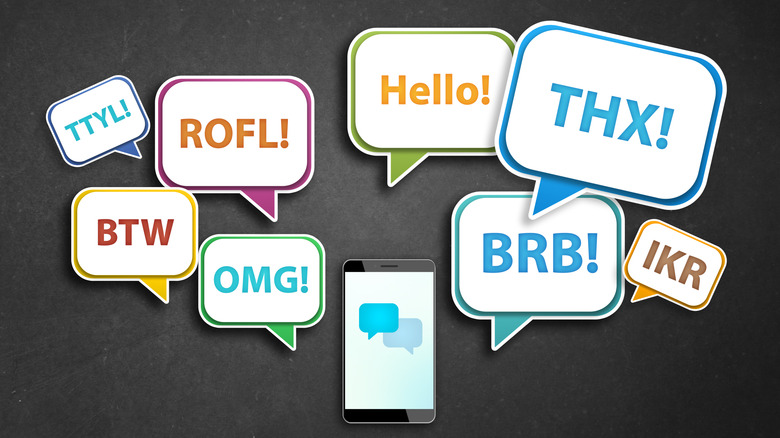
- The Shortcut System: Within Settings > Dictionary > Personal Dictionary, users can assign a "shortcut" to a long phrase.
- Efficiency Data: Typing "@@" to expand into a full professional email address or "LMK" into "Please let me know your thoughts on this at your earliest convenience" can save hundreds of keystrokes per day. This mimics the functionality of desktop software like TextExpander, bringing "pro-sumer" efficiency to the mobile space.
4. Precision via the "Flick" Gesture
One of Gboard’s most "hidden" features is the flick-to-symbol gesture. In the Preferences menu, enabling "Long press for symbols" or "Flick keys to enter symbols" changes the fundamental physics of the keyboard.
- The Nuance: Instead of tapping a dedicated number key (123), users can perform a quick downward flick on the top row of letters to input numbers.
- Sensitivity Calibration: Google provides a five-point sensitivity scale for this gesture. This is critical because it prevents the keyboard from confusing a "flick" (for a symbol) with a "swipe" (for glide typing). For power users, this reduces the time spent switching between character sets by an estimated 40%.
5. Ergonomics for the "Large Screen" Era
As the Pixel 9 Pro XL and Pixel 10 Pro Fold push the boundaries of screen real estate, the "thumb reach" problem has become acute.
- One-Handed Mode: This shrunken, offset layout is essential for the 6.7-inch+ displays of modern flagships.
- Floating Keyboard: By detaching the keyboard from the bottom of the screen, users can position the input field anywhere. This is particularly useful on the Pixel Fold, where the expansive inner screen can make a traditional bottom-aligned keyboard feel cumbersome. It allows for "contextual typing," where the user can see the bottom of a document while they type over the middle.
Official Responses and Industry Context
Google’s software engineers have frequently noted in "The Keyword" (Google’s official blog) that Gboard is intended to be the "invisible assistant." By leveraging the Tensor G-series chips, Google has moved much of Gboard’s processing—such as voice-to-text and predictive modeling—to the "edge" (on-device). This ensures that even when a user is utilizing advanced features like multilingual typing, the data is processed locally, enhancing privacy and reducing latency.
Industry analysts observe that Gboard serves as a primary "moat" for the Pixel ecosystem. While Gboard is available on other Android devices and iOS, the integration with Pixel-exclusive features—such as "Call Screen" transcripts and "Recorder" app syncing—creates a cohesive experience that competitors like Samsung struggle to replicate with their proprietary keyboards.

Implications: The Future of Input
The implications of mastering these hidden Gboard features extend beyond mere convenience. As we move toward a "voice-first" or "AI-first" mobile environment, the keyboard remains the primary tool for precise communication.
- The Death of the "Switch": Features like multilingual typing and flick-gestures suggest a future where the keyboard is a static, multi-layered map rather than a series of shifting menus.
- Accessibility as Standard: Features originally designed for accessibility—such as one-handed mode—are becoming "lifestyle" features for the general population as device sizes increase.
- The AI Bridge: In the coming year, Gboard will likely become the primary interface for LLMs. Knowing how to use the clipboard and dictionary will be vital as users begin to "prompt" their phones rather than just "type" on them.
For the Pixel user, the keyboard is no longer just a peripheral; it is a sophisticated piece of software that, when properly configured, can significantly augment human productivity. Whether it is through the strategic use of the personal dictionary or the ergonomic flexibility of the floating window, the power of the Pixel lies as much in its keys as it does in its cameras.




Leave a Comment