The Rise of Browser-Based Proceduralism: An In-Depth Look at Terrain Studio
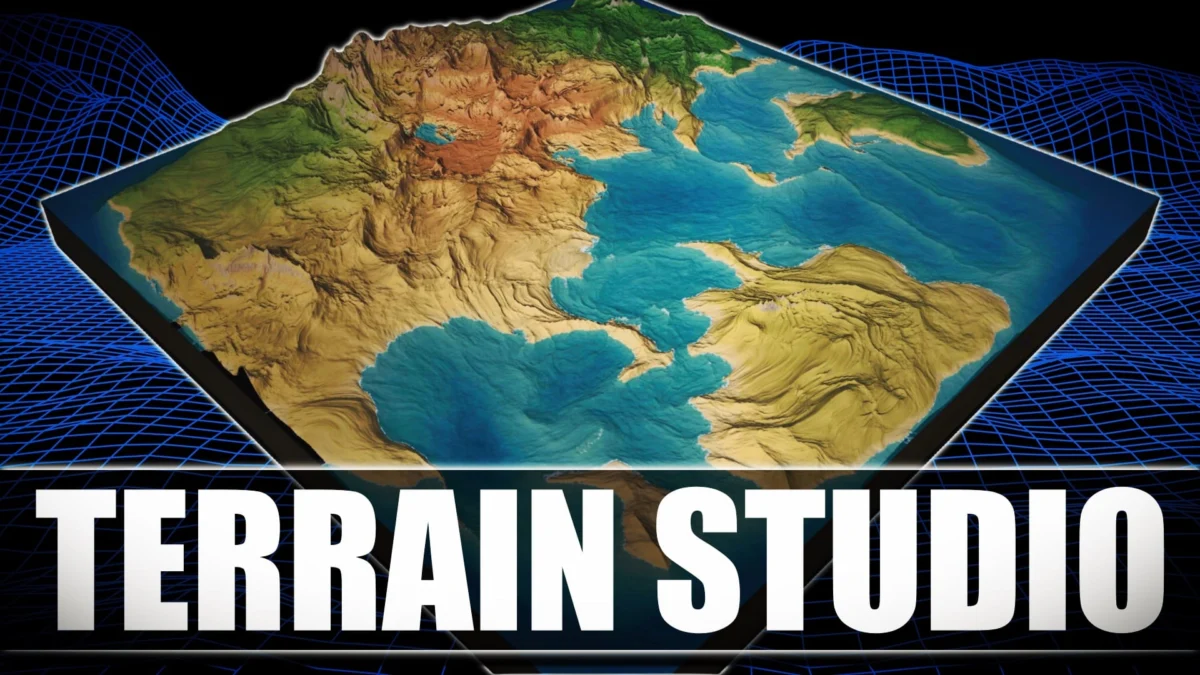
The landscape of digital content creation is currently undergoing a seismic shift. For decades, high-end 3D world-building was the exclusive domain of heavy, expensive desktop applications that required significant hardware resources and steep licensing fees. However, a new contender has emerged from the open-source community, challenging the status quo by bringing professional-grade procedural terrain generation directly to the web browser.
Terrain Studio, a new free and open-source (FOSS) world-building application, represents a significant milestone in the democratization of game development tools. Built on the robust Three.js framework, Terrain Studio leverages modern web technologies to offer a seamless, high-performance environment for creating complex 3D worlds. By combining the accessibility of the web with the power of GPU-accelerated procedural generation, Terrain Studio is positioning itself as a vital tool for indie developers, hobbyists, and professional environment artists alike.
Main Facts: A New Paradigm in World Building
Terrain Studio is not merely a toy; it is a sophisticated, shader-driven procedural generator designed for efficiency and flexibility. At its core, the application is built using a modern tech stack comprising React, Vite, and Three.js (utilizing WebGL2). This combination allows for a responsive user interface paired with a high-performance rendering engine.
The most striking feature of Terrain Studio is its "GPU-first" philosophy. Unlike traditional terrain editors that often rely on baked CPU heightmaps to drive the live view—which can lead to latency and hardware bottlenecks—Terrain Studio computes height, normals, and biome colors directly on the Graphics Processing Unit (GPU). This means that changes made to the procedural parameters are reflected instantaneously in the viewport, providing a "What You See Is What You Get" (WYSIWYG) experience that was previously only available in premium desktop software like Gaea or World Machine.
The application currently offers three distinct operational modes, each catering to different scales of environmental design:
- Tile Mode: A fixed terrain board system featuring per-chunk Level of Detail (LOD), optimized for precise painting and export.
- Infinite World: A streamed chunk grid that generates terrain around the camera in real-time, allowing for "infinite" exploration via a first-person shooter (FPS) or flight-sim style camera.
- Planet Mode: A sophisticated cube-sphere procedural planet generator complete with atmospheric scattering, volumetric clouds, and orbital camera controls.
Chronology: The Evolution of Web-Based 3D Tools
To understand the significance of Terrain Studio, one must look at the trajectory of web-based 3D graphics over the last decade.
- 2011–2014: The Birth of WebGL. The initial release of WebGL brought hardware-accelerated 3D graphics to browsers without the need for plugins. Early experiments were limited, but they laid the groundwork for libraries like Three.js.
- 2017: WebGL2 and Enhanced Performance. The arrival of WebGL2 provided developers with access to more advanced GLSL shaders and 3D textures, which are critical for the kind of procedural noise generation found in Terrain Studio.
- 2020–2023: The React/Vite Revolution. The maturation of frontend frameworks like React, combined with the lightning-fast build speeds of Vite, allowed developers to create complex, application-grade interfaces in the browser.
- Present Day: The Launch of Terrain Studio. Developer ZyFou released Terrain Studio as an open-source project on GitHub, signaling a shift toward browser-resident tools that can compete with native applications. The project reflects a broader industry trend where the "browser as an OS" concept is finally becoming a reality for creative professionals.
Supporting Data: Technical Specifications and Performance
The technical prowess of Terrain Studio is rooted in its architectural choices. By utilizing Three.js, the project taps into the most mature ecosystem for web-based 3D. However, the specific implementation of shaders is what sets it apart.
Shader-Driven Architecture
In Terrain Studio, the terrain is not a static mesh. Instead, it is a dynamic surface defined by mathematical noise functions (such as Perlin or Simplex noise) calculated within the fragment and vertex shaders. This allows for:
- Infinite Detail: Because the terrain is calculated mathematically, the resolution can theoretically scale with the hardware’s ability to render pixels.
- Low Memory Overhead: Since the CPU does not need to store massive arrays of vertex data for the entire world, the application remains lightweight and fast to load.
Export Versatility
For a tool to be useful in a professional pipeline, it must play well with others. Terrain Studio supports several export paths:
- Height Maps: Users can export grayscale textures representing the elevation data, which can then be imported into Unity, Unreal Engine 5, or Godot.
- Textured Meshes: For those working in DCC (Digital Content Creation) tools like Blender or Maya, Terrain Studio can export full 3D meshes with accompanying texture maps for color and normals.
Browser Accessibility
Because Terrain Studio runs in the browser, it bypasses the traditional "installation barrier." There are no .exe or .dmg files to manage, and no system requirements checks to pass before the software opens. This makes it an ideal tool for rapid prototyping and collaborative sessions where a developer might want to quickly iterate on a landscape idea without opening a heavy engine.
Official Responses and Developer Vision
While "official" corporate statements are absent in an open-source project of this nature, the developer’s documentation and the project’s GitHub repository provide a clear window into the vision for Terrain Studio.
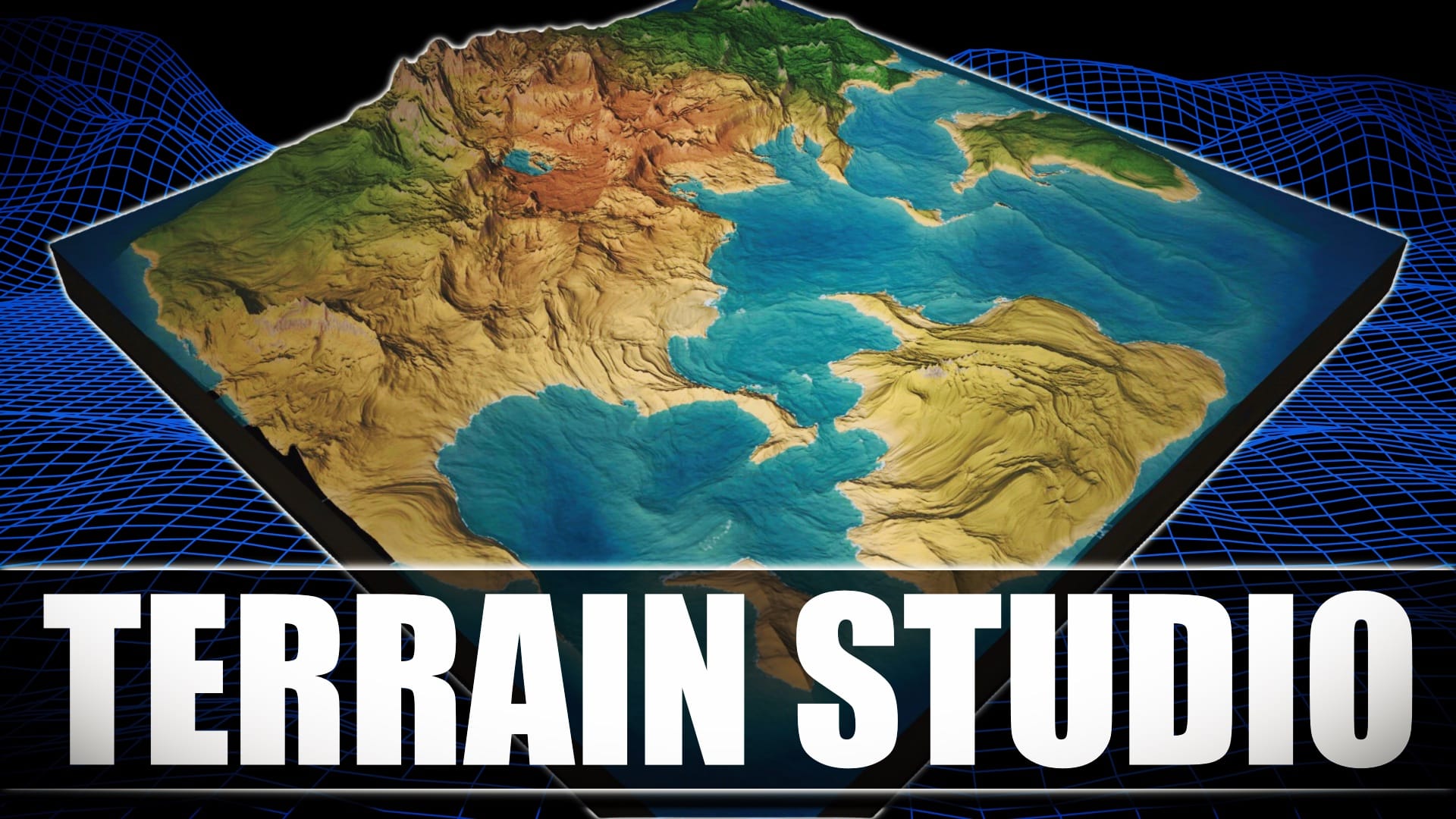
The developer, known as ZyFou, emphasizes the project’s commitment to the "Procedural" aspect of world-building. In the repository documentation, the project is described as a solution for those who need "live views" without the lag of baked data. The community response on platforms like GitHub and Reddit has been overwhelmingly positive, with contributors already suggesting features such as erosion simulation, vegetation scattering, and integration with WebGPU—the next-generation web graphics API.
The decision to host the project on GitHub under an open-source license is a strategic one. It invites the community to audit the code, fix bugs, and add features, ensuring that the tool evolves faster than a solo-developed proprietary application might. This "community-driven development" model has proven successful for other tools in the game dev space, such as the Godot Engine and Blender.
Implications: The Democratization of Game Development
The emergence of Terrain Studio has several long-term implications for the game development industry and the broader field of 3D visualization.
1. Lowering the Barrier to Entry
The high cost of professional terrain software (often hundreds of dollars per year) has long been a hurdle for student developers and creators in developing nations. Terrain Studio removes the financial barrier entirely. By providing a professional-grade tool for free, it allows a new generation of creators to experiment with high-level environmental design.
2. The Move Toward "Engine-Agnostic" Tools
Modern game development often sees creators locked into a specific ecosystem (e.g., "The Unity Way" or "The Unreal Way"). Terrain Studio represents a move toward engine-agnosticism. A developer can design a world in their browser and then decide later whether to bring it into a traditional game engine, a web-based experience, or a cinematic render in Blender.
3. Real-Time Collaboration and Web-Based Pipelines
As internet speeds increase and web technologies like WebAssembly and WebGPU mature, we are likely to see more of the "creative suite" move to the cloud. Terrain Studio is a harbinger of this future. Imagine a scenario where a level designer shares a URL with a creative director, and both can manipulate the mountains and valleys of a digital world in real-time within a shared browser session.
4. Educational Utility
For educators teaching game design, Terrain Studio is a dream tool. Its lack of installation requirements means it can be used on low-powered school laptops or even Chromebooks. It provides a visual, tactile way to teach students about noise functions, vertex displacement, and the principles of 3D coordinates without the overhead of a complex IDE.
Conclusion: The Future of Terrain Studio
Terrain Studio is currently in an exciting phase of growth. While it already offers a robust feature set—including the impressive Planet Mode with its volumetric clouds—the roadmap for such a project is theoretically limitless.
As the project matures, we can expect to see more refined "biomes," perhaps incorporating hydraulic erosion algorithms that mimic how water carves landscapes over millions of years. There is also the potential for integration with AI-assisted generation, where a user might describe a landscape in text and have Terrain Studio’s shaders adjust the parameters to match the description.
For now, Terrain Studio stands as a testament to what is possible when open-source passion meets modern web technology. It is a powerful, accessible, and highly capable tool that proves you don’t need a $3,000 workstation or a $50-a-month subscription to build a world. You just need a browser and an imagination.
Resource Summary:
- Live Application: terrains.zyfod.dev
- Source Code: Terrain Studio GitHub Repository
- Core Technologies: React, Vite, Three.js, WebGL2.