Adobe MAX Unveils "Project Link Up": A Revolutionary Leap in Vector Design, Promising to Redefine Creative Workflows
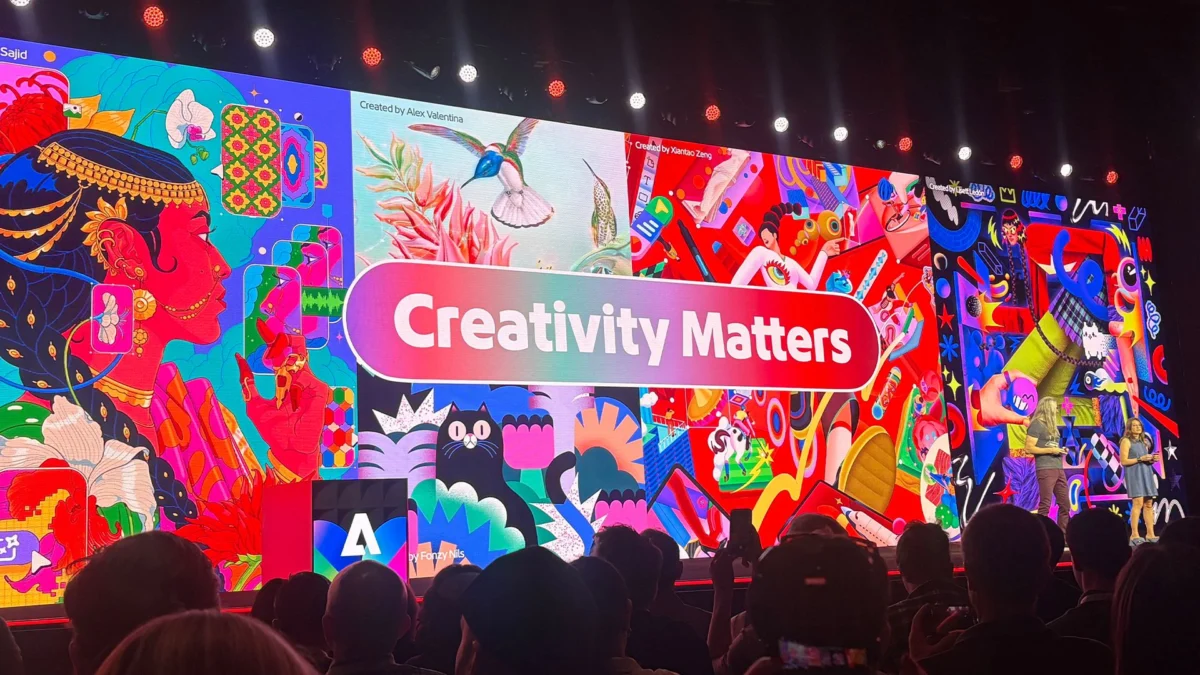
LAS VEGAS, NV – Adobe MAX, the annual spectacle of innovation for creatives, has once again lived up to its reputation for unveiling groundbreaking tools. This year, amidst a flurry of exciting announcements, one particular project stands out, poised to fundamentally alter the landscape of vector design. "Project Link Up," a concept showcased during the event’s highly anticipated "Sneaks" segment, promises to inject an unprecedented level of intuitive intelligence into the process of manipulating vector objects, offering a glimpse into a future where design tools anticipate and adapt to creative intent.
For illustrators, concept artists, graphic designers, and virtually any creative professional working with vectors, the implications of Project Link Up are profound. The core of this innovation lies in transforming the mundane act of dragging an object into a context-aware fusion, where the software automatically aligns the dragged element with the perspective of its surrounding environment. This seemingly simple shift has the potential to eliminate one of the most time-consuming and tedious aspects of vector work: the constant redrawing and manual adjustment of objects to match new viewing angles and scene compositions.
The announcement has generated significant buzz within the creative community, with many hailing it as a potential game-changer. To delve deeper into the vision and technical intricacies behind Project Link Up, we sat down with Hailin Jin, Senior Principal Scientist and Research Lead for Imaging and Design at Adobe, to gain an insider’s perspective on this ambitious endeavor.
The Genesis of Intuitive Design: From Everyday Gestures to Powerful Tools
The inspiration behind Project Link Up, as explained by Hailin Jin, stems from a keen observation of fundamental human interaction with digital tools. "Mohit and the team started with an observation about an everyday gesture: dragging an object," Jin elaborated. "Design tools usually interpret that as an instruction about placement, but there’s much more intent in what a designer moves, where they move it, and how they move it."
This fundamental insight recognized a disconnect between the user’s intent and the software’s interpretation. Consider the common scenario of placing an illustrated car into a pre-existing scene. Traditionally, this involves a multi-step process: the designer drags the car to its approximate location, then meticulously adjusts its perspective, scale, and potentially even its stylistic elements to seamlessly integrate it into the scene. This iterative process, while effective, can be laborious and interrupt the flow of creative exploration.
"The team asked whether the gesture itself could communicate more of that creative direction and help adapt the object to its surroundings, while keeping the result editable," Jin continued. This question forms the bedrock of Project Link Up’s philosophy: to imbue familiar gestures with deeper meaning, allowing software to proactively assist the designer in achieving their desired outcome. The "aha!" moment wasn’t a singular flash, but rather a growing realization that the simple act of dragging held untapped potential for conveying complex creative instructions.
A Symphony of Control: Parametric Adjustments and Creative Intent
A significant concern for designers when presented with automated or AI-assisted features is the potential loss of granular control. Project Link Up addresses this head-on by emphasizing the designer’s agency. Jin confirmed that the tool will indeed offer parametric control, allowing users to fine-tune the level of adaptation.
"Yes. In our current prototype, a creativity slider lets the designer guide how subtle or expressive the adaptation should be, from preserving more of the original form to exploring a more dramatic transformation," Jin explained. This slider acts as a crucial bridge, enabling designers to dictate the intensity of the contextual adaptation. A subtle adjustment might preserve the original character of an object while gently nudging its perspective, whereas a more expressive setting could lead to a more pronounced transformation, allowing for bolder stylistic explorations.
The ultimate goal, as articulated by Jin, is to "combine the ease of a gesture with explicit creative control." This means that while the tool intelligently assists in aligning objects, the designer remains firmly in command, able to steer the outcome with precision. Crucially, the resulting vector artwork will remain fully editable. This is a vital aspect, ensuring that the initial adaptation is not a final commitment but rather a starting point for further refinement, allowing designers to continue shaping and perfecting their creations.
Navigating Stylistic Dichotomies: Harmonizing Contrasting Elements
A particularly intriguing challenge in any visual composition is how to integrate elements that possess fundamentally different stylistic characteristics. Project Link Up’s approach to this scenario is nuanced and user-centric, prioritizing the designer’s intent above all else.
"Two contrasting styles don’t necessarily need to become one," Jin stated. "The key is understanding the creator’s intent: should the object match the scene, retain its own personality, or create a deliberate contrast?" This highlights a sophisticated understanding of design principles. Project Link Up isn’t about forcing disparate styles into an unnatural homogeneity. Instead, it aims to provide tools that allow designers to consciously direct the relationship between elements.
The prototype explores a combination of the drag gesture, scene context, creative controls, and prompt guidance. This means a designer could articulate their intentions through various means. For instance, they might specify "match the scene’s illustration style," effectively instructing the tool to adapt the dragged object to harmonize with the existing aesthetic. Alternatively, they could opt for "keep this character’s style, but adapt its perspective and lighting," preserving the unique visual identity of the object while still benefiting from contextual adjustments.
"The aim is to help designers steer the relationship between elements, while keeping the resulting vector artwork editable," Jin reiterated. This commitment to editable output and designer-driven intent ensures that Project Link Up serves as a powerful assistant, not a prescriptive overlord.
The Creative Philosophy: Immediate Exploration and Iterative Discovery
At its heart, Project Link Up is driven by a philosophy aimed at fostering immediate creative exploration. Jin articulated this beautifully: "The philosophy is to make creative exploration more immediate. When combining two elements requires substantial adjustment before you can judge whether an idea works, that effort can interrupt the process of discovery."
In traditional workflows, the friction points – the manual adjustments, the constant redrawing – can create a barrier to spontaneous ideation. Designers might hesitate to experiment with different compositions or stylistic integrations due to the anticipated effort involved. Project Link Up seeks to dismantle this barrier.
"Link Up explores how a familiar gesture could let designers try different relationships between objects, see what happens and develop the ideas they find interesting," Jin explained. By streamlining the integration process, the tool empowers designers to quickly iterate on their ideas, test different visual relationships, and more readily identify promising directions. The ability to maintain editable vector artwork throughout this process is paramount, ensuring that these explorations can seamlessly transition into refined designs.
Eliminating Tedium: The Single Most Time-Consuming Chore Removed
When asked to identify the single most time-consuming and tedious chore that Project Link Up could eliminate, Jin pointed to a pervasive challenge in visual design:
"A strong example is manually reworking an asset to fit a new scene, particularly redrawing it from a different perspective," he stated. "The team is exploring how that adaptation could happen as the designer places the object. That could reduce the preparation needed to evaluate a composition and give designers more time to refine the creative decisions that make it work."
This addresses a significant bottleneck. Imagine a scenario where a client requests an illustration with a dramatically different camera angle. Without Project Link Up, a designer might spend hours redrawing an object from scratch or meticulously manipulating it in 3D space before even beginning to integrate it into the scene. Project Link Up, by intelligently adapting perspective and potentially other contextual elements during the placement phase, could drastically reduce this preparatory work, freeing up valuable time for higher-level creative thinking and execution.
The Future of Adobe Apps: Tools That Understand Creative Content
Looking ahead, the implications of tools that "understand what they hold" are vast and will undoubtedly shape the future of working within Adobe applications. Jin provided a compelling vision:
"A major direction in our research is helping tools understand creative content and the relationships within it," he explained. "That understanding can make interactions more meaningful: moving an object into a scene could communicate an intention about perspective or composition, rather than simply a new position."
This signifies a shift from a command-based interface to a more collaborative and intelligent one. Instead of explicitly telling the software what to do at every step, designers will be able to convey their intent more implicitly, and the software will respond in a way that aligns with that intent. This could lead to a more fluid and intuitive user experience, where the tools feel like extensions of the designer’s own creative process.
For experienced professionals, this means an opportunity to "express their judgment more directly and retain precise control over the result." Project Link Up is presented as a pioneering step in this direction, exploring how familiar gestures can be imbued with richer meaning. Adobe’s research is focused on understanding what creators expect from these gestures and how software can respond in ways that are both "useful and predictable." This commitment to user-centric development suggests a future where Adobe applications are not just powerful tools, but intelligent partners in the creative journey.
As Project Link Up moves from the "Sneaks" concept to potential integration into Adobe’s professional suite, it heralds an exciting new era for vector design. The promise of more intuitive workflows, reduced tedium, and enhanced creative exploration positions it as a development that will undoubtedly be watched closely by creatives worldwide. The continuous evolution of Adobe’s tools, driven by a deep understanding of the creative process, continues to redefine what’s possible in the digital art and design space.